
Mobile Gaming Controller: USB-C vs Bluetooth for Android
Compare USB-C and Bluetooth Android controllers by input path, game support and cooler clearance, with clear limits on latency and Hall-effect claims.
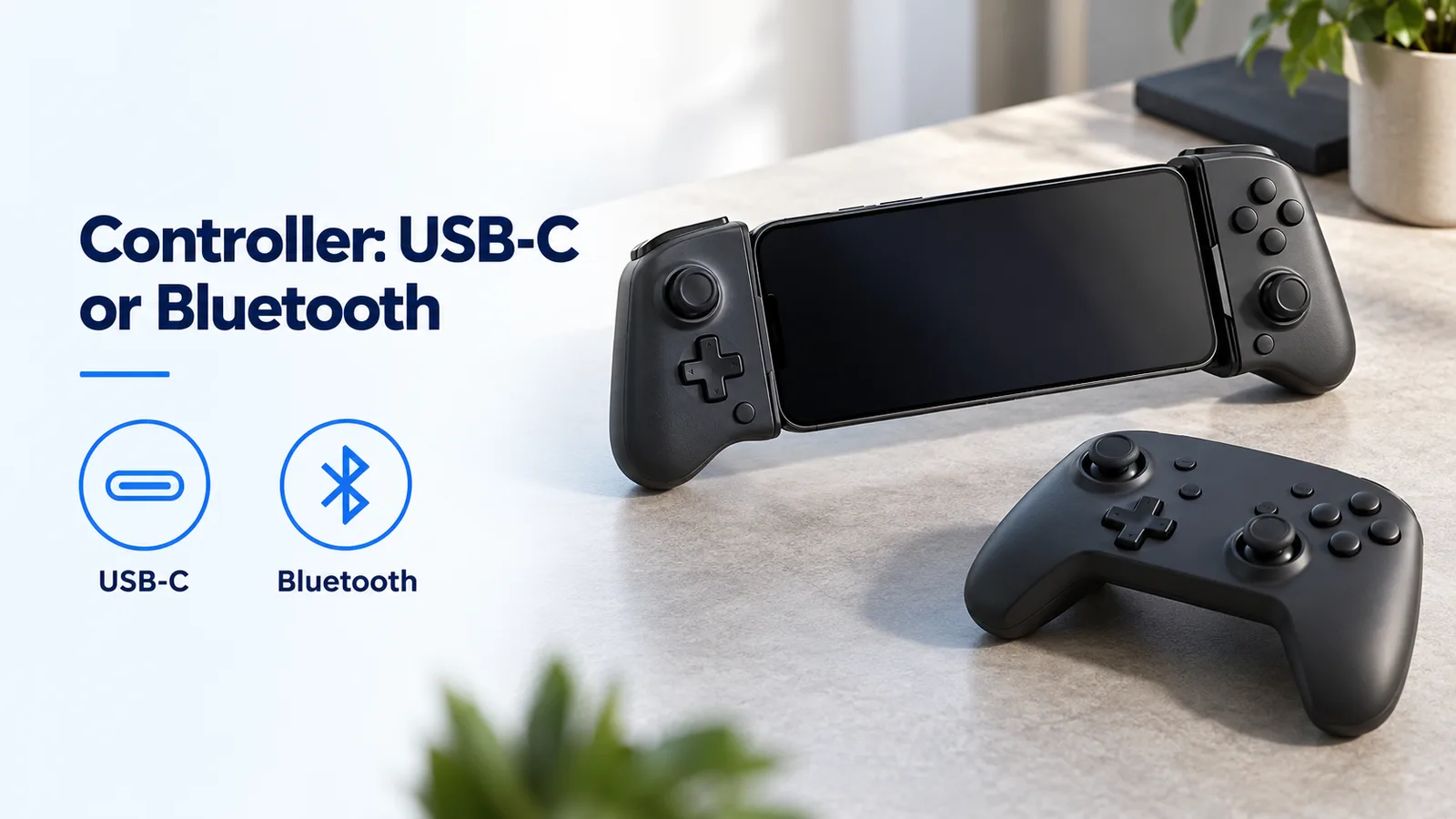
Connection choice and physical clearance are separate checks when choosing an Android controller.
A mobile gaming controller that pairs successfully can still fail in your Android game or prevent a cooler from fitting. Start with direct USB-C when the attached controller fits your phone; choose Bluetooth when keeping the phone port accessible or placing the controller separately matters more.
For Android, USB-C versus Bluetooth is a choice of connection path and physical arrangement before it is a latency comparison. GameSir documents the G8 Galileo as a USB-C controller with pass-through charging and the G8 Plus as Bluetooth for mobile devices in specifications retrieved on 19 October 2026. Neither specification establishes a measured Android button-to-screen advantage. Check support inside the game, full connector seating with your case, and space for any clip-on cooler. A Bluetooth connection frees the phone’s data port from the controller plug, but a telescopic controller can still cover the phone’s rear surface and cooler mounting area.
Scroll horizontally to see all columns.
| Arrangement | Input path and useful condition | What you must verify | Dominant Failure Mode & Prevention |
|---|---|---|---|
| Direct USB-C, illustrated by G8 Galileo | Controller plugs into the phone; useful for an attached handheld arrangement | Port alignment, case opening, game support and charging arrangement | Case lip or added hardware prevents full seating; check fit without forcing the connector |
| Bluetooth telescopic, illustrated by G8 Plus | Radio link to Android; useful when the phone port must remain accessible | Correct mobile mode, controller charge, game support and rear bridge clearance | Pairing succeeds but the game ignores input; verify the actual game’s controller support and mode |
| Bluetooth controller held separately | Radio link with phone on its own support | Stable phone placement, charging lead route and cooler mounting space | Phone mount or cooler cable interferes with handling; assemble the complete arrangement before play |
These are arrangement choices, not a ranked product list. Start from the wider Android accessory checks if a case, cable or mount is also changing.
How does each controller send input to Android?
A direct USB-C controller sends input through the phone connector; a Bluetooth controller uses its radio connection. The plug shape alone does not tell you which path a product uses: a Bluetooth controller can also have a USB-C socket for another purpose.
GameSir’s G8 Galileo specification, retrieved on 19 October 2026, describes a movable Type-C port and pass-through charging. The G8 Plus specification, retrieved the same day, explicitly separates Bluetooth for mobile devices from wired and wireless-dongle connections for PC. Do not infer Android wired input merely because a USB cable is included with the Bluetooth product. Check the exact model name before applying those connection instructions.
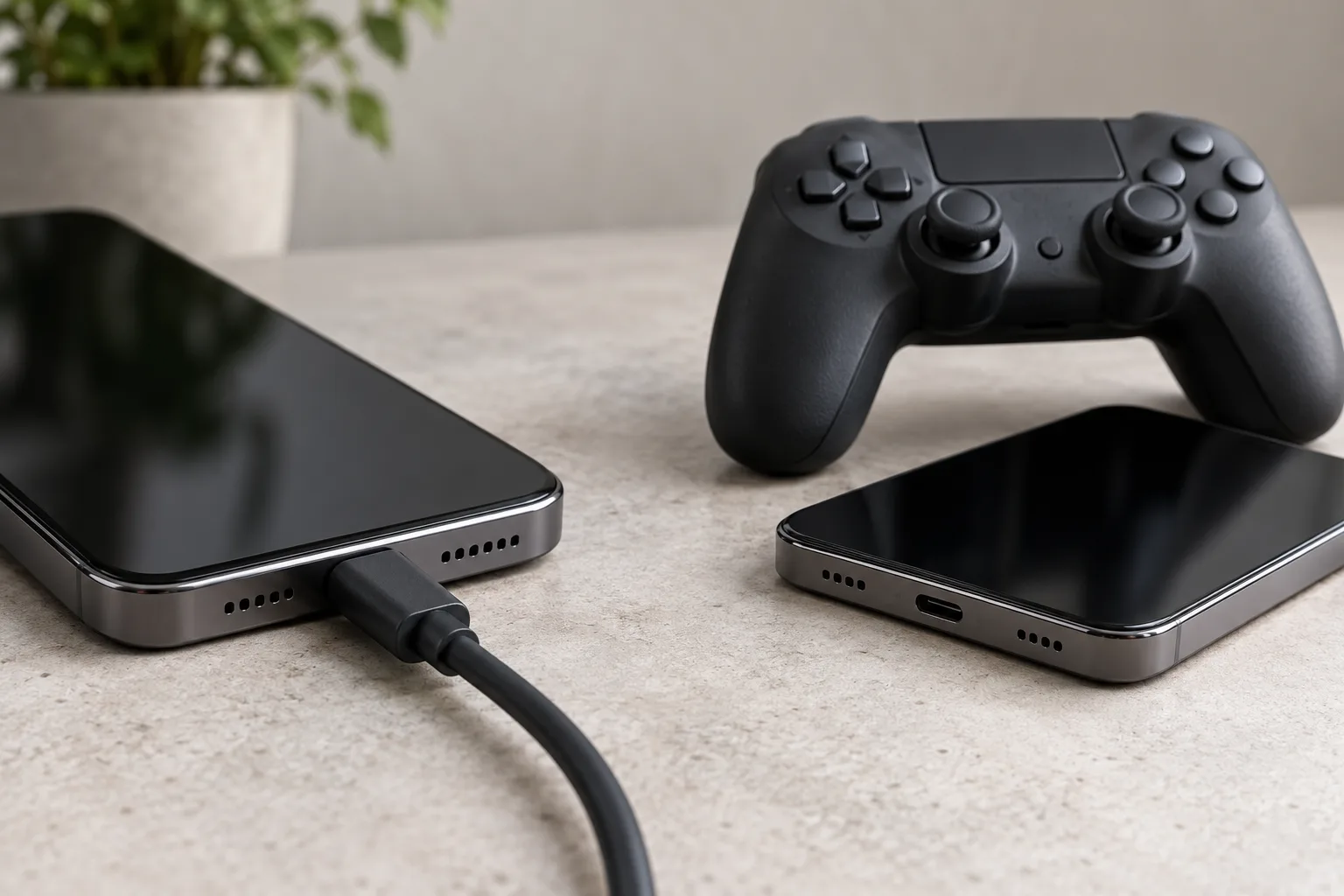
The game is the next boundary. Android’s controller input documentation explains button events and joystick motion events that games handle. A connected accessory does not add support to a game that ignores those events. Check the game’s own controller instructions, then verify the buttons, sticks and triggers you need inside that game.
Keep native controller input and touch mapping separate in your notes. A mapping layer that translates controls into screen touches changes the software path and setup requirements. A successful mapping demonstration in one game is not evidence of native support in another. Record the app, game version and selected controller mode on your compatibility notes.
What can a latency claim actually tell you?
A latency comparison is useful only when it names the start event, end event and tested combination. A controller report interval, arrival of an Android input event, and a visible response on the phone screen describe different portions of the input path.
For a local game, the visible response also involves the game’s handling of input, rendering and display output. For streamed play, the session adds further network and rendering dependencies. Removing the controller’s radio hop changes one part of that path; it does not assign a numerical value to the complete response.
Before accepting a timing claim, look for the controller model and firmware, phone and Android build, game, controller mode, display settings, measurement endpoints and repeated observations. A result without those conditions cannot establish a general USB-C versus Bluetooth winner. The saved manufacturer pages describe connections and hardware; this comparison therefore gives no millisecond ranking.
For your own fit and support check, repeat the same in-game action with the same phone and settings. A recording may help describe a visible problem, but a casual impression alone does not establish a precise transport delay. If only streamed play feels slow, compare with a supported local game before attributing the whole delay to Bluetooth.
Do Hall-effect sticks decide the connection choice?
No. Hall-effect sticks describe the stick sensing hardware, while USB-C and Bluetooth describe the connection. GameSir lists Hall Effect sticks for both the G8 Galileo and the G8 Plus in the specifications saved on 19 October 2026.
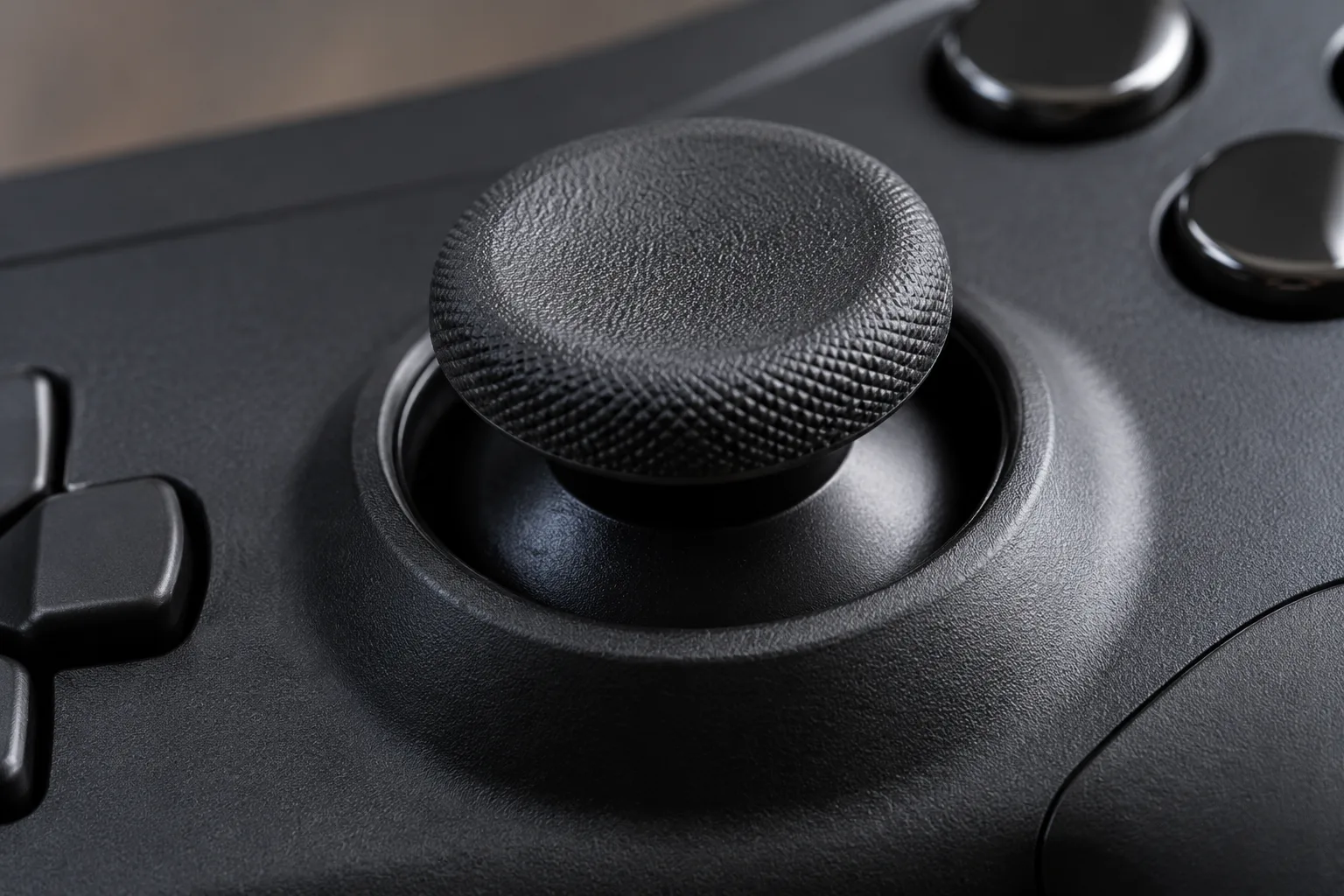
That documented feature does not supply a button-to-screen measurement or guarantee that a particular game will interpret the stick as you expect. Read the product’s calibration and dead-zone instructions separately, then check centering, full travel and fine movement in your game. Dead zone is the movement near the stick’s resting position that software ignores; too much can make small aiming movements appear unresponsive even when the connection is working.
Treat a stick specification as one selection input. Do not turn a manufacturer’s durability phrase into a promise that drift, mechanical damage or calibration problems are impossible throughout the product’s life.
Will a clip-on cooler block the USB-C plug or the handles?
A cooler can interfere with either, depending on where its jaws, body and cable sit. Direct USB-C adds a connector alignment constraint; Bluetooth removes that electrical plug requirement but leaves any telescopic bridge and handles in place. No cooler/controller pair is certified to fit by the documents used here.
Check the complete assembly in the order you will use it:
- Seat the phone in the controller with its intended case. For direct USB-C, inspect the plug and case opening before applying pressure.
- Locate the cooler’s contact area and jaws. Check whether the controller bridge or the case prevents the cooler from sitting as its instructions require.
- Trace the cooler’s body, jaws and cable against the handles, triggers and your fingers. Allow room to attach and remove it without levering the phone against the USB-C plug.
- If using pass-through charging, add that cable too. A charging socket does not establish compatibility with every cooler cable or connector housing.
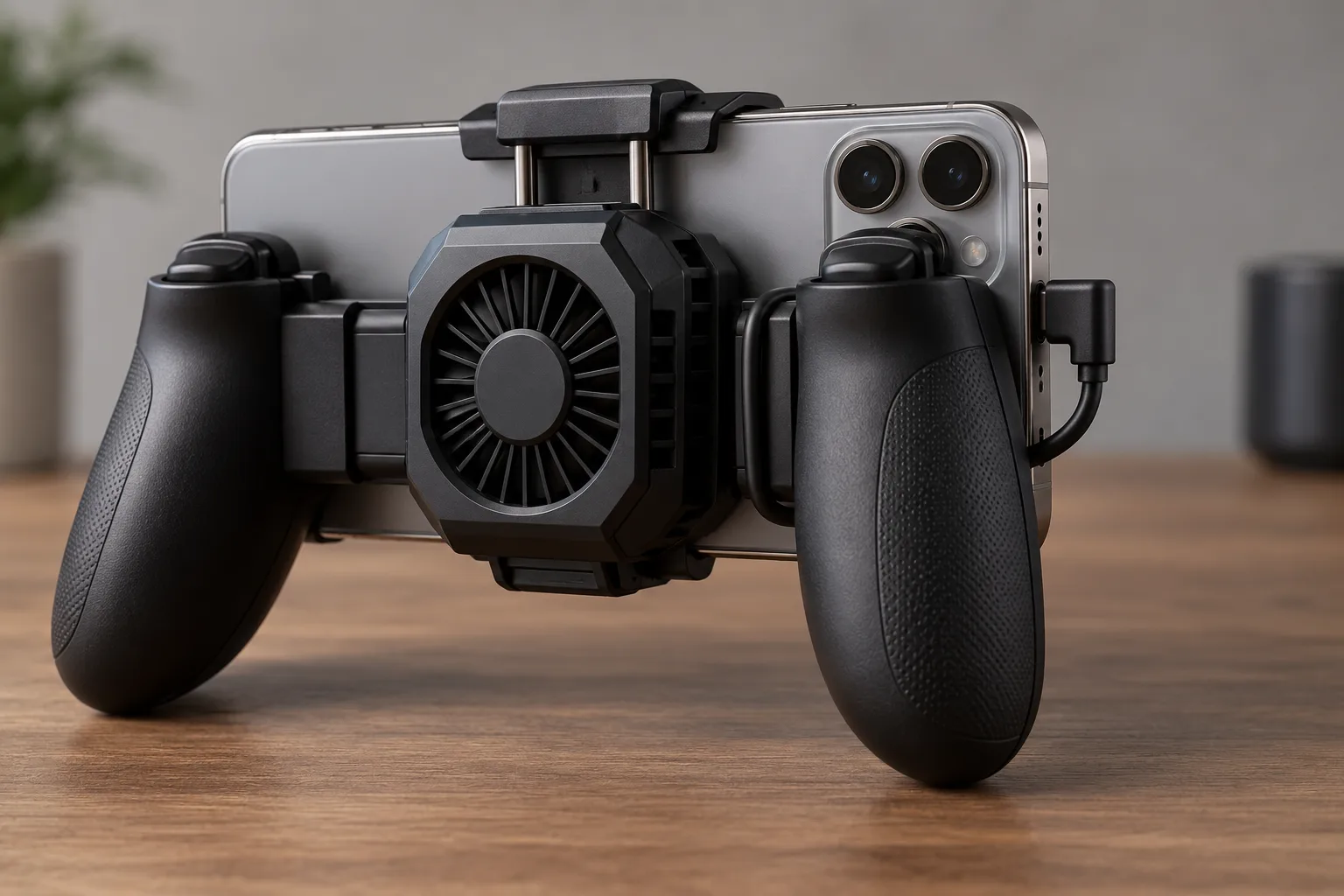
You can reject an obviously impossible gap with a simple geometric check:
Formula: remaining span = available unobstructed span − cooler clamp width.
Worked example — hypothetical dimensions, not a product specification: 34 mm − 30 mm = 4 mm remaining span.
Measure both dimensions along the same line and at the same depth. This subtraction covers only one direction; it leaves cooler depth, jaw travel, camera protrusion, connector seating and grip clearance to inspect separately.
Rule of thumb: If remaining span is at or below 0 mm at the intended mounting position, reject that position rather than forcing the cooler into it. A positive result is only a reason to continue the fit check, not a sufficient clearance allowance.
A separate Bluetooth controller can remove the controller bridge from the phone’s rear mounting area. It also needs a separate way to support the phone. Compare that extra mount and cable arrangement with the attached setup before buying a replacement controller solely to solve cooler interference.
What should you verify before ordering?
Choose the arrangement that passes the whole setup check. For direct USB-C, prioritize secure seating and comfortable handling; for Bluetooth, prioritize the documented mobile mode and reliable reconnection to the intended phone. In both cases, test the game controls before adding cooling or charging accessories.
Include setup costs in the decision: removing a case each session, charging another device, finding a separate phone support, or buying a cooler that cannot sit against the phone can matter more than a transport label. Pass-through charging is useful only if the phone, controller and cable arrangement work together; this guide assigns no charging-power figure to it.
Before the return window closes, verify a supported local game, the intended case, the cooler with its cable, and your normal hand position. Change one item at a time if the setup fails. That makes a game-support problem easier to distinguish from a physical obstruction or controller-mode problem.
Method and sources
This comparison organizes manufacturer specifications and official Android developer guidance retrieved on 19 October 2026. GameSir’s G8 Galileo page establishes the direct Type-C arrangement and Hall hardware; its G8 Plus page establishes mobile Bluetooth and the separate PC modes. Android’s controller action guide establishes the game input boundary.
The clearance equation is an editorial geometry check with explicitly hypothetical inputs. Cooler fit, charging performance and comparative end-to-end latency require evidence for the exact combination; no thermal or timing measurements are reported here.
Related articles
Android Auto GPS Wrong Location: Phone and Projection Checks
Diagnose an Android Auto Google Maps location issue by separating wrong blue-dot position, spinning compass beams, and unloaded routes while parked.
Read article
USB-C DAC to Car AUX vs Bluetooth: Sound Quality Checks
Check whether a USB-C DAC can feed your car's AUX input, compare it with Bluetooth under the same conditions, and judge when a ground loop isolator helps.
Read article
Can You Use a Laptop USB-C Charger With an Android Phone?
A laptop USB-C wall charger and the laptop USB-C port are different supplies. Compare Dell's 15 W port ceiling, Lenovo 20 V input, PPS, and the 60 W cable logo.
Read article