
Android accessories
Choose cables, chargers, cases and docks by the job they need to do, then check the exact device.
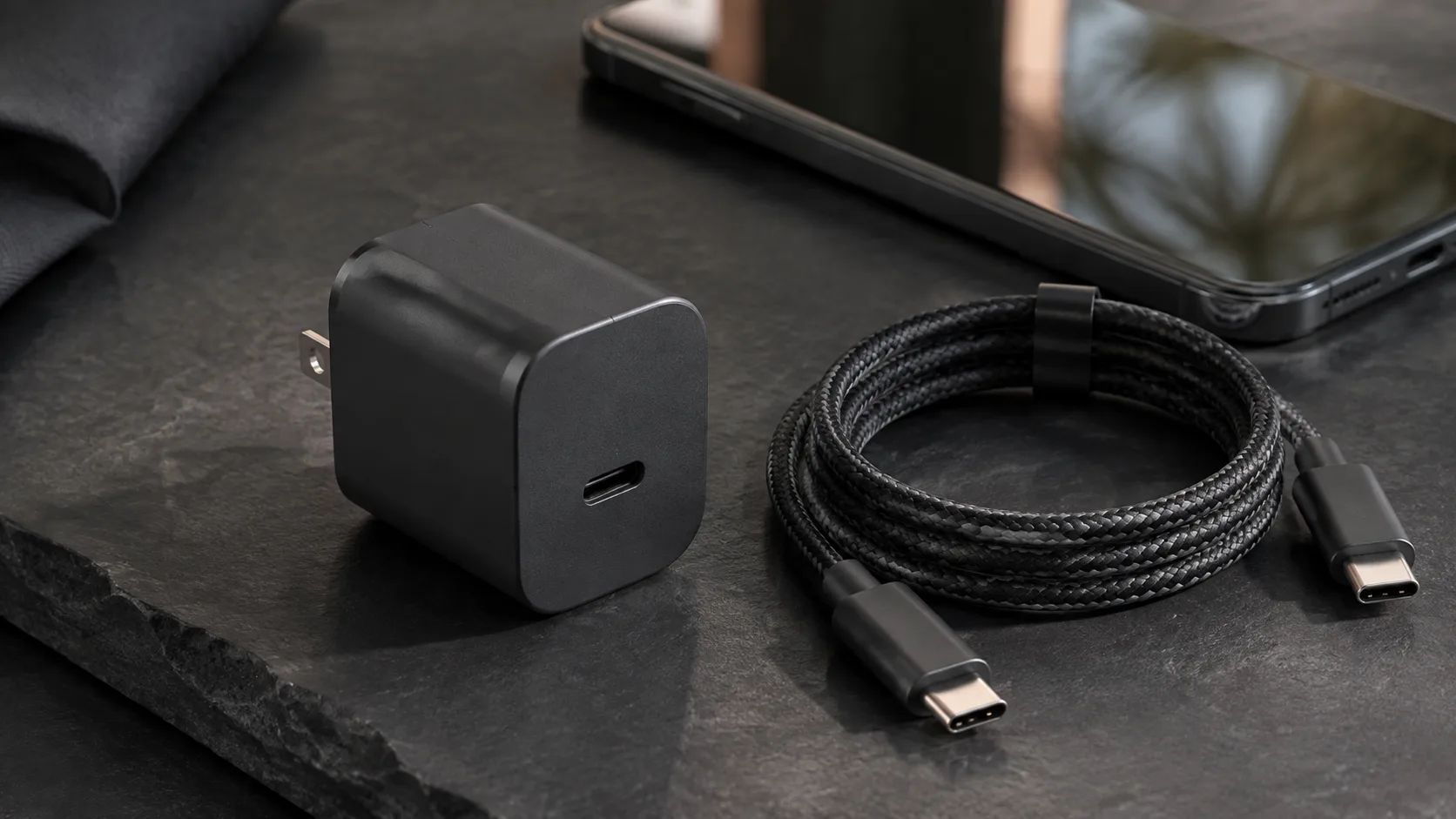
Example of a compact USB-C charger, cable and phone for accessory selection; the scene does not establish product performance.
An accessory is useful only when it works with your phone and the rest of your setup. Start with the task: charging at a desk, connecting storage, using a monitor, or keeping a car connection reliable. This collection brings the relevant buying checks together before you choose a product.
Start with what you want to connect
For handheld play, compare a USB-C versus Bluetooth mobile gaming controller by game support, connector seating and whether a clip-on cooler clears the plug, bridge and handles.
- USB-C cable guide: separate charging requirements from the data and display capabilities you need.
- USB-C video output: check the phone before choosing a dock or display adapter.
- USB OTG guide: plan connections to storage, keyboards and other peripherals.
Charging gear and cases
- Choosing a GaN charger: understand what a compact charger design does and does not tell you.
- Using a laptop charger with a phone: work through the adapter, cable and phone checks.
- Wireless charging with a case: investigate material, fit and alignment.
Accessories for the car
Start with the Android Auto cable guide if you need a wired connection. For a broader choice, compare wired and wireless Android Auto. If an existing setup keeps failing, use the disconnect troubleshooting guide before buying replacement hardware. Once the dashboard is on the screen, the split-screen layout record separates launcher settings you can change from the card layout the screen fills in, including when an AAWireless TWO is the adapter in the car.
For ordinary music playback without projection, a car with a 3.5 mm AUX jack gives you a second choice besides Bluetooth: a USB-C DAC dongle and a stereo cable. Before buying one, or a ground loop isolator for hum, read our comparison of a USB-C DAC to car AUX versus Bluetooth. It covers phone support, the volume split between phone and car, and a parked comparison you can repeat.
If the phone runs hot on a wireless charger during a drive, use the overheating while wireless charging checks before you add another mount or charger. When Google Maps shows the wrong street, a spinning heading arrow, or a dropped route on the dash screen, work through our parked Android Auto GPS and projection location checks to compare the unplugged phone with wired and wireless projection.
Before placing an order
Record the exact phone model, the connection you need, the accessory specification and the return conditions. Keep charging, data and video requirements separate in your notes. A familiar connector shape is not enough evidence for every intended use.
For deeper explanations, visit Charging or Compatibility. These are documentation-led guides, not a ranked product catalogue or a claim that we tested every combination.
Updated October 2026.