
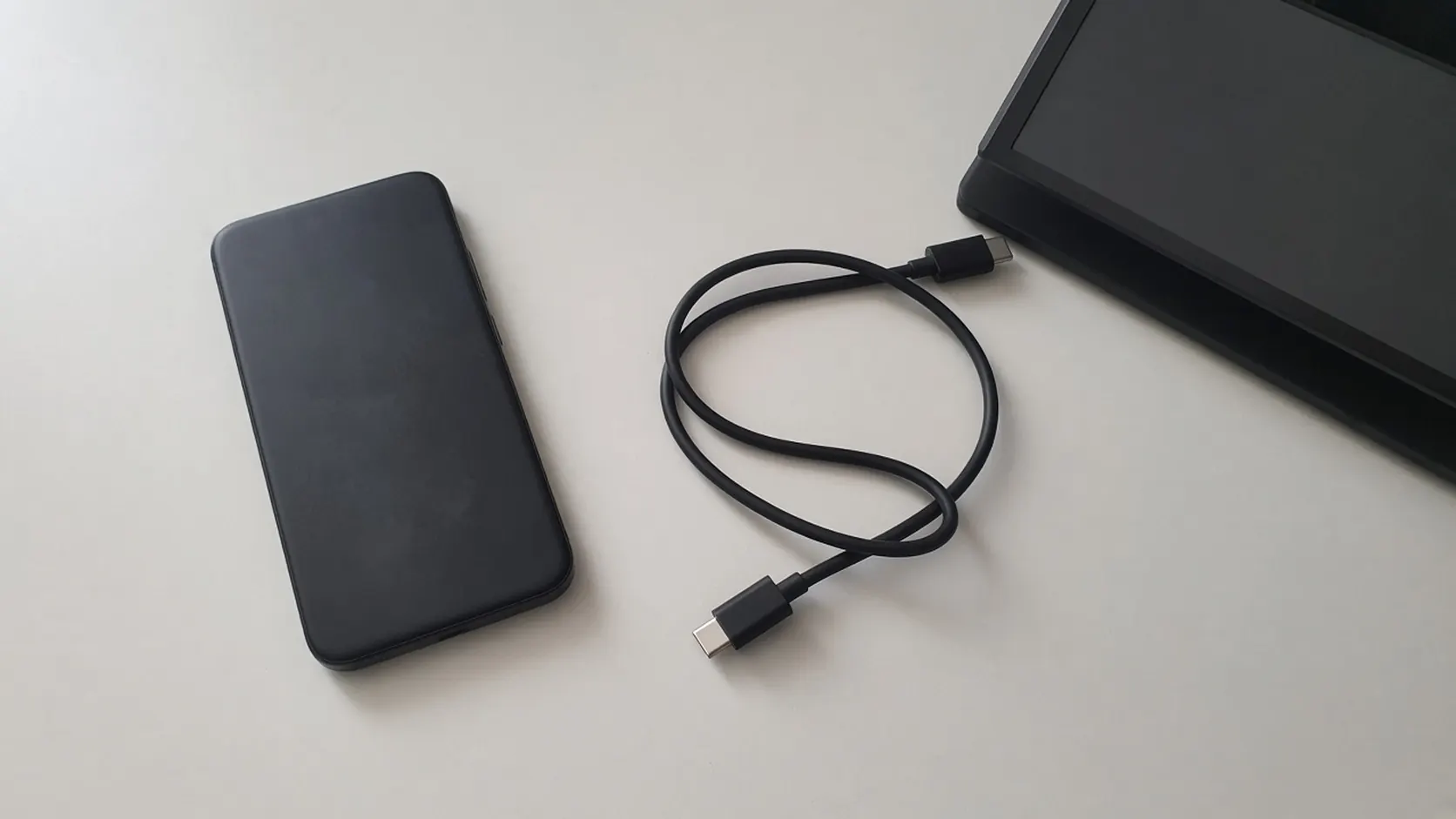
USB-C DisplayPort Alt Mode: Android Phone Support List
Samsung's DeX cable and HDMI series, Google's Pixel 8 and later wired steps, and the VESA lane rates behind a USB-C DisplayPort adapter.
Read articleGuides, explainers, comparisons, and informed commentary from My Android Gadgets.
Samsung's DeX cable and HDMI series, Google's Pixel 8 and later wired steps, and the VESA lane rates behind a USB-C DisplayPort adapter.
Read article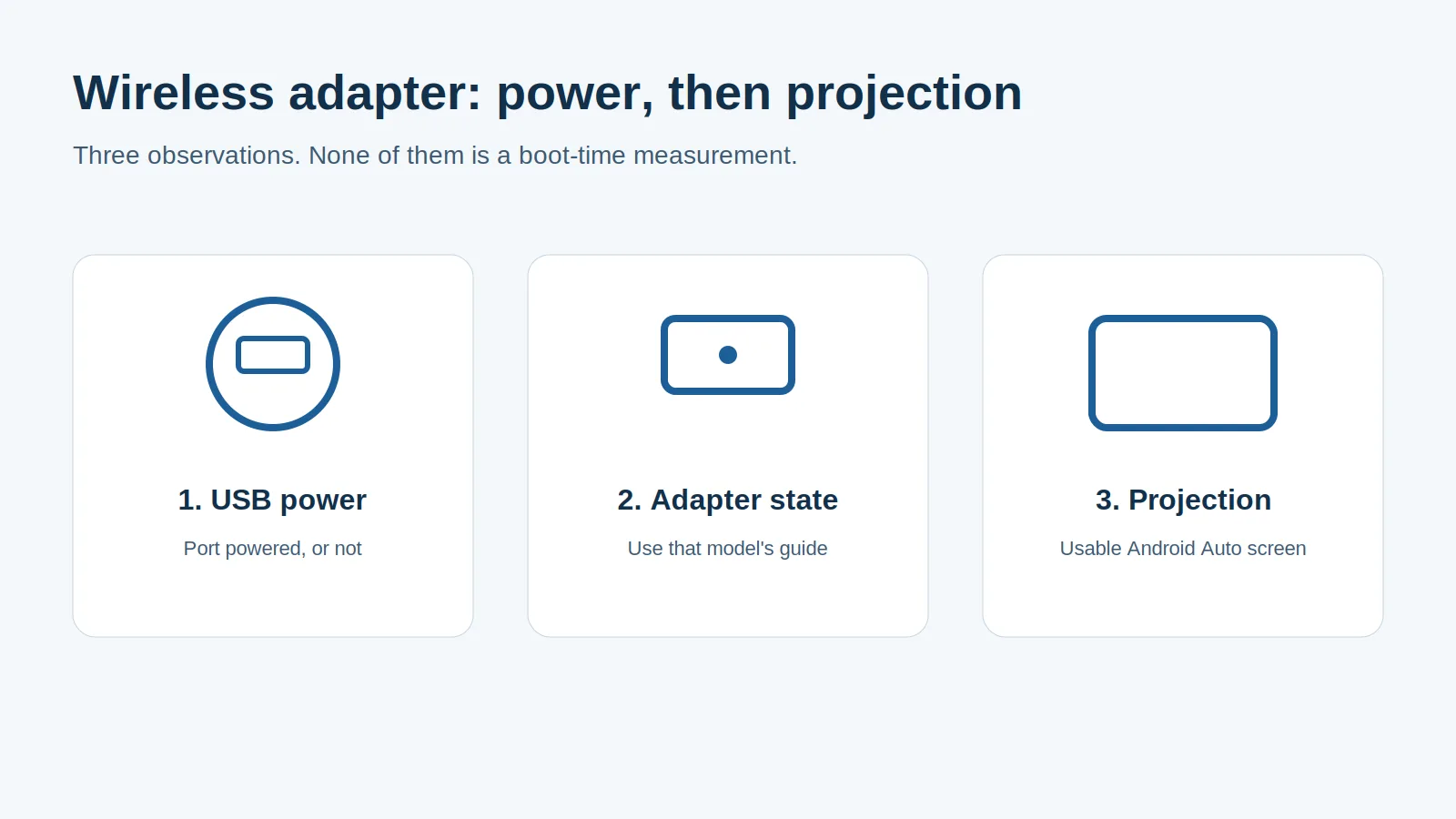
Separate adapter cold boot from ignition power and phone reconnection, and learn why Android Auto's 5 GHz Wi-Fi requirement promises no startup time.
Read article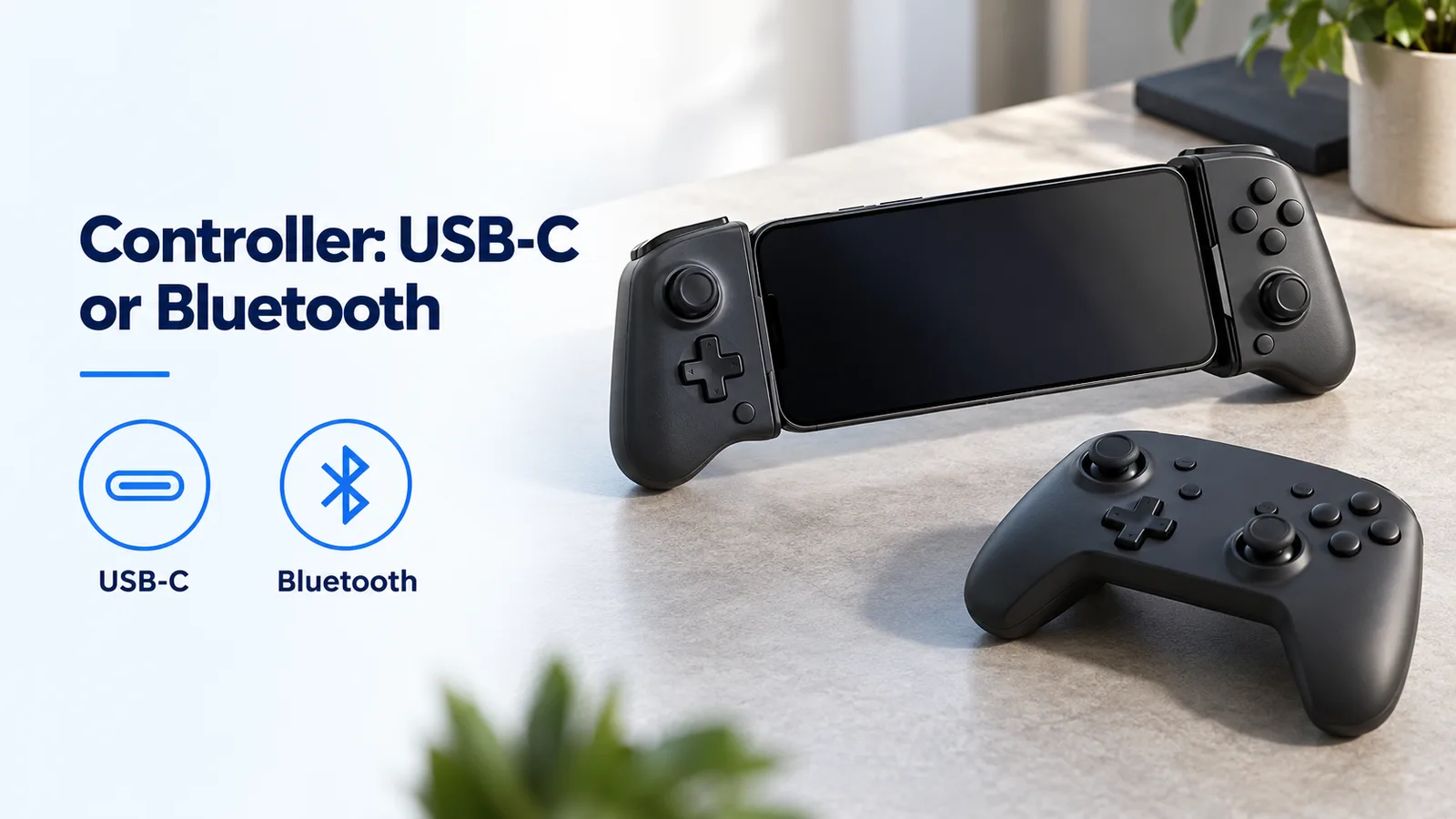
Compare USB-C and Bluetooth Android controllers by input path, game support and cooler clearance, with clear limits on latency and Hall-effect claims.
Read articleFind Android Auto's version panel, unlock and exit its developer menu, and check the limits of Unknown sources, resolution and wireless settings.
Read articleFind which device selects your Android Auto phone, separate call priority from projection, and check startup and switching with two phones.
Read article
Compare the factory radio, wired Android Auto, and a wireless adapter on the same phone. Leave any button check you did not run blank.
Read article
Record which Android Auto layout controls your phone, car, and adapter expose. DPI scaling here means the documented AAWireless TWO.
Read article
Separate wireless charging from wireless Android Auto. Change one condition per drive, keep your own sheet, and stop if the phone warns you.
Read article
Check whether a USB-C DAC can feed your car's AUX input, compare it with Bluetooth under the same conditions, and judge when a ground loop isolator helps.
Read article
Wireless Android Auto needs 5 GHz Wi-Fi on the phone. Compare the US DFS lists with the TWO and TWO+ bands, then test channels 36 and 149 only if that app shows them.
Read article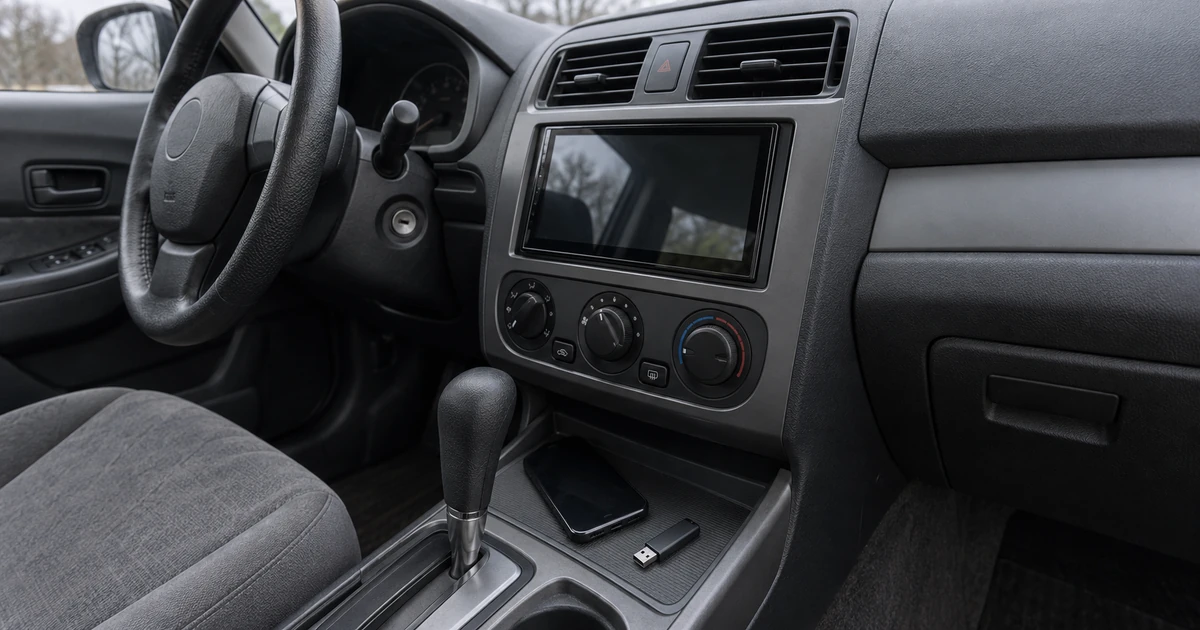
Match the aftermarket receiver's printed firmware package and USB rules, then confirm the version before testing Android Auto again.
Read article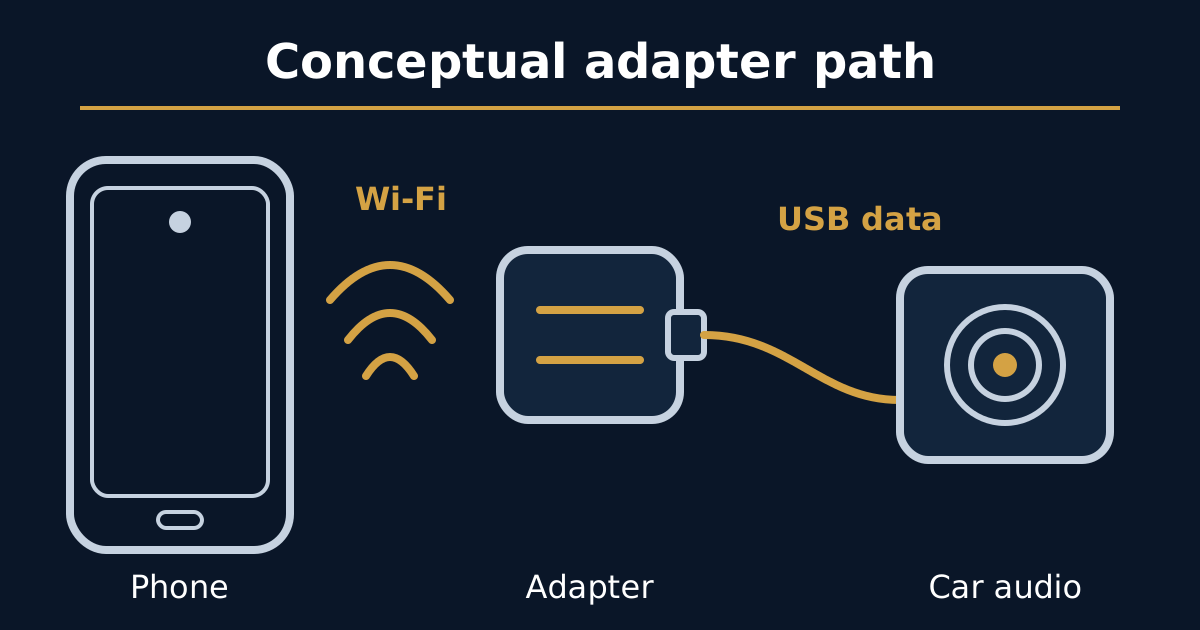
Name the gap or the late control, compare the same media on direct USB, then change one printed adapter control and leave the packet-loss cell blank.
Read article