
Android charging
Understand charger standards, cables and charging problems before replacing your gear.
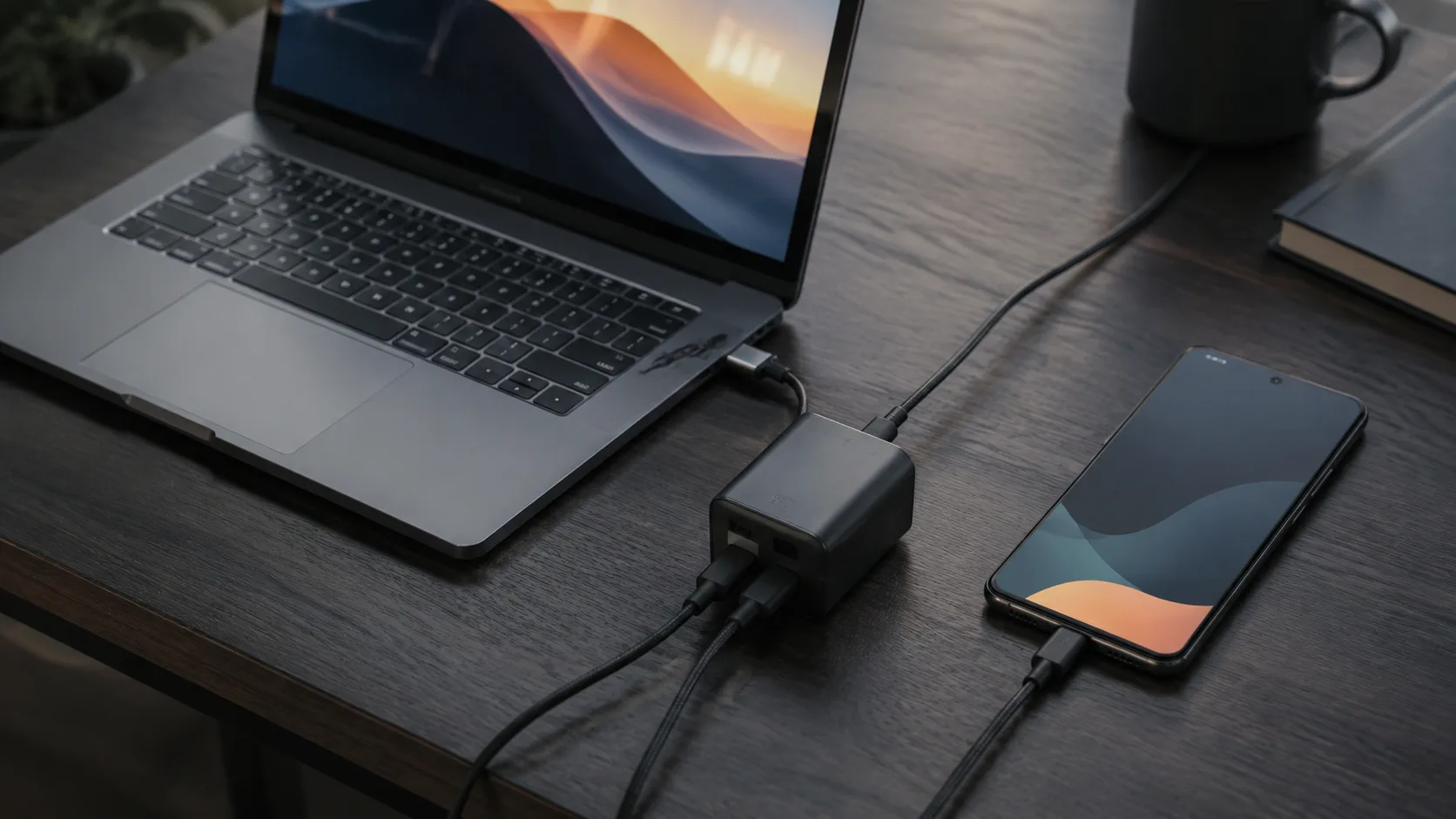
Example of a laptop and smartphone beside a USB-C power adapter for comparing charging requirements; no charging measurement is shown.
Start with your phone’s documented requirements, then compare the adapter and cable. This charging collection follows that decision sequence so you can distinguish a buying question from a troubleshooting problem.
Understand the labels
- USB PD vs PPS explains the terminology used in charger specifications.
- How many watts does your phone need? helps separate adapter capacity from a phone’s charging requirements.
- USB-C cable guide covers the cable as part of the complete setup.
Choose a charger for your setup
If you already own a USB-C laptop adapter, begin with Can a laptop charger charge an Android phone?. If you want a smaller adapter, read the GaN charger guide before treating a material or marketing label as a compatibility guarantee.
For a desk used by several devices, write down which devices will charge at the same time. The questions to ask about shared ports are different from those for a single phone.
Diagnose a problem
Use Android phone charging slowly to compare the phone, adapter and cable methodically. Record what changed and repeat the comparison under similar conditions rather than replacing several parts at once.
For charging pads, the phone case and wireless charging guide provides a separate starting point.
Keep a useful charging record
Save the model identifiers for the phone, charger and cable, the documentation you consulted, and the result of each comparison. An observation on one setup should not become a universal claim about a brand.
The linked guides contain their own sources and limitations. For questions about other connections, continue to Compatibility; for the broader accessory decision, visit Accessories.