
Android device guides
Find guidance for using Android in a car, at a desk or in a dedicated deployment.
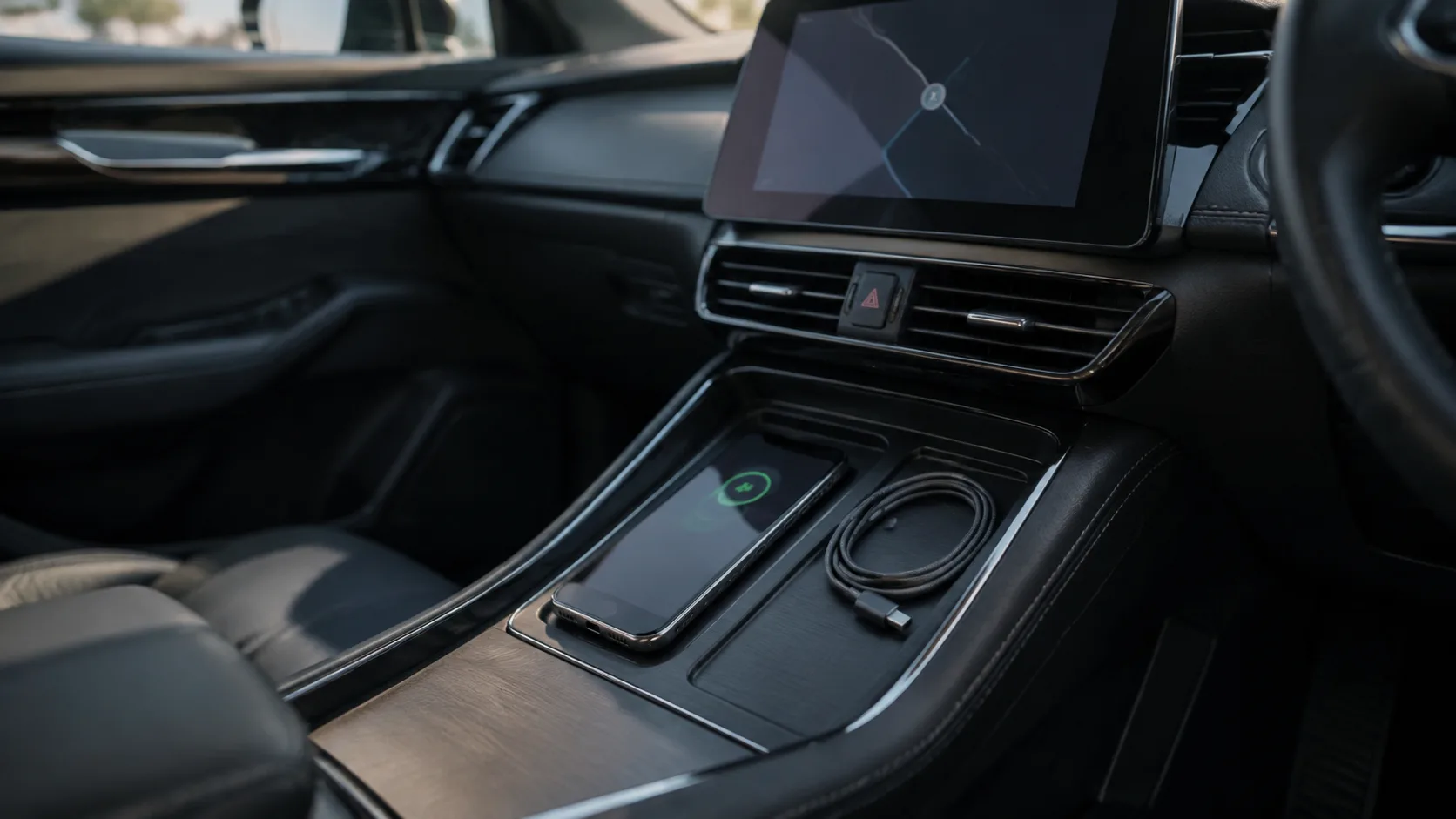
Example of a smartphone and USB cable in a parked car for exploring Android Auto connections; no tested vehicle setup is shown.
Choose a guide by where the device will be used and what you need it to do. Our current device coverage focuses on Android Auto and practical connection checks. This page is not a catalogue of reviewed phones, tablets or watches.
Android Auto: choose the connection
Wired vs wireless Android Auto compares the setup questions for each connection method. Use it when you are deciding how the phone should connect to a car you already own or are evaluating.
For cable selection, continue to the Android Auto cable guide. Keep the car or head-unit model in your notes alongside the phone model.
Android Auto: resolve a recurring problem
If the system already works but drops out, use Android Auto keeps disconnecting. The guide separates connection symptoms from app-specific failures and provides a record for repeatable comparisons.
Use a phone with desktop equipment
- USB-C video output on Android: investigate a wired display setup before choosing a dock.
- Android USB OTG: start with storage and peripheral connections.
- Android compatibility checklist: collect the device details needed for a purchase decision.
Devices used for work
An employee phone and a reception kiosk have different operating requirements. Visit Enterprise for management models, work-device planning and dedicated-device guidance.
Coverage boundaries
Dedicated tablet, wearable and individual model pages are not yet available. We will add them when there is enough device-specific evidence to support a useful page. Until then, use the Compatibility collection to organize your checks and the Brands research entry to identify the right model documentation.