
Android compatibility
Check the exact phone, accessory and intended connection before assuming they work together.
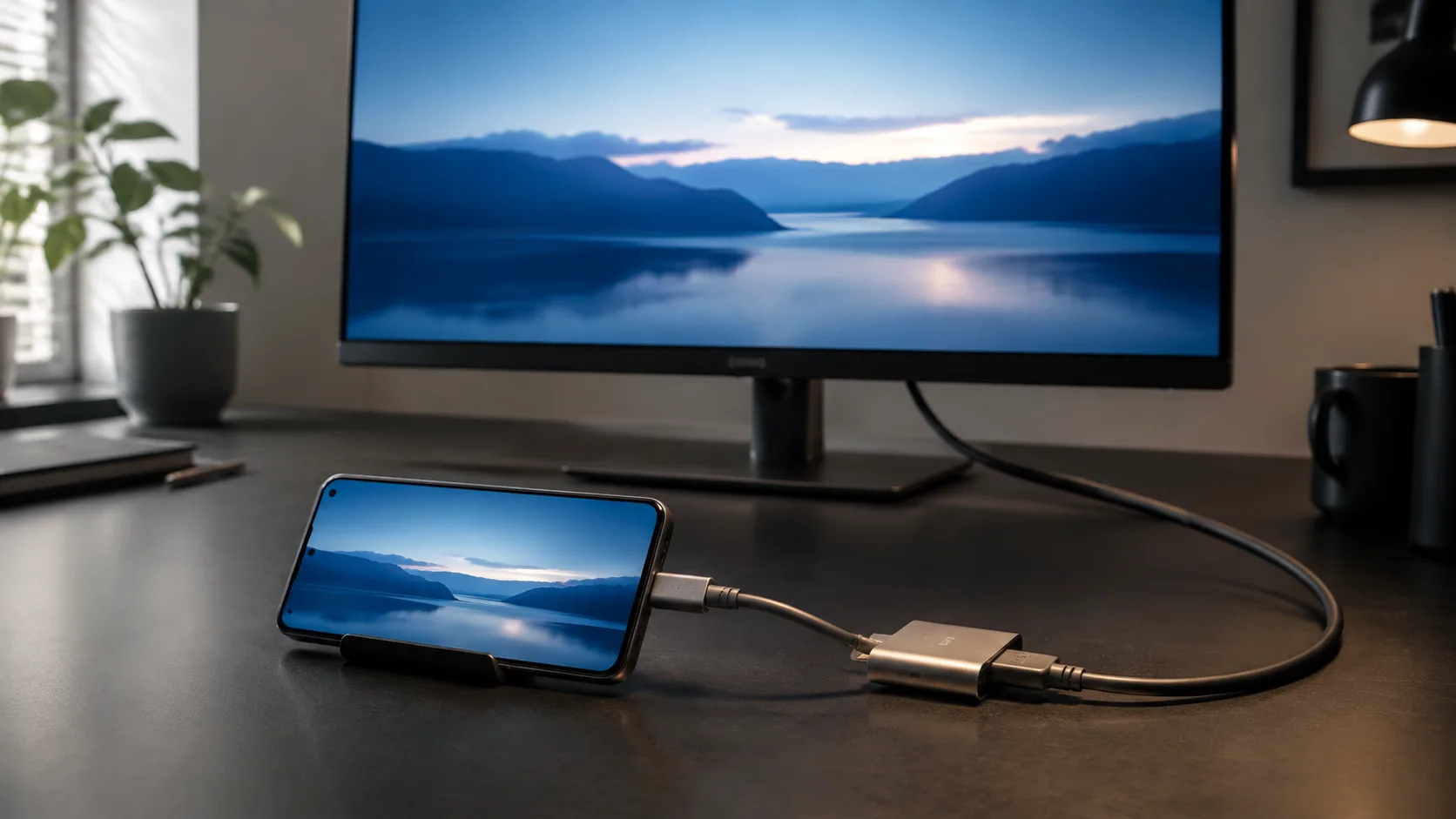
Example of a smartphone connected to an external monitor for checking video-output requirements; compatibility depends on the exact devices.
Compatibility is a question about a particular setup, not just a connector or brand name. Start by identifying the exact device and the result you need. Then choose the relevant guide below.
Start with the whole setup
The Android device compatibility checklist helps organize a purchase decision. Record the phone model and regional variant, the accessory, and the feature you want to use. Leave unsupported answers marked as unknown instead of filling gaps with assumptions.
Displays and USB peripherals
- USB-C video output: check wired display support before buying a monitor adapter.
- USB OTG guide: investigate storage and peripheral connections.
- USB-C cable guide: match the cable to the task, rather than relying on its connector shape.
Charging combinations
Use the laptop charger guide for an existing adapter or the wireless charging case guide for a phone-and-pad setup. The Charging collection brings together the underlying terminology and troubleshooting paths.
Mobile service and car connections
For mobile plans, start with How to check Android eSIM support. For the car, compare wired and wireless Android Auto while keeping the vehicle or head-unit details in scope.
What counts as a useful answer?
Keep a record of the exact model, the documentation source, the date checked and any remaining limitation. Distinguish a documented capability from an observation on one particular setup. Each linked guide explains its own evidence and caveats.
Individual model compatibility pages are not yet published. The Brands entry explains how to organize model-specific research without presenting an unverified support database.