
Qi2 Wireless Charging on Android: Magnet Alignment and Case Fit
Compare Qi2, Qi2 Ready and magnetic cases on Android. Check coil alignment, case thickness, camera clearance and charger labels before you buy.
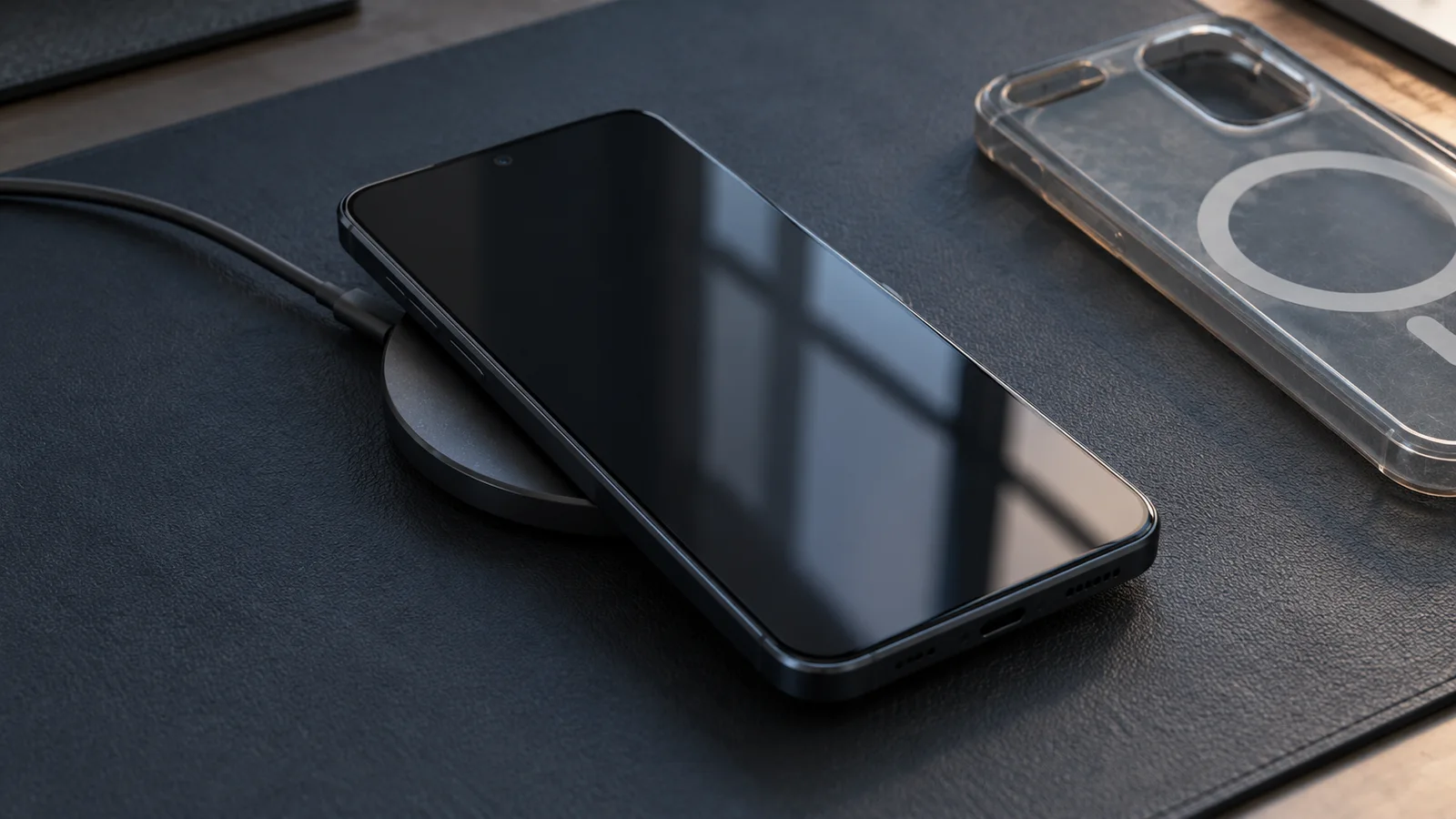
Check the phone’s charging support, the case pairing and the charger as one combination.
Qi2 wireless charging uses magnets to align an Android phone’s charging coil with the charger, but the phone’s charging support and case fit still decide which setup you can use. A magnetic snap alone doesn’t establish Qi2 compatibility or charging power.
Start with your phone’s specification: built-in Qi2 magnetic alignment, Qi2 Ready with an approved case, or older Qi support. For Qi2 Ready, choose the exact approved phone–case pairing. Then check that the case lets the charger sit properly against the back and identify the charger by its model and certification. This separates three questions that a “MagSafe-compatible” label can blur: will it attach, will it charge, and which power level does the combination support?
Images: AI-generated editorial illustrations.
Which Android charging setup do you have?
Your phone determines the starting point. The Wireless Power Consortium (WPC), which develops Qi, defines Qi2 Ready around devices and accessories used in approved combinations. An aftermarket magnetic case on an older Qi phone is a different proposition.
Scroll horizontally to see all columns.
| Your setup | Where alignment comes from | What to verify | Mistake to avoid |
|---|---|---|---|
| Qi2 phone with built-in magnets | The phone’s magnetic arrangement | The phone’s Qi2 support and compatibility of any case you add | Assuming every case preserves the intended fit |
| Qi2 Ready phone with its approved case | The specified magnetic case completes the combination | Approval for that exact phone and case model | Substituting a similar-looking magnetic case |
| Older Qi phone with an aftermarket magnetic case | The accessory may provide attachment | The phone’s existing wireless charging support and compatibility with that charger | Treating magnetic attachment as a Qi2 upgrade |
If your phone is Qi2 Ready, make the approved case part of the purchase decision. WPC’s January 2025 announcement explicitly ties the Qi2 experience to approved pairings. A case that fits the phone’s dimensions isn’t enough to establish that pairing.
For an older Qi phone, look for compatibility instructions covering the phone and charger together. WPC’s History of the Qi Specifications says Qi v2.0 products aren’t required to be fully backward compatible with Qi 1.x products. Check the combination before buying a Qi2 charger to reuse with an older handset.
What do the magnets actually align?
The magnet ring positions the phone’s receiver coil over the charger’s transmitter coil. Those coils transfer energy; the permanent magnets hold their relative position. WPC explains this distinction in How Magnetic Phone Chargers Work.
A case introduces another part whose ring must sit in the correct place relative to the phone’s coil. You can feel a firm attachment even when the accessory hasn’t been documented for that phone’s charging system. Check the case’s supported phone model before judging it by how strongly it snaps on.
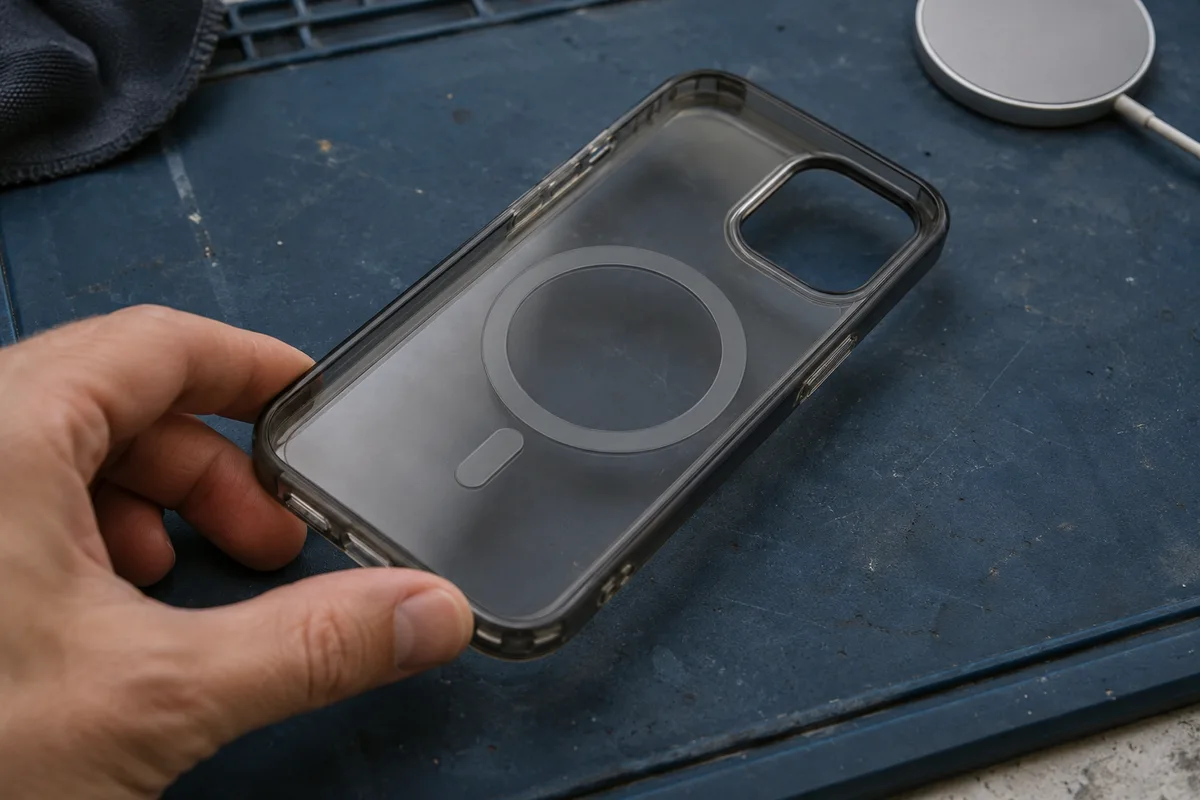
Follow the phone manufacturer’s coil-position guidance if you’re considering an adhesive ring. The geometric center of the phone’s back is an unreliable placement rule: Google, for example, provides specific coil-location guidance for the Pixel 9 Pro Fold because its placement affects charger fit. Use instructions for your exact phone and accessory rather than copying another model’s ring position.
Adding a ring also leaves the phone’s receiver electronics unchanged. Establish its wireless charging capability first; magnetic attachment supplies no evidence of an electrical upgrade.
How do case thickness and camera clearance affect fit?
Check the case material over the charging area and the space around the puck. Extra case-back thickness increases the separation between the charging coils, while a raised camera surround can prevent the charger from seating properly. WPC discusses case separation in its magnetic-charging explainer and camera obstructions in its specification history.
Use the case and charger instructions together:
- Check the case-back thickness. Compare the published thickness over the charging area with any case-thickness allowance in the exact charger’s instructions. The phone-and-case total depth measures something different.
- Keep the approved pairing. On a Qi2 Ready phone, a thinner generic case doesn’t replace the required approved magnetic case.
- Inspect the contact area from the side. Look for a camera surround or other raised feature catching the puck and lifting an edge. A snap doesn’t guarantee that the two charging faces seat correctly.
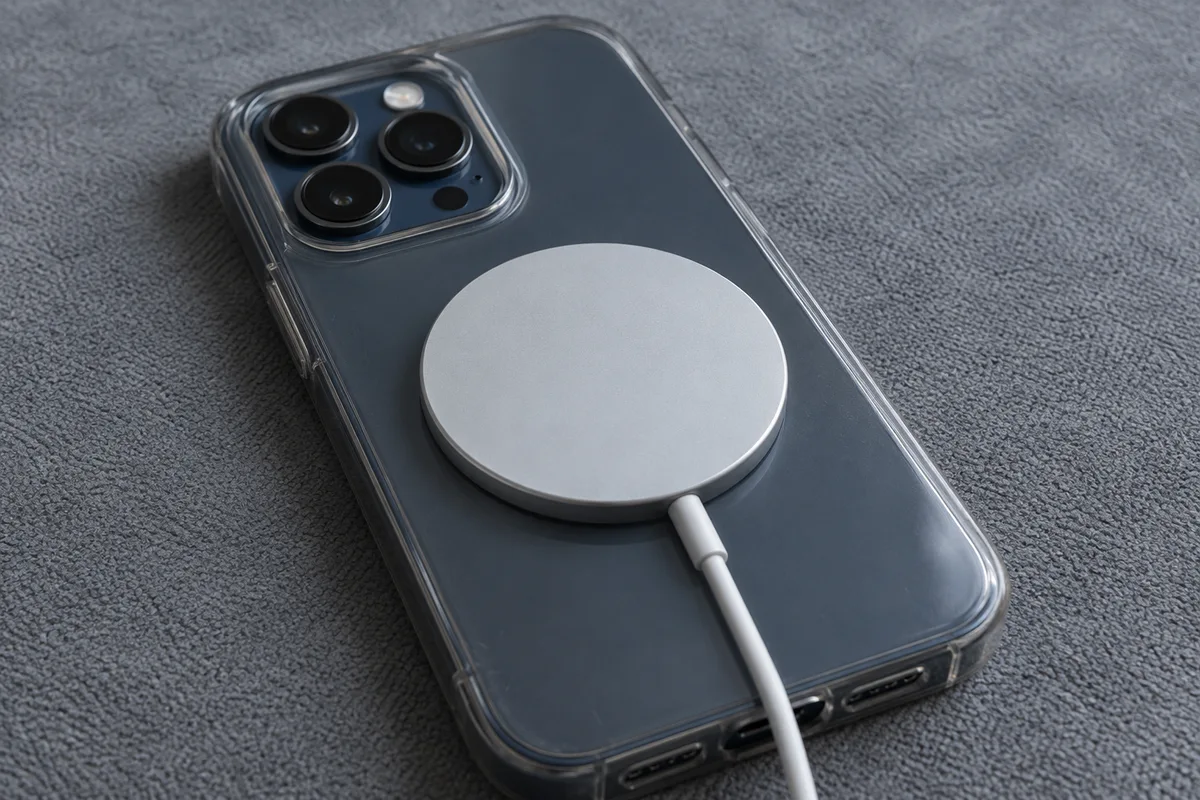
If the case exceeds the charger’s stated allowance, choose a documented compatible case before expecting the rated charging performance. When the instructions specify particular case models, use those model requirements to make the choice.
If a case causes charging to stop altogether, follow the wireless charging case compatibility guide for the broader case and material checks. Keep one distinction in mind during a case-off retry: removing a required Qi2 Ready case also removes that setup’s magnetic alignment component, so it changes the combination you’re evaluating.
Qi2 vs MagSafe: what should an Android buyer check?
Choose by the exact phone and charger support. Qi2’s Magnetic Power Profile (MPP) is the WPC profile for magnetic attachment and charging alignment. It is based on MagSafe technology contributed by Apple, but a seller’s “MagSafe-compatible” description doesn’t establish a particular Android charging result.
WPC’s November 2023 Qi v2.0 announcement distinguishes MPP products carrying the Qi2 logo from nonmagnetic Extended Power Profile (EPP) products carrying the Qi logo. That’s why a specification version starting with “2” is insufficient on its own: check the product’s profile, branding and stated phone compatibility together.
Model-specific instructions can also rule out an apparently suitable accessory. Google’s Charge your Pixel phone says MagSafe wireless chargers don’t work with Pixel 9a and earlier phones. That statement applies to those Pixel models; use your own manufacturer’s guidance for a different Android phone.
Match the charger, not just the listing title
Locate the charger’s brand, product name and model or type number on its label, packaging or manual. WPC’s Qi Certified Products guidance says the certification entry must match the actual product’s appearance, brand, name and type number. Compare those details in the WPC Qi Certified Product Database, or follow the certificate supplied by the manufacturer to its matching WPC entry.
Read the power tier separately
WPC’s Qi Wireless Charging overview distinguishes original 15 W Qi2 from Qi2 25W, introduced in July 2025. These are standard power tiers. To choose between them, check the wireless charging level supported by your phone and the charger’s stated requirements for its power adapter and case.
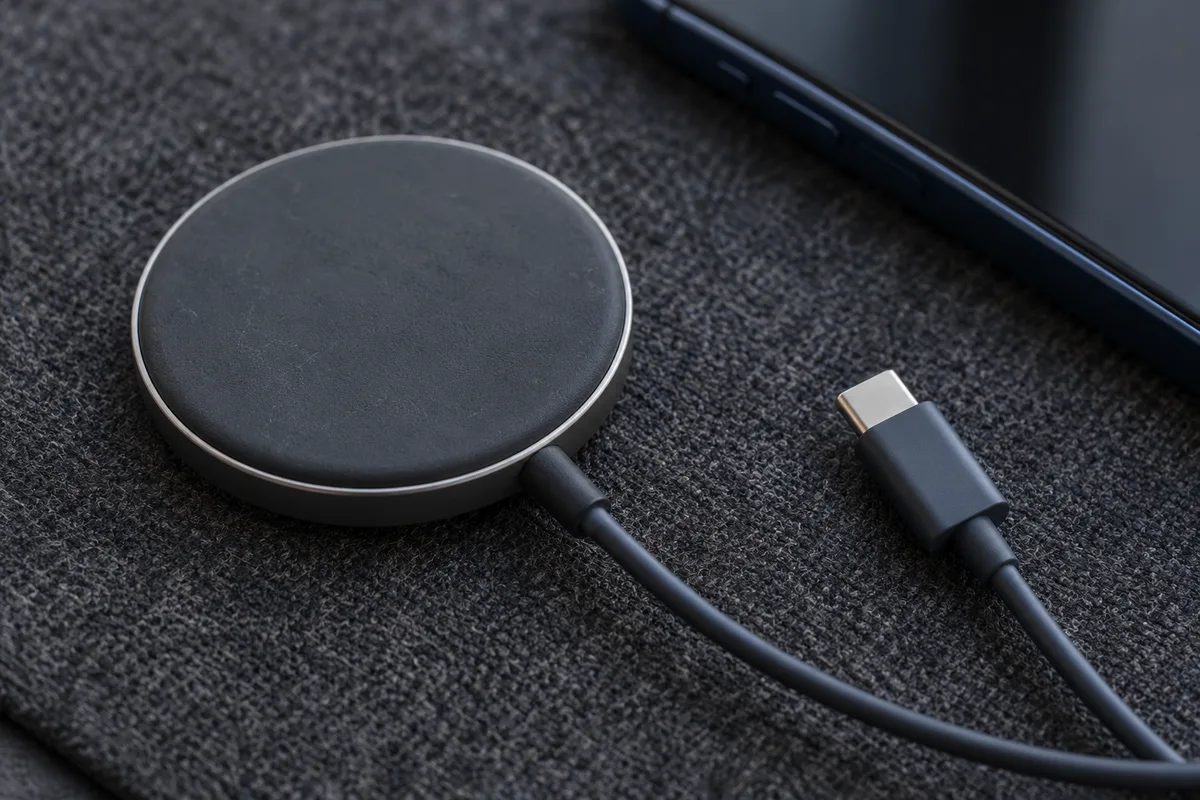
A charging indicator confirms that the phone has started charging; it doesn’t establish the wattage. Google also notes that a Pixel can pause charging when it gets too warm. If charging starts and then pauses, read the phone’s message before assuming the ring has moved out of alignment.
Check your phone, case and charger together
Work through the combination in this order so each check uses the right starting point:
- Identify the phone. Record the exact model and the manufacturer’s stated Qi, Qi2 or Qi2 Ready support. Include its stated wireless power limit when comparing charger tiers.
- Identify the case. Record the case model, its intended phone model and its back thickness over the charging area. For Qi2 Ready, verify the approved pairing.
- Identify the charger. Save the model/type number and Qi or Qi2 markings, then match the product to its WPC certification entry. Follow its power-adapter instructions.
- Check the physical fit. Use the intended case, inspect camera clearance, and confirm that the charging puck seats against the charging area. Follow model-specific placement guidance.
- Check the phone’s response. Look for the charging indicator and any temperature or charging-status message. Keep attachment, charging status and supported power as separate observations.
Before you buy, have the phone model and documented Qi support, the case model and back thickness, and the charger’s identifying markings together. Those details let you compare accessories against the setup you’ll actually use. Browse Charging & Power for the related charger and connection guides.
Sources
- Wireless Power Consortium, How Magnetic Phone Chargers Work — magnetic alignment and case separation.
- Wireless Power Consortium, Qi2’s Wireless Charging Benefits Spurring Continued Expansion, January 6, 2025 — approved Qi2 Ready combinations.
- Wireless Power Consortium, Qi v2.0 Standard for Wireless Charging Is Now Ready to Provide Enhanced User Experience, November 15, 2023 — MPP, EPP and MagSafe contribution.
- Wireless Power Consortium, Qi Certified Products, History of the Qi Specifications and Qi Wireless Charging — product identification, compatibility, mechanical obstructions and power tiers.
- Google, Charge your Pixel phone — Pixel-specific charger, case and placement instructions.
Updated October 27, 2026.
Related articles
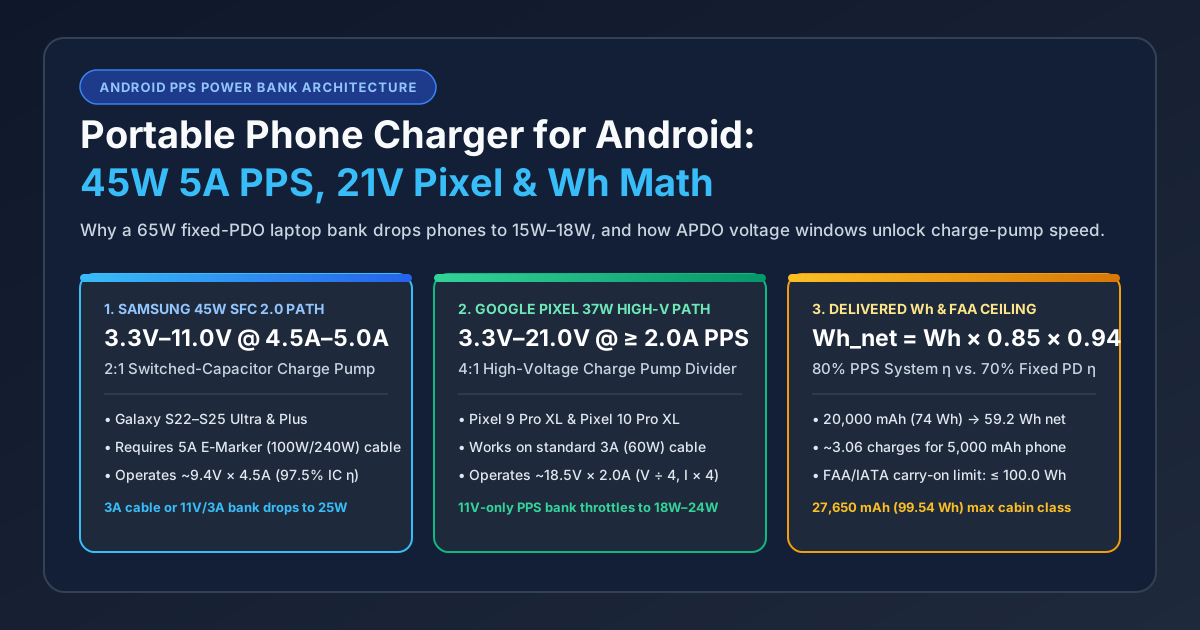
Portable Phone Charger for Android: 45W 5A PPS & 21V Pixel Guide
Why a 65W laptop power bank limits Samsung Ultra and Pixel phones to 15W–18W, and how to match 3.3–11V/5A or 3.3–21V PPS ranges and 5A E-Marker cables.
Read article
Can You Use a Laptop USB-C Charger With an Android Phone?
A laptop USB-C wall charger and the laptop USB-C port are different supplies. Compare Dell's 15 W port ceiling, Lenovo 20 V input, PPS, and the 60 W cable logo.
Read article
USB PD vs. PPS: The Android Charging Difference That Matters
PPS is optional inside USB PD 3.0. The phone requests a voltage in 20 mV steps. A 60W or 240W mark is a cable logo.
Read article