
How Many Watts Does Your Android Phone Actually Need?
Match an Android phone to a charger by the phone's published wired rate, the adapter's voltage and current pairs, and the cable, not by the largest watt number on the box.
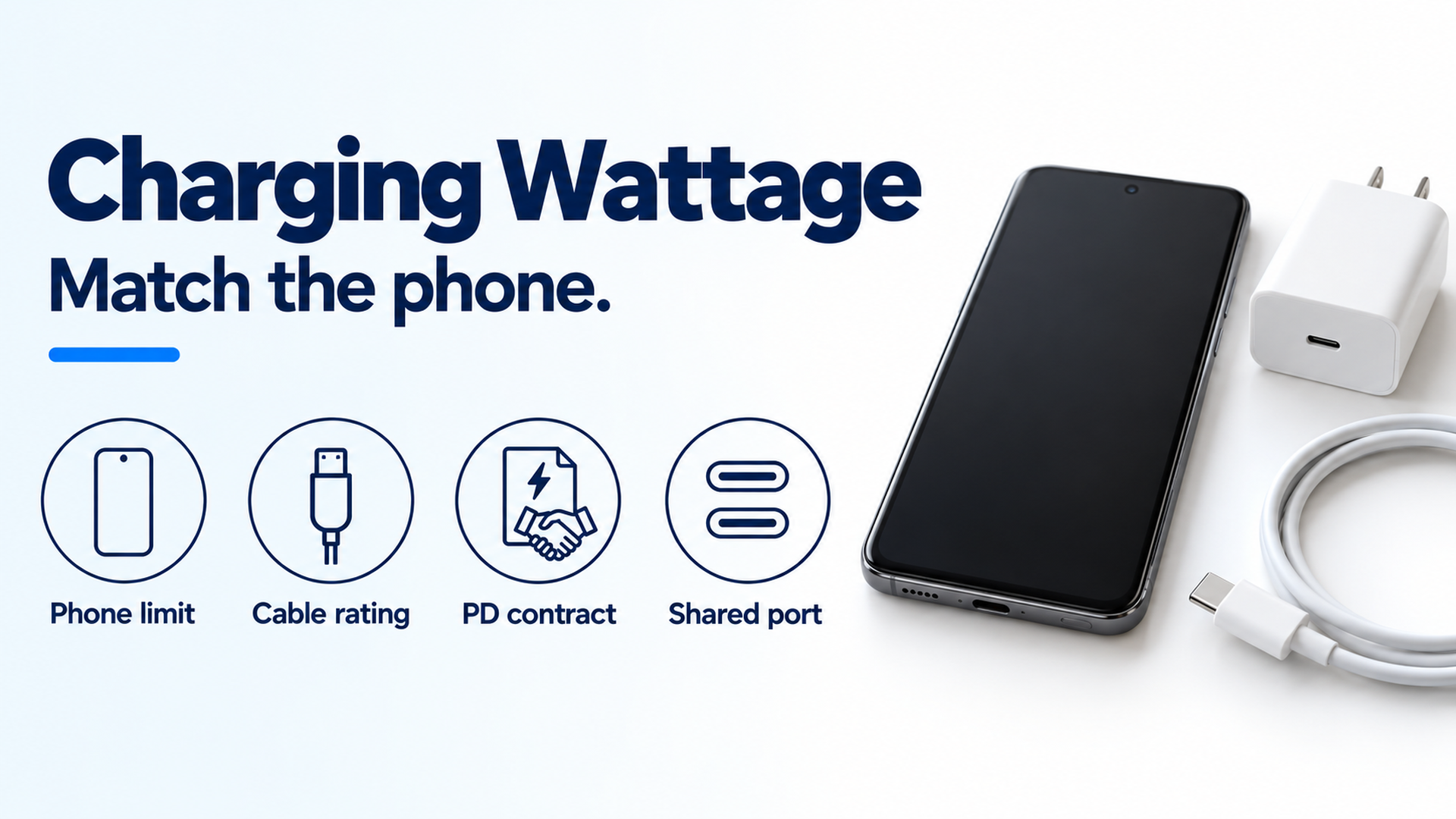
Four checks for a wired Android charge: the phone's published limit, the cable rating, the PD contract, and what a shared port still offers. The phone and cable are an example, not a measured setup.
Buying the highest watt number printed on a charger wastes capacity the phone leaves unused. The phone needs the wired rate its maker publishes for that model. On the Pixel pages fetched 17 October 2026, that rate is a model figure such as 20 W, 23 W, or “up to 30 W or more,” while USB-IF’s bus ceiling is 100 W before PD 3.1 and up to 240 W after it.
The phone’s published wired rate is the watt figure to use. Google’s Pixel charge page, fetched 17 October 2026, lists a Google 30 W, 45 W, or 67 W USB-C charger, any Programmable Power Supply (PPS) adapter rated for 30 W or more, and other USB Power Delivery (PD) adapters rated for 15 W or more. It says the Pixel 9 Pro XL, Pixel 10, Pixel 10 Pro, Pixel 10 Pro XL, Pixel 10 Pro Fold, Pixel 11, Pixel 11 Pro, Pixel 11 Pro XL, and Pixel 11 Pro Fold can charge up to 30 W or more. Pixel 7 notes fetched the same day put wired charging at up to 20 W, and Pixel 7 Pro at up to 23 W, on the Google 30 W charger in a wall outlet. Use a USB-C to USB-C cable. A USB-A to USB-C cable charges more slowly.
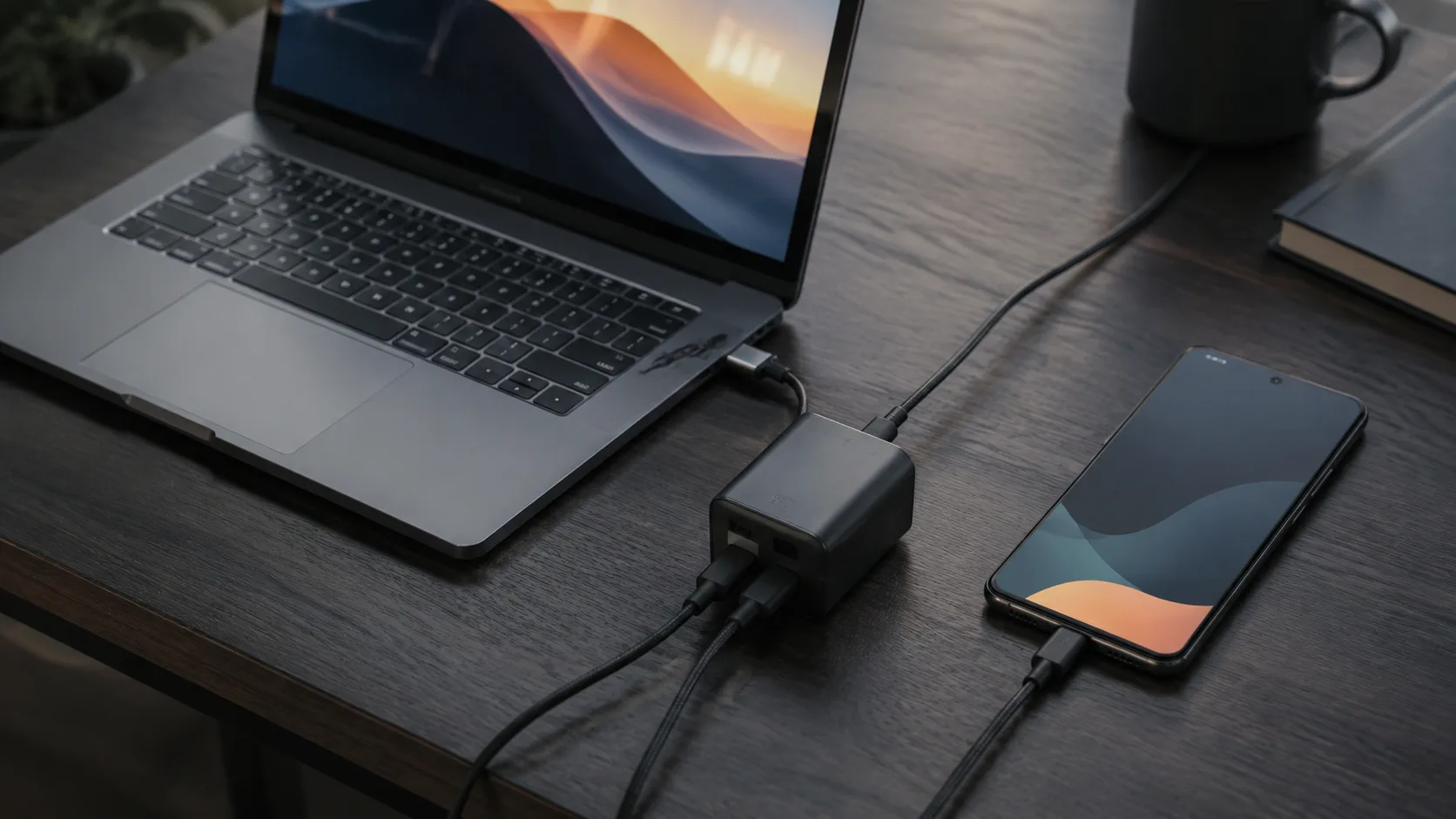
Figure 1. The four checks before comparing charger boxes. The phone and cable on the right are an example. They are not a certification photo.
Scroll horizontally to see all columns.
| Input or item | Value on the fetched page | Why it matters |
|---|---|---|
| Pixel adapter floor | PPS rated 30 W or more, or other USB PD rated 15 W or more | Adapters the charge page names for a Pixel |
| Phones named at 30 W class | Pixel 9 Pro XL, Pixel 10, Pixel 10 Pro, Pixel 10 Pro XL, Pixel 10 Pro Fold, Pixel 11, Pixel 11 Pro, Pixel 11 Pro XL, Pixel 11 Pro Fold: up to 30 W or more | The phone figure to copy. “Or more” is Google’s wording, not a measured ceiling from this page |
| Pixel 7 and Pixel 7 Pro, wired | Up to 20 W and up to 23 W on the Google 30 W USB-C charger, wall outlet | A 30 W charger still has a lower published phone rate. Google says actual results may be slower |
| Google 30 W PD pairs | 5.0 V at 3.0 A is 15.0 W; 9.0 V at 3.0 A is 27.0 W; 15.0 V at 2.0 A is 30.0 W; 20.0 V at 1.5 A is 30.0 W | One nameplate, four published powers |
| USB-IF bus ceiling | 100 W at 20 V on cables rated 5 A before PD 3.1; up to 240 W in the 26 May 2021 PD 3.1 announcement | The bus limit. It is not the phone’s requirement |
| Pixel Flex 67 W, two devices | 60 W maximum on either port, 67.5 W combined | Sharing the brick cuts each port below the 67 W nameplate |
This page sits in the Android charging collection. USB PD versus PPS is the terminology page. The numbers below stay with the page that printed them.
One 30 W label is four published powers
P = V × I
Google’s safety and regulatory guide for the 30 W USB-C charger prints both the inputs and the watts. For USB PD devices the output table is 5.0 V at 3.0 A (15.0 W), 9.0 V at 3.0 A (27.0 W), 15.0 V at 2.0 A (30.0 W), and 20.0 V at 1.5 A (30.0 W). The same guide’s prose line states those currents as 5 V at 3 A, 9 V at 3 A, 15 V at 2 A, and 20 V at 1.5 A.
Worked example from that table: 9.0 × 3.0 = 27.0 W, and 5.0 × 3.0 = 15.0 W. A phone that settles on the 5 V pair gets the 15.0 W line from a charger whose name is 30 W. The 9 V pair on the same page is 27.0 W. The 15 V and 20 V pairs are the lines that reach 30.0 W.
PPS on that guide is a separate block, labeled USB PD 3.0 PPS: up to 11.0 V at 3.0 A, 16.0 V at 2.0 A, and 21.0 V at 1.5 A, each printed at 30.0 W. The EU eco-design summary for model identifiers GLE6S and G70KK adds 12.0 V to the USB PD voltage list and does not print a current or watt row for 12 V. This article does not assign one.
The 45 W USB-C charger spec page, fetched the same day, labels the output USB PD 3.1 PPS and lists PD pairs of 5 V/3 A, 9 V/3 A, 15 V/3 A, and 20 V/2.25 A, plus PPS up to 11 V/3 A, 16 V/3 A, and 21 V/2.25 A, maximum 45 W. The product of the published 20 V and 2.25 A pair is 20 × 2.25 = 45 W. The product of the published 5 V and 3 A pair on that same charger is 5 × 3 = 15 W.
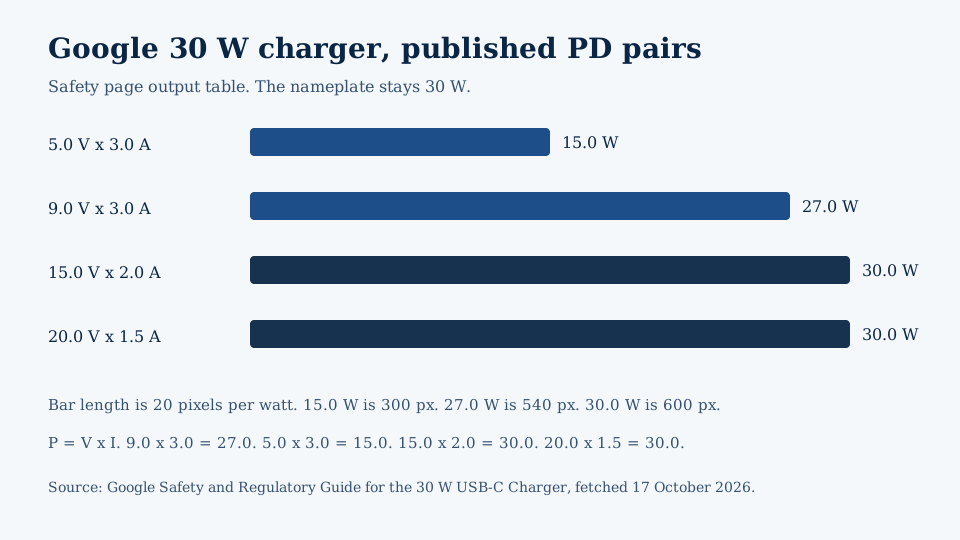
Figure 2. Bar length is 20 pixels per watt, taken from the 30 W charger’s published PD output table. The 5 V pair is half the nameplate.
USB-IF’s packaging guidelines, file date 20 March 2023, say USB Type-C and USB Power Delivery are separate terms. USB Power Delivery is the protocol and hardware solution that increases USB power up to 240 W, and a USB Type-C product can ship without it. The USB Promoter Group announcement of 26 May 2021 says PD was previously limited to 100 W using 20 V and USB Type-C cables rated at 5 A. PD 3.1 adds fixed voltages of 28 V (above 100 W), 36 V (above 140 W), and 48 V (above 180 W) to the earlier 5 V, 9 V, 15 V, and 20 V steps, plus an adjustable voltage mode from 15 V up to 28 V, 36 V, or 48 V in 100 mV steps. The 28 V, 36 V, and 48 V steps are specified above 100 W, 140 W, and 180 W. Pixel 7 at 20 W and Pixel 7 Pro at 23 W sit below that band, on the earlier 5 V, 9 V, 15 V, and 20 V steps.
A public USB-IF document search for “Programmable Power Supply” on 17 October 2026 returned no matching documents. PPS ranges in this article come from Google’s charger pages, which expand PPS as Programmable Power Supply and attach it to USB PD 3.0 on the 30 W guide and USB PD 3.1 on the 45 W spec page.
Copy the rate from the phone’s own page
If the wired rate stays under 30 W on the phone page, watts above that rate are unused nameplate capacity. Google’s hardware notes say fast wired charging is up to 20 W on Pixel 7 and up to 23 W on Pixel 7 Pro, based on the Google 30 W USB-C charger in a wall outlet. The same notes say actual results may be slower, and the charging-speed test started with the battery drained to 1% on pre-production hardware in mid-2022. Headroom against the charger name is 30 W − 20 W = 10 W for the Pixel 7 figure, and 30 W − 23 W = 7 W for the Pixel 7 Pro figure. That subtraction uses Google’s published rates. It is not a wattmeter reading.
The charge page’s “up to 30 W or more” list is a different statement. It names the Pixel 9 Pro XL and the Pixel 10 and Pixel 11 models in the table above, and it does not print a single watt ceiling for each of them. For those phones, stop at the words on that page and open the hardware spec for the exact model before treating 30 W as a cap or as a promise of more.
Other Android phones are outside those Pixel sentences. Copy the same three fields from that phone’s maker: the wired watt rate, whether the page names PD or PPS, and which charger the rate was written against. A family name is not that page.
The same Pixel 7 notes list a separate wireless rate, up to 20 W on Pixel 7 and up to 23 W on Pixel 7 Pro, with the Google Pixel Stand (2nd gen). Those are not the wired figures. Wired and wireless on one model can share a number and still be different tests.
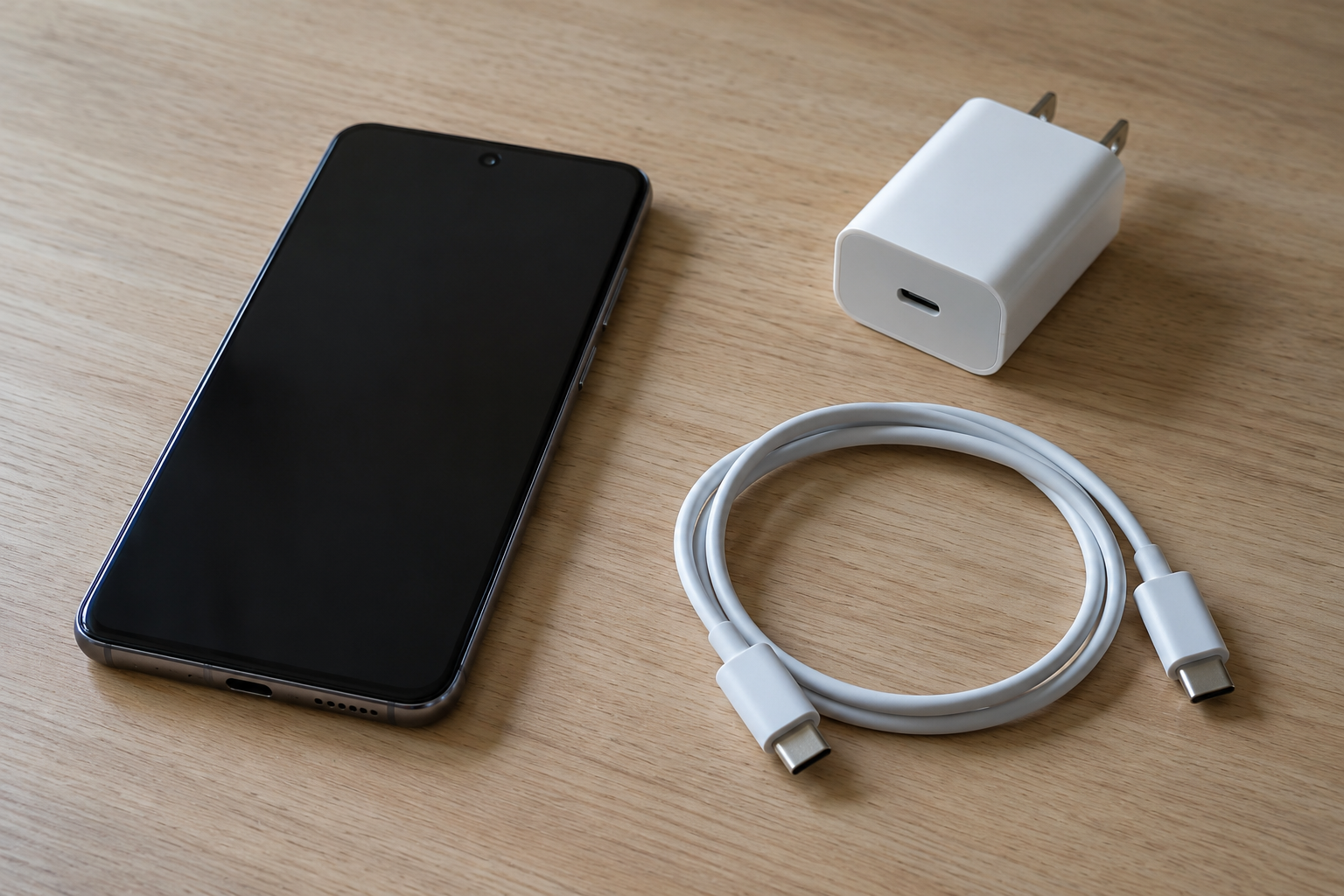
Figure 3. Example of the three objects the watt figure is split across: phone, cable, and charger. No power measurement is shown.
The cable and a second device cut the port
Google’s charge page says a USB-C to USB-C cable is the wired choice, and a USB-A to USB-C cable charges more slowly because it is for a USB-A adapter. The USB-C cable guide separates charge, data, and video once the same cable leaves this decision.
The 30 W safety guide says output currents higher than 3 A are enabled only with a cable rated higher than 3 A, and it gives an e-marker cable rated for 5 A as the example. The PD and PPS current rows printed on that guide are 3.0 A, 2.0 A, and 1.5 A. Those listed pairs stay at or below 3 A, so they do not use the over-3 A condition. The guide also says the charger is designed to work best between 32° F and 104° F (0° C and 40° C). That range is about the charger, not a phone battery test.
The Pixel Flex Dual Port 67 W page is where current climbs past 3 A. It labels the output “USB PD: 3.2 PPS” and lists PD 5 V/3 A, 9 V/3 A, 15 V/4 A, and 20 V/3.35 A, maximum 67 W; PPS up to 11 V/3 A, 16 V/4 A, and 21 V/3.35 A, maximum 67 W; and AVS 9 to 15 V at 4 A and 15 to 20 V at 3.35 A, maximum 67 W. 15 × 4 = 60 W and 20 × 3.35 = 67 W. That AVS band is the product page’s band. It is not the 15 V to 28/36/48 V adjustable mode in the 2021 USB-IF announcement.
If a device on that 67 W charger needs power over 60 W, use an E-Marker cable certified for power delivery above 60 W. Google says a standard cable still charges, at up to 60 W. With one device connected, either port’s maximum is 67 W. With two devices, either port’s maximum is 60 W and the combined maximum is 67.5 W. The page also says the charger prioritizes Pixel phones, so a laptop on the other port can charge more slowly until the phone is unplugged. The laptop USB-C charger guide is the page for using a laptop adapter on the phone. A smaller housing does not change the phone rate. The GaN charger guide covers that distinction.
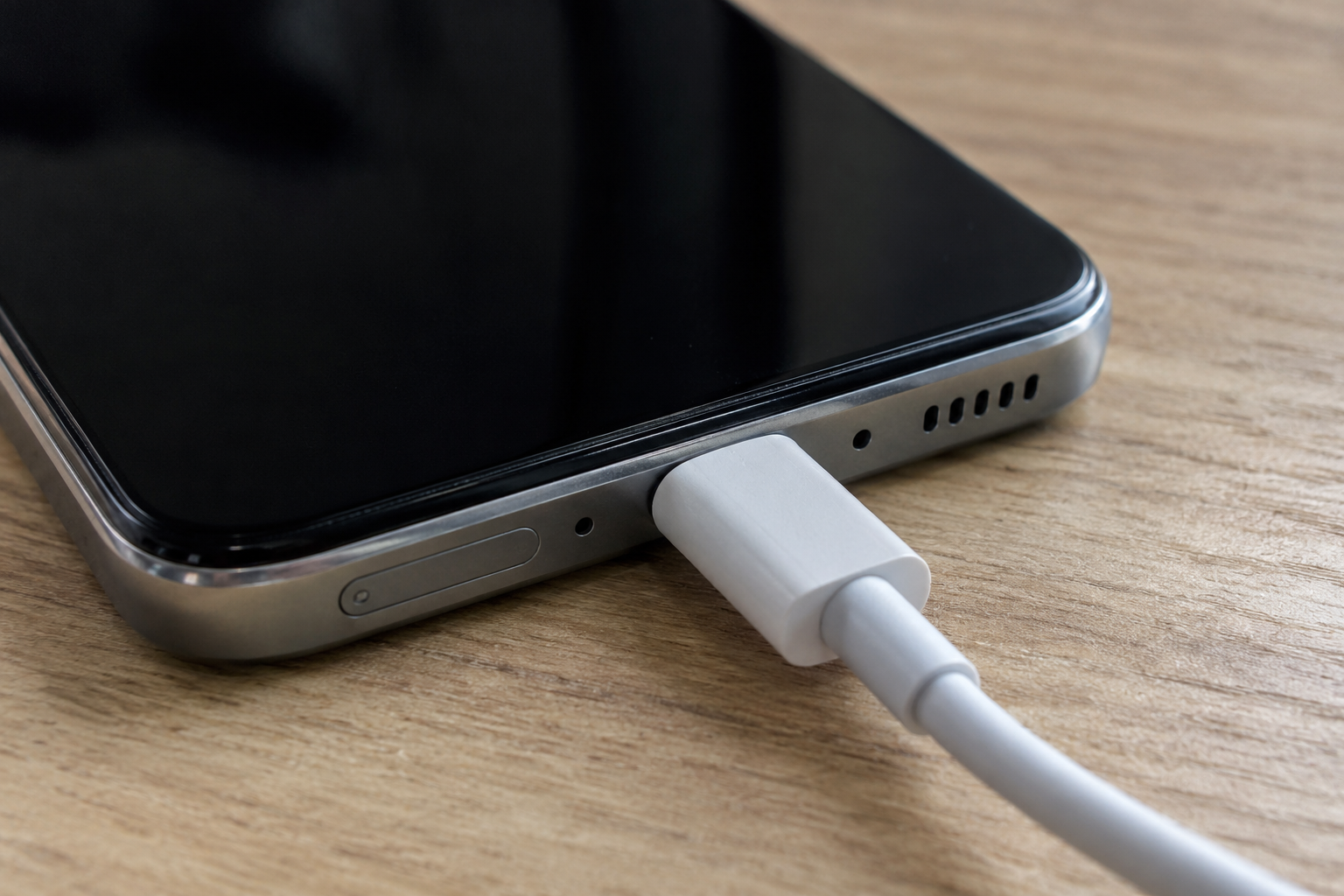
Figure 4. Example of a USB-C plug at the phone port. The photo does not show insertion depth, cable current, or an e-marker.
Where the watt reading goes wrong
The dominant failure mode is the physical limit that sets the session, and the prevention is the change that removes it.
Scroll horizontally to see all columns.
| Arrangement | What the pages allow | Dominant failure mode | Prevention |
|---|---|---|---|
| Charger nameplate above the phone’s published rate | Pixel 7 up to 20 W on a 30 W charger; several later Pixels “up to 30 W or more” | The box wattage is treated as the charge rate | Copy the phone’s wired line before comparing boxes |
| Phone stays on the 5 V pair | 15.0 W on the 30 W charger, and 15 W from 5 V at 3 A on the 45 W charger | A 30 W or 45 W name still delivers the 15 W line | Read the voltage and current pairs, not only the nameplate |
| USB-A to USB-C cable | Google says this charges more slowly than USB-C to USB-C | The slow session is blamed on wattage | Use USB-C to USB-C with a USB-C adapter |
| Two devices on the Pixel Flex 67 W charger | 60 W on a port, 67.5 W combined, Pixel phones prioritized | The second device, often a laptop, runs below the single-port 67 W | Unplug the phone when the other device needs the port maximum. Above 60 W, use an E-Marker cable certified above 60 W |
| Hot room, hot phone, or an older battery | Charge-page tip: use a cool spot. Some Pixel phones adjust charging for temperature and age, and that can slow charging | A slow session is read as the wrong charger wattage | Move the phone to a cool spot, then use the slow-charging checks |
| Cable or adapter the phone does not support | “Check charging accessory” means the cable or USB adapter may be unsupported or broken | Very slow charging, or none | Switch to a cable and charger the phone’s page lists |
Watts the nameplate does not deliver
E = P × t
Worked example with a stated hold, not a timed Google session: if the Pixel 7 figure of 20 W held for 30 minutes, 20 W × 0.5 h = 10 Wh. Google’s footnote says actual results may be slower than the published rate, and the speed test started from 1%. The 10 Wh line is arithmetic on that 20 W ceiling and a 30 minute assumption.
The same 10 Wh at the 15.0 W pair would need 10 / 15 h = 40 minutes, if the phone held 15.0 W the whole time. At the 27.0 W pair the same 10 Wh would need 10 / 27 h = 22.2 minutes, under the same hold. Those two durations describe the published pairs. They are not a stopwatch result, and they apply only if the phone requests that pair.
The practical loss is another adapter bought for a higher watt number when the phone page already names a sufficient contract. Google does not print a price for that mistake. For a Pixel, the charge page already names the 30 W PPS floor and the 15 W PD floor. For Pixel 7, the hardware note already names the 30 W Google charger as the reference for the 20 W and 23 W rates.
Record the phone model, the adapter model, the cable, and the voltage pair you expected. If the session is slow after the cable and the port check, stay with the slow-charging checks and change one part at a time.
Sources and verification
- Google: Charge your Pixel phone, fetched 17 October 2026. Adapter list, PPS 30 W and PD 15 W floors, model list at up to 30 W or more, USB-C to USB-C versus USB-A to USB-C, cool-spot tip, temperature and age adjustment, “Check charging accessory.”
- Google: Pixel phone hardware tech specs, fetched 17 October 2026. Pixel 7 up to 20 W wired and Pixel 7 Pro up to 23 W wired on the Google 30 W USB-C charger; matching wireless rates on Pixel Stand (2nd gen); test note from 1% in mid-2022.
- Google: Safety and Regulatory Guide for 30 W USB-C Charger, fetched 17 October 2026. PD and PPS voltage, current, and watt rows; e-marker note above 3 A; 0° C to 40° C operating range; EU summary for GLE6S and G70KK.
- Google: 45 W USB-C Power Charger hardware tech specs, fetched 17 October 2026. USB PD 3.1 PPS pairs and 45 W maximum.
- Google: Pixel Flex Dual Port 67 W USB-C Fast Charger, fetched 17 October 2026. Single-port 67 W, two-device 60 W and 67.5 W, E-Marker above 60 W, PD, PPS, and AVS lines, Pixel-phone priority.
- USB-IF: USB Charger (USB Power Delivery), fetched 17 October 2026. Up to 240 W, prior 100 W at 20 V on 5 A cables, 28 V / 36 V / 48 V.
- USB Promoter Group: USB PD Revision 3.1 announcement, 26 May 2021, fetched 17 October 2026. Fixed voltages 5 V, 9 V, 15 V, 20 V, 28 V, 36 V, 48 V, and 100 mV adjustable voltage.
- USB-IF: USB Type-C language and packaging guidelines, fetched 17 October 2026. USB Type-C and USB Power Delivery are not interchangeable. PD increases power up to 240 W.
- USB-IF document library search for “Programmable Power Supply,” fetched 17 October 2026, returned no documents. PPS definitions here are Google’s.
USB Type-C® and USB-C® are registered trademarks of USB Implementers Forum. The watt arithmetic uses only the published voltage, current, and power rows plus the stated 30 minute and 10 Wh assumptions.
No cached SERP for this query was available, so no competitor page was purchased or used as a fact source.
Related articles
Can You Use a Laptop USB-C Charger With an Android Phone?
A laptop USB-C wall charger and the laptop USB-C port are different supplies. Compare Dell's 15 W port ceiling, Lenovo 20 V input, PPS, and the 60 W cable logo.
Read article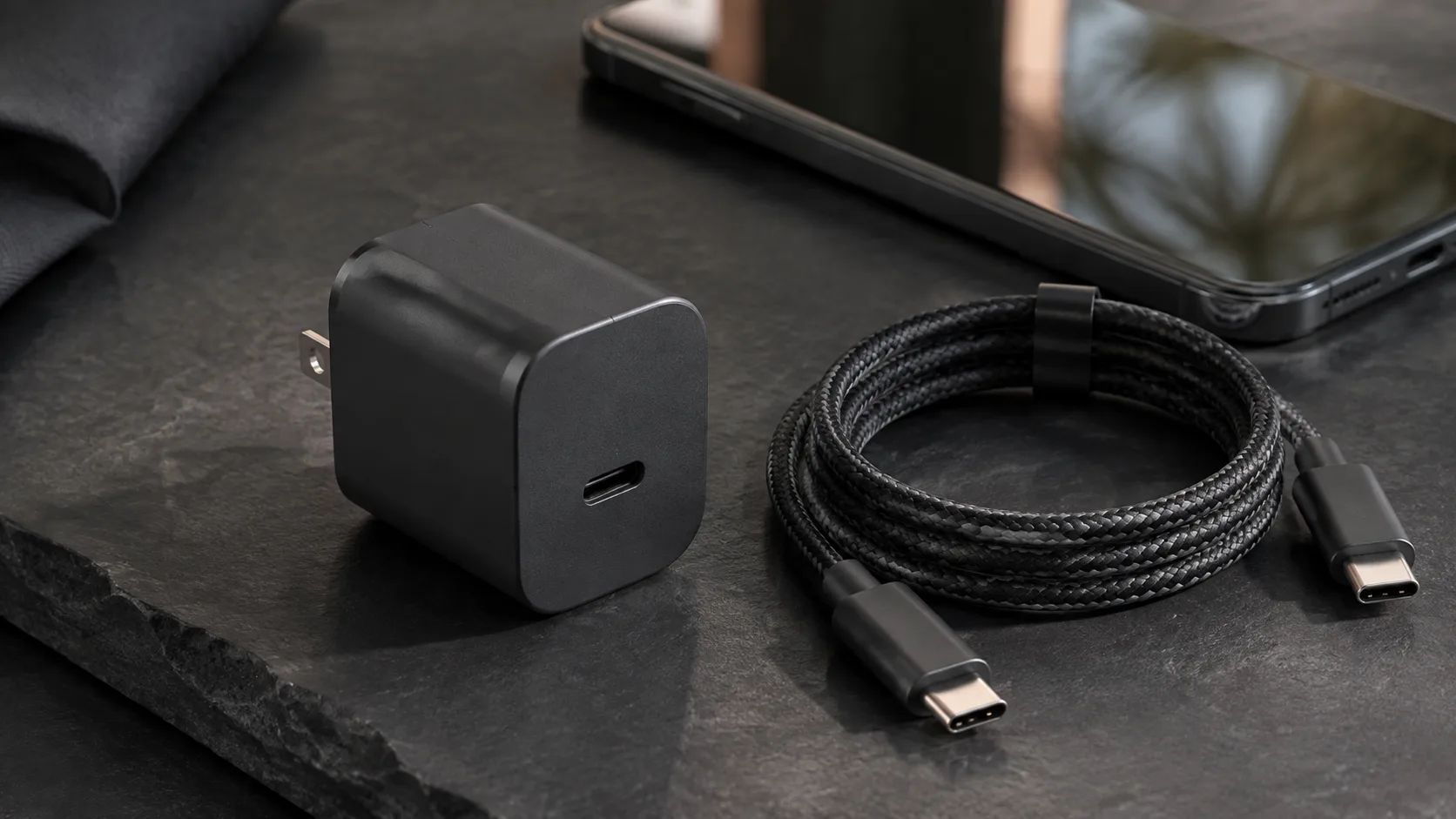
What Is a GaN Charger and Does It Work With Android?
GaN is the semiconductor in the adapter. PPS is a USB PD 3.0 feature. A 60 W or 240 W mark on a USB-C cable is a cable logo, not the charger rating.
Read article
Why Is My Android Phone Charging Slowly? A Practical Check Order
Separate a charge limit, heat protection, a bad cable seat, and a wireless alignment problem before you replace the adapter.
Read article