
USB-C Cable Types for Android: Charging, Data, Displays, and Android Auto
Match a USB-C cable to Android charging, data, a display, and wired Android Auto using USB-IF cable logos and Google's cable limits.
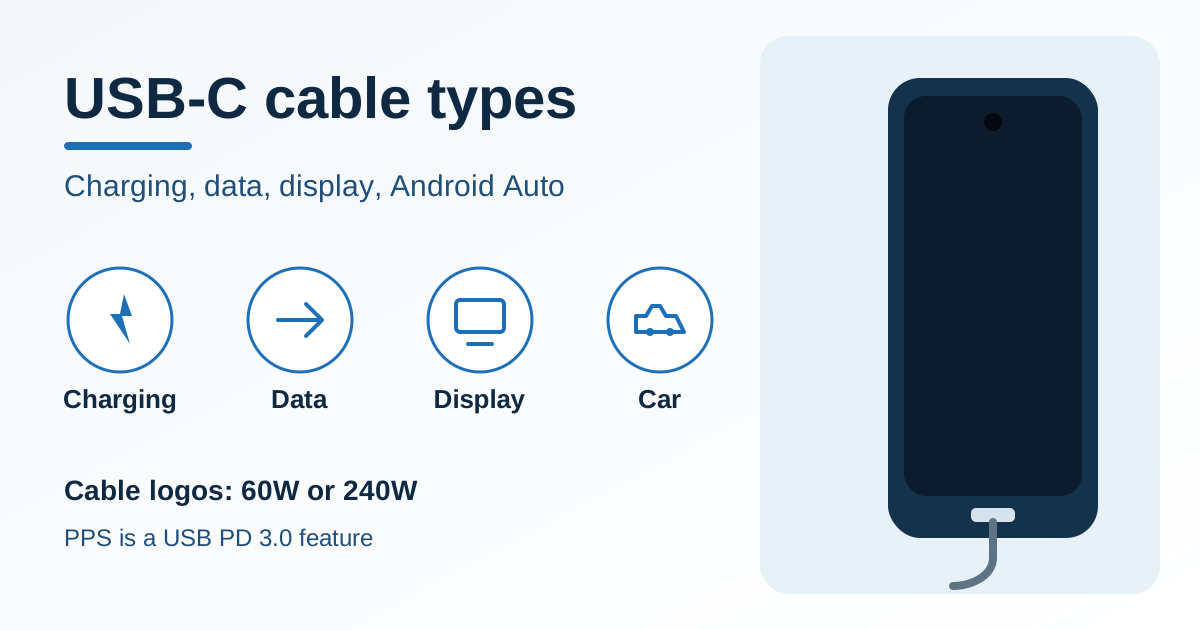
Four jobs for one USB-C plug. The phone has a centered punch-hole camera and one centered USB-C port.
The wrong USB-C cable fails charging, a file copy, a monitor, or wired Android Auto even when the plug fits. The plug only confirms the connector shape.
Choose the cable by the job: a 60W or 240W cable logo for power, a printed data-rate name for file transfer, a display-capable phone and cable for a monitor, and a short high-quality USB cable for wired Android Auto. USB-C is the plug. In the USB-IF compliance program, a USB-C to USB-C cable carries a 60W or 240W power logo, and that logo is not a charger rating or a power-bank rating. PPS is the Programmable Power Supply feature of USB Power Delivery 3.0 for hosts, devices, and chargers. It is not a cable and not USB4. USB4 is the data specification that shares data and display traffic and reaches up to 80 Gbps on 80 Gbps certified cables. Wired Android Auto needs a high-quality USB cable, a compatible car, and a phone on Android 11.0 or higher with an active data plan.
Scroll horizontally to see all columns.
| Input or item | Value or source | Why it matters |
|---|---|---|
| USB-C to USB-C power logo | 60W or 240W, required to pass USB-IF compliance testing (cables page) | The logo is on the cable. It is not a charger rating and not a power-bank rating. |
| Example tied to the 60W logo | 20 V at 3 A, marked 20Gbps/60W (same page) | Arithmetic: 20 × 3 = 60. The logo pairs that power mark with a data rate. |
| Earlier USB PD ceiling | 100 W from 20 V on Type-C cables rated at 5 A (charger page) | Arithmetic: 20 × 5 = 100. A later ceiling does not rewrite the logo on an older cable. |
| USB PD 3.1 fixed voltages | 28 V, 36 V, and 48 V enable up to 140 W, 180 W, and 240 W (announced 2021, same page) | This 240 W is the PD 3.1 power ceiling over a full-featured cable. It is a different label from the cable logo, and it is not a power-bank rating. |
| PPS | Programmable Power Supply, a feature of USB Power Delivery 3.0 (USB-IF fast-charger note) | Hosts, devices, and chargers have to support it. A cable logo does not add it. |
| USB4 signaling | Up to 80 Gbps on 80 Gbps certified cables; data and display protocols share the link (USB4). Consumer names: USB 80Gbps, 40Gbps, 20Gbps, 10Gbps, and 5Gbps (data-performance guidelines) | A power logo does not state these rates. USB 2.0 USB-C cables are exempt from the required data-rate mark. |
| Wired Android Auto | High-quality USB cable; under 3 feet (1 meter); no USB hub or cable extension (requirements, troubleshooting) | Length and hubs are printed limits. A watt number is not printed on those pages. |
| Pixel wired display | Pixel 8 and later: a display device that supports a DisplayPort or HDMI to USB-C cable (Pixel help) | Other phones stay blank until their own page names the cable. |
These rows are the public labels. The Android charging guides keep the phone, the charger, and the cable in that order.
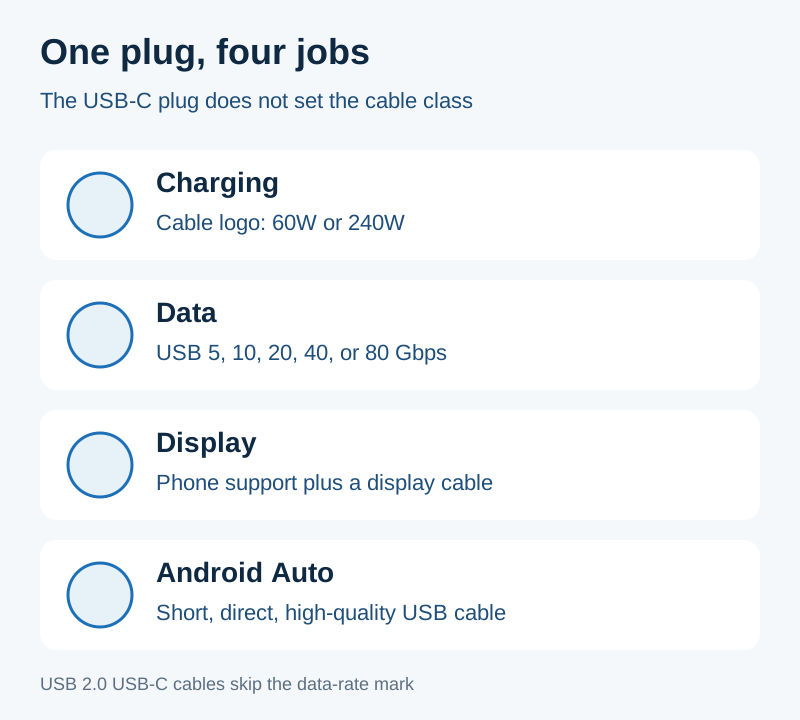
The plug is shared. The cable class is not.
Read the logo on the cable
USB-IF’s cables and connectors page says cables do not all have the same capabilities, and that a certified cable does not add capability to the products on either end. To pass the compliance program, every USB-C to USB-C cable category must be labeled 60W or 240W with the power icon or logo. The logo has to be on the cable. The lab checks it before testing. If the cable fails, it is not authorized to bear the logos.
Cables other than High-Speed USB (USB 2.0) USB-C to USB-C cables must also show the data rate they support. The page’s own example is a USB 20Gbps cable that supports 20 V at 3 A: it must carry the combined 20Gbps/60W logo. A High-Speed USB (USB 2.0) USB-C to USB-C cable still needs the power icon. The USB 2.0 trident, or another High-Speed logo, is optional on that class.
Rule of thumb: If the only watt figure you can find is on the charger or the power bank, and the cable itself shows neither 60W nor 240W, stop and treat the cable class as unknown. The 60W and 240W marks are the cable logos.
A captive cable is outside that logo program. USB-IF defines a captive cable as one USB connector that is permanently attached, or a cable with a non-USB connector on the other end. Captive cables are not eligible for USB-IF certification. Both ends of a cable assembly submitted for certification have to use USB connectors, and those connectors have to be certified first.
Cables that include an E-marker are pointed to the USB Power Delivery compliance plan for the cable tests. The cables page names that test path. It does not print a watt value for the marker.
Takeaway: Read 60W or 240W on the cable jacket or the molded logo. Then read the charger and the power bank on their own labels.
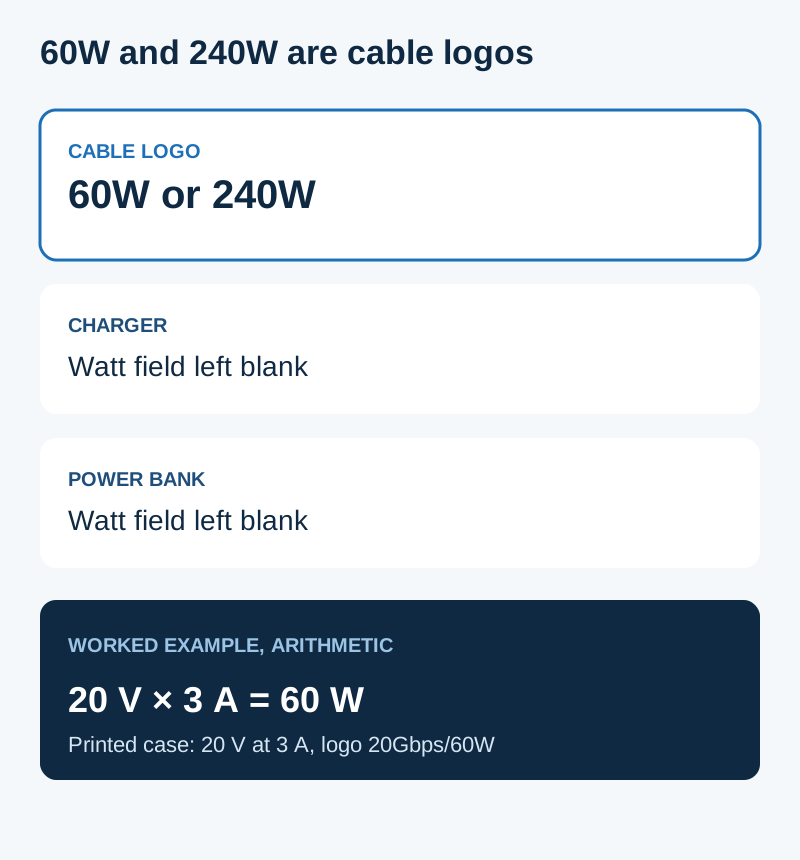
60W and 240W belong on the cable. The charger box and the power bank keep their own labels, which this figure leaves blank.
Worked example (arithmetic)
The cables page prints both “20 V at 3 A” and the “20Gbps/60W” logo in one example. The product of that voltage and current is the power figure in the logo:
P = V × I
20 V × 3 A = 60 W
The charger page prints a separate history. Before the 2021 USB PD 3.1 update, USB PD was limited to 100 W using 20 V and USB Type-C cables rated at 5 A:
20 V × 5 A = 100 W
The same page says the 2021 update enables up to 240 W over a full-featured USB Type-C cable. Fixed voltages of 28 V, 36 V, and 48 V enable up to 140 W, 180 W, and 240 W. The page does not print the current for those three voltages. If the supply is held at the printed fixed voltage and at the printed ceiling, the arithmetic is:
140 W / 28 V = 5 A
180 W / 36 V = 5 A
240 W / 48 V = 5 A
That 240 W is the PD 3.1 ceiling. The 240W cable logo is the compliance mark on a USB-C to USB-C cable. Keep the two labels apart. A number on a charger, or a number on a power bank, is neither of them.
For the phone’s own intake, use the wattage guide. If the brick is a laptop USB-C charger, use the laptop charger guide and still read the cable logo. If the phone charges slowly, follow the slow-charging check so you do not replace the brick while the cable is the limit.
Keep PPS off the cable and off USB4
USB-IF’s fast-charger note says Certified USB Fast Chargers support the Programmable Power Supply (PPS) feature of the USB Power Delivery 3.0 specification. New USB hosts, devices, and chargers that support PPS are required before a user gets the full feature. Those chargers stay backward compatible with devices that support USB Type-C and USB Power Delivery.
PPS is that power-supply feature. A 60W logo does not mean the cable is PPS. A 240W logo does not mean the cable is PPS. The USB4 page describes a data architecture: two-lane operation on existing USB Type-C cables, up to 80 Gbps on 80 Gbps certified cables, several data and display protocols on one link, and compatibility with USB 3.2, USB 2.0, and Thunderbolt 3. The connection scales to the best mutual capability of the devices. That page does not define PPS.
That USB-IF note does not print a calendar date. Use the page for the definition, and use USB PD versus PPS when the next question is how a phone and a charger negotiate.
Use the data-rate name for a file copy
The data-performance guidelines linked from the USB4 page say USB4 and USB 3.2 together identify five transfer rates: 80Gbps, 40Gbps, 20Gbps, 10Gbps, and 5Gbps. The consumer names are USB 80Gbps, USB 40Gbps, USB 20Gbps, USB 10Gbps, and USB 5Gbps. The same guidelines say USB4 Version 2.0, USB4 Version 1.0, USB 3.2, SuperSpeed Plus, Enhanced SuperSpeed, and SuperSpeed+ are specification terms and are not meant for product names, packaging, or other consumer-facing copy.
A High-Speed USB (USB 2.0) USB-C to USB-C cable is the class that skips the required data-rate mark. If a listing shows only a 60W or 240W power icon, you still do not have a printed speed. The guidelines do not print a USB 2.0 rate in that five-name list, so this page leaves the USB 2.0 speed blank.
USB4’s “up to 80 Gbps” applies to 80 Gbps certified cables. The page also says two-lane operation can use existing USB Type-C cables. An older cable can complete a link and still settle at the best rate both ends share. The power logo does not tell you which of the five names applies.
Treat a display as its own path
A monitor needs a phone that implements a display protocol and a cable that can carry it. The USB4 page says the host can scale display data on the same link as other data, and that the result follows the best mutual capability. It does not say every USB-C cable carries video.
VESA’s 22 September 2014 announcement of DisplayPort Alternate Mode on USB Type-C says the mode repurposes some or all of the four SuperSpeed USB lanes, and uses other signaling in the connector for the AUX channel and hot-plug detection. In that announcement, a USB Type-C connector and cable can carry DisplayPort audio and video, SuperSpeed USB data, and up to 100 watts. The 100 watt figure is the 2014 announcement. It is not the 60W or 240W cable logo.
The same announcement prints these lane figures, dated to that standard text:
- DisplayPort up to 8.1 Gbps per lane, as defined in DisplayPort 1.3, or SuperSpeed USB up to 10 Gbps per lane.
- The announcement says early implementations will likely use DisplayPort 1.2a, up to 5.4 Gbps per lane.
- 5.4 Gbps across all four high-speed lanes supports up to 4K (4096 × 2160) at 60 Hz with up to 30-bit color.
- Two lanes at 8.1 Gbps per lane can run beside SuperSpeed USB data up to 10 Gbps in each direction and a 4K UHD (3840 × 2160) DisplayPort monitor.
Those are 2014 standard figures. They are not a measurement of the phone in your hand.
For one current phone family, Google’s Pixel help limits wired screen projection to Pixel 8 and later. The display device must support a DisplayPort or HDMI to USB-C cable. You plug the DisplayPort or HDMI lead into the display, plug USB-C into the phone, and accept the mirror-display prompt. That sentence does not extend to earlier Pixels, and it does not name a watt logo.
The USB-C video guide walks the rest of the path: phone support, then the adapter, then the cable, then the monitor input.
Keep wired Android Auto on a short direct cable
Google’s Android Auto requirements, checked 18 October 2026, say a wired car display needs an Android phone with Android 11.0 (Red Velvet Cake) or higher, an active data plan, a compatible car, and a high-quality USB cable. Android Auto is integrated into the phone. You do not download a separate app. It is not available on Android (Go edition). The same page lists the countries where it is offered and says most features will not work outside that list.
The troubleshooting page says not every USB cable works with every car. For quality and reliability, use a high-quality USB cable. If Android Auto worked and then stopped, replacing the USB cable will likely fix it. The printed tips are:
- Use a cable under 3 feet (1 meter).
- Do not use a USB hub or a cable extension.
- Try the cable that came with the phone. Google’s examples are the Pixel cable with a Pixel phone, and the Samsung USB cable with a Samsung Galaxy phone.
- An independent cable can be a fit when it meets USB Implementers Forum standards. Check whether it was certified within the past two years, and filter the list by model or brand.
Rule of thumb: If cable length exceeds 3 feet, or the path includes a USB hub or a cable extension, switch to a direct cable under 3 feet (1 meter) before you change head-unit settings.
The USB-IF product search defaults to products certified in the last two years. USB-IF says products with certification dates older than 2 years may fail the current compliance program, and that the vendor has to confirm the product still meets current standards. Older rows need the date filter. The public list is a search, not a cable matched to your phone, so this guide does not name a TID.
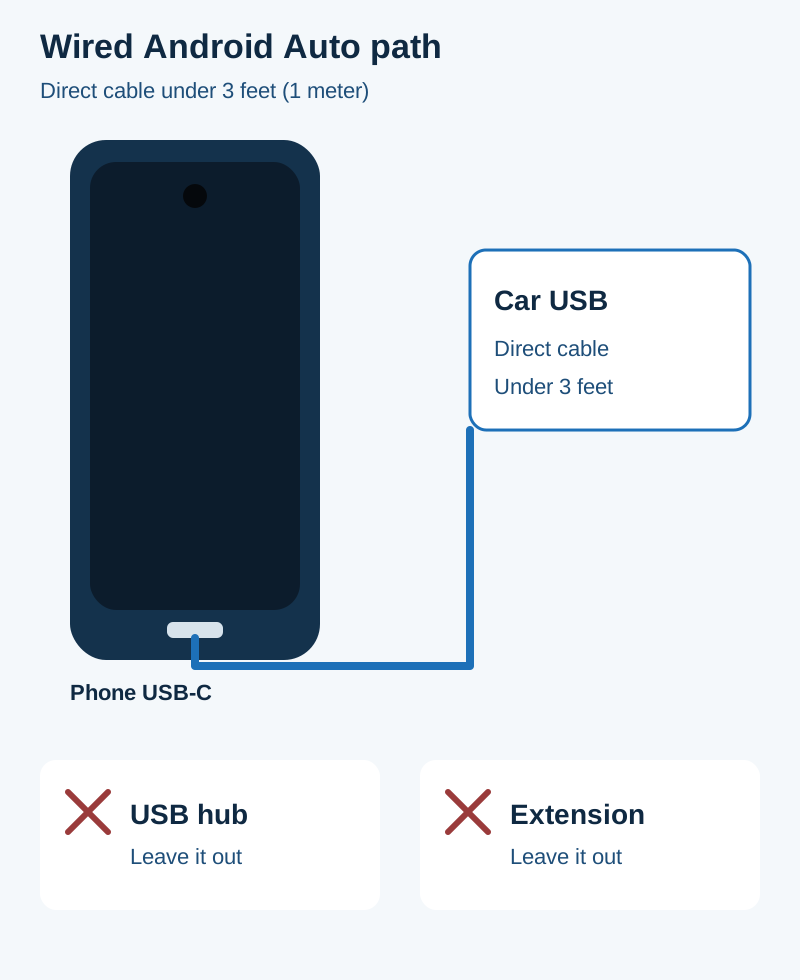
Google’s troubleshooting page keeps the cable direct, under 3 feet (1 meter), with no hub and no extension.
Takeaway: Start with the phone’s own cable, or a short independent cable you can find on the USB-IF list. Then use the Android Auto cable checklist for the port, lint, and the one-cable swap. If the session still drops, the disconnect checklist is the next pass.
Wireless Android Auto is a different path. The requirements page asks for 5 GHz Wi-Fi, Android 11.0, and a compatible car or stereo. In the EU it also cites extra rules for 5 GHz in the car, and says Pixel 3 and newer Google phones meet that regulatory point. The wired and wireless comparison covers that choice. It does not change the cable limits above.
How each job fails
Scroll horizontally to see all columns.
| Job | What the source requires | Dominant failure mode | Prevention |
|---|---|---|---|
| Charging | 60W or 240W logo on the USB-C to USB-C cable | A charger watt print or a power-bank watt print used as the cable logo | Read the logo on the cable. A certified cable does not raise the phone or the charger. |
| Data | A data-rate name, except on High-Speed USB (USB 2.0) cables | A power logo treated as a speed | Ask for USB 5Gbps, 10Gbps, 20Gbps, 40Gbps, or 80Gbps when the copy needs that class. |
| Display | A phone that implements display, and a cable that can carry it | A power logo on a phone with no display support, or a USB 2.0-only cable where Alt Mode needs SuperSpeed lanes | Check that model’s page. For Pixel 8 and later, Google names a DisplayPort or HDMI to USB-C cable. |
| Android Auto | High-quality USB cable, under 3 feet (1 meter), no hub or extension | A long cable, a hub, an extension, or a cable that does not work with that car | Use a direct cable under that length. If it worked and then stopped, replace the cable. |
The repeated cost is the wrong part in the repair pile. Google’s troubleshooting page puts a fresh cable ahead of a head-unit replacement when a working Android Auto link dies. A dark monitor is a phone-support question before it is a new dock, which is why the video guide starts with the phone. A slow charge is a three-part check, phone, charger, and cable, which is why the wattage guide and the slow-charge page sit next to the logo.
When this does not apply
Skip the Android Auto cable rules on Android (Go edition). Google says Android Auto is not available there. Skip them for a wireless car link. That path is Wi-Fi, and the cable limits on this page do not set the 5 GHz requirements.
Skip the 60W and 240W logo rule for a captive lead that is molded into a charger. USB-IF does not certify that construction as a cable assembly. Read the charger on its own label.
Skip the 2014 lane rates when you are buying for a specific phone. Use the phone maker’s current page. If that page does not name a display cable, leave the display cell blank for that model.
Sources and verification
Checked 18 October 2026. Figures below are quoted from the saved pages. Arithmetic rows are marked in the worked example. No bench measurement is reported here.
- USB-IF: Cables and Connectors. 60W and 240W cable logos, the 20 V at 3 A / 20Gbps/60W example, the USB 2.0 data-mark exception, captive cables, and the E-marker test pointer.
- USB-IF: USB Charger (USB Power Delivery). PD 3.1, announced 2021, up to 240 W; the earlier 100 W / 20 V / 5 A cable case; 28 V, 36 V, and 48 V ceilings.
- USB-IF: fast-charger note. PPS is the Programmable Power Supply feature of USB Power Delivery 3.0.
- USB-IF: USB4. Up to 80 Gbps on 80 Gbps certified cables, shared data and display protocols, best mutual capability.
- USB-IF: USB data performance language guidelines. The five consumer rate names. The file is the one linked from the USB4 page. The PDF text does not print a separate publication date.
- USB-IF: product search. Public list defaults to the last two years.
- VESA, 22 September 2014: DisplayPort Alternate Mode on USB Type-C. SuperSpeed lanes, the 2014 power sentence, and the printed lane and 4K figures.
- Google: Android Auto requirements. Android 11.0, data plan, compatible car, high-quality USB cable, wireless 5 GHz notes, country list.
- Google: Android Auto troubleshooting. Cable length, hubs, extensions, and the phone-maker cable examples.
- Google: Project your Pixel phone’s screen. Pixel 8 and later, DisplayPort or HDMI to USB-C.
Related articles
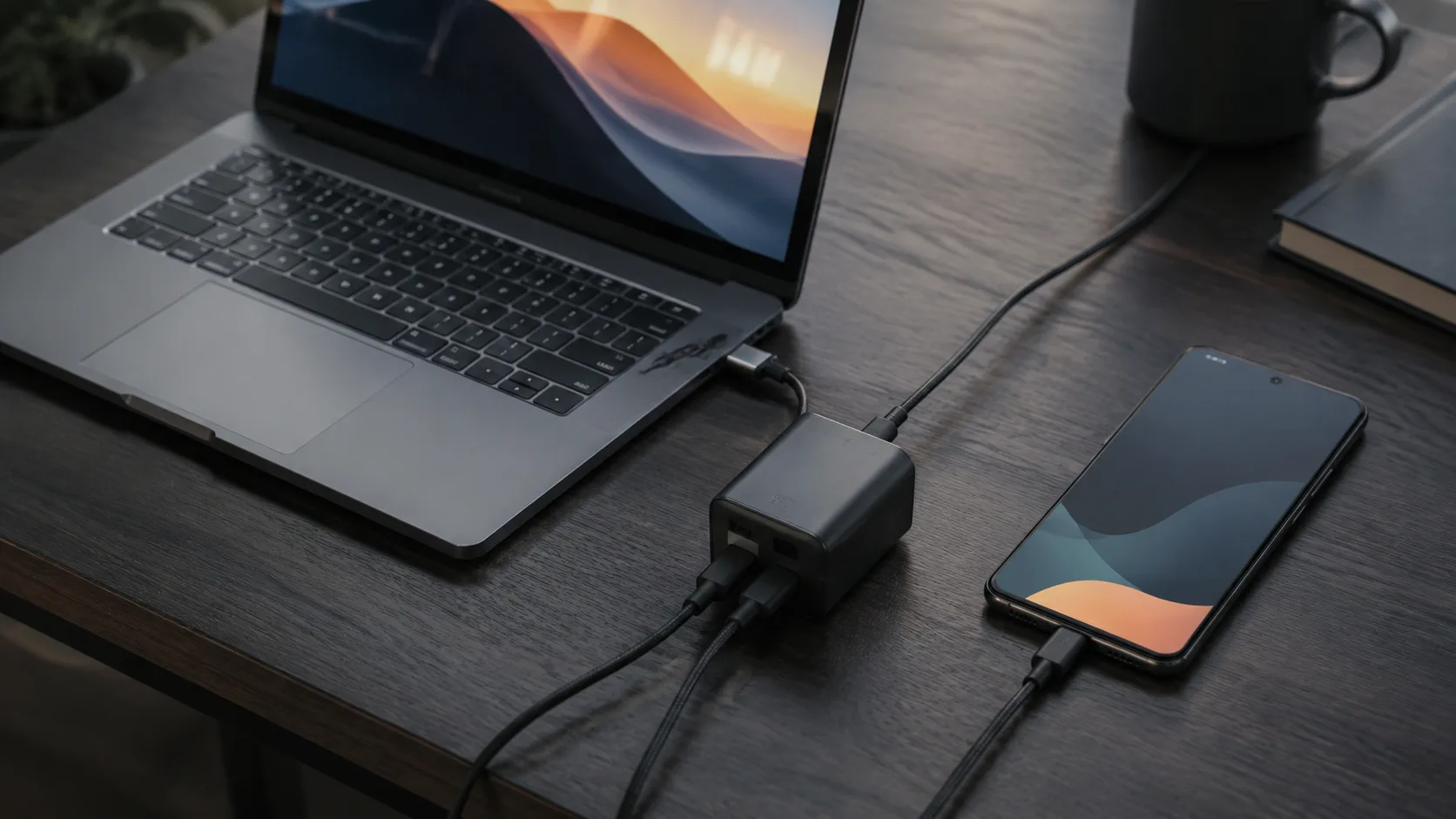
Can You Use a Laptop USB-C Charger With an Android Phone?
A laptop USB-C wall charger and the laptop USB-C port are different supplies. Compare Dell's 15 W port ceiling, Lenovo 20 V input, PPS, and the 60 W cable logo.
Read article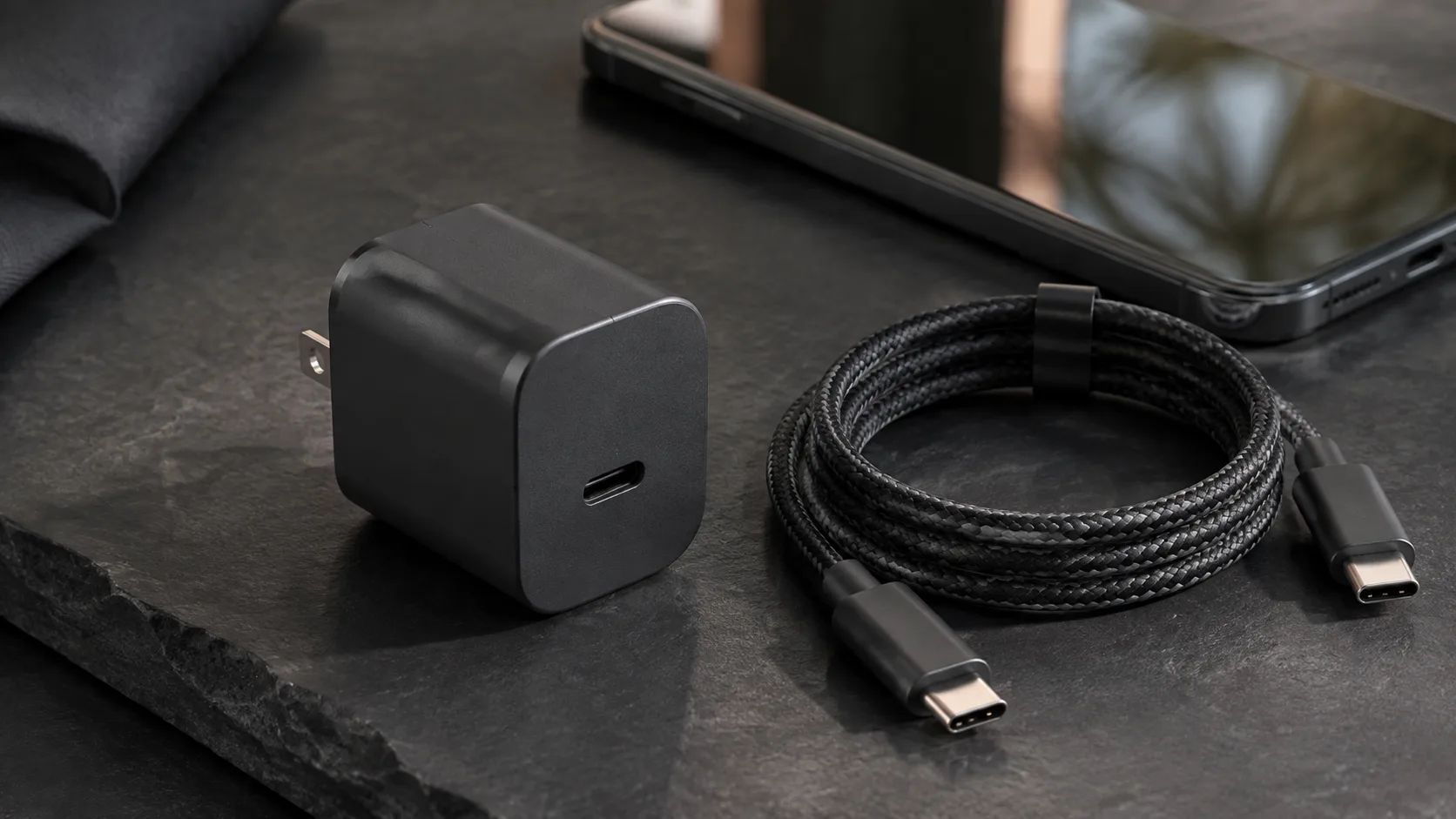
What Is a GaN Charger and Does It Work With Android?
GaN is the semiconductor in the adapter. PPS is a USB PD 3.0 feature. A 60 W or 240 W mark on a USB-C cable is a cable logo, not the charger rating.
Read article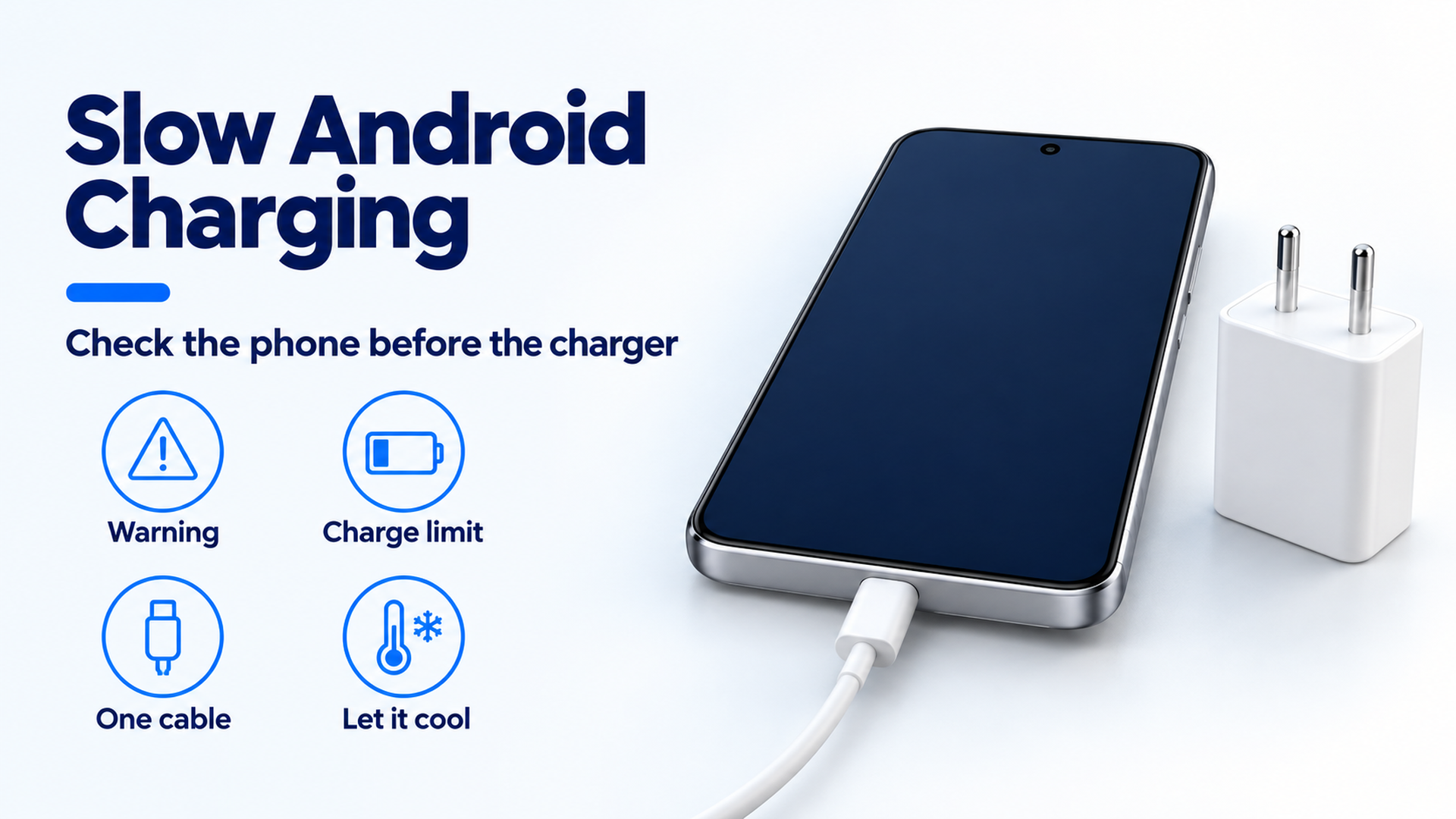
Why Is My Android Phone Charging Slowly? A Practical Check Order
Separate a charge limit, heat protection, a bad cable seat, and a wireless alignment problem before you replace the adapter.
Read article