
How can I customize Android Auto's split screen mode?
Record which Android Auto layout controls your phone, car, and adapter expose. DPI scaling here means the documented AAWireless TWO.
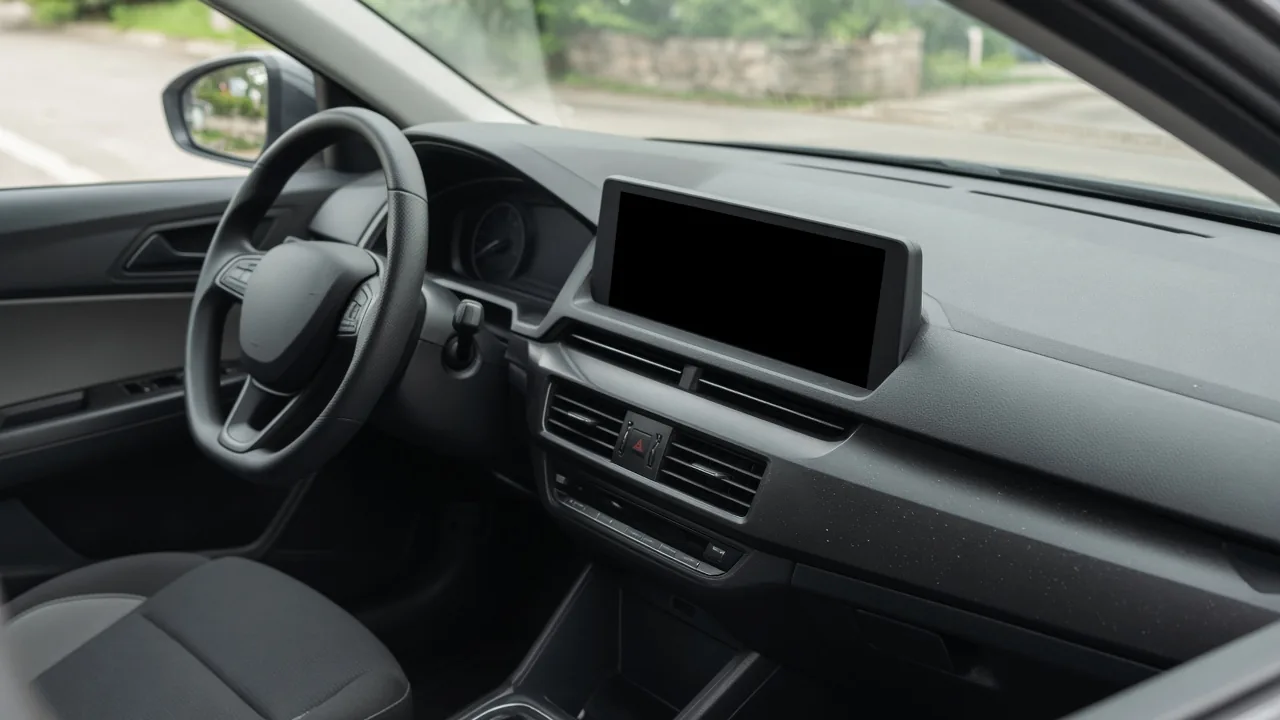
A wide center display in a parked car, switched off.
A layout menu the car never shows wastes the parked session. You reorder or hide launcher apps and turn quick controls on from the phone, while Android Auto fills the card area from the screen shape and the apps you used last.
You change two things on the phone: which apps the launcher shows, and whether quick controls stay up during a full-screen app. Android Auto fills the recent-apps area on its own with the navigation, media, and communication apps you used last, plus one more app. Google’s help page, read on October 13, 2026, is the source for that area and for the quick-controls switch. The public design page last updated May 28, 2025 places the launcher by screen width and height, beside the side bar on a wider screen and above the bottom bar on a portrait screen. DPI scaling sits outside both of those pages. This article uses it only for the AAWireless TWO, because that is the adapter the maker’s comparison, read on October 13, 2026, names for the feature, and the maker says the display resolution itself stays at the default.
Copy the record at the end while the car is parked. Leave a cell blank when the menu is absent.
What can you change, and what fills in by itself?
Scroll horizontally to see all columns.
| Item | Who sets it | What you can change | What is filled in for you | Where this comes from |
|---|---|---|---|---|
| Recent-apps area | Android Auto | Open an app. The area then reflects recent use | The navigation, media, and communication apps you used most recently, plus one more app | Google Help, “Screens and apps on Android Auto,” read October 13, 2026 |
| Launcher position | The car’s screen shape | Nothing in Android Auto settings | Beside the side bar on a wider screen. Above the bottom bar on a portrait screen | Google Design for Driving, app launcher, last updated May 28, 2025 UTC. That text was still on the public page on October 13, 2026 |
| Launcher contents | You, on the phone | Hide apps and options. Drag names to change order | An alphabetical grid until you change it. Exit sits first until you move it | Same design page |
| Quick controls in a full-screen app | You, on the phone | Turn on “Show quick controls for apps” | Media controls and navigation directions stay out of that full-screen view until the switch is on | Google Help, same page and date |
| Which side sits closer to the driver | One phone and one car, as reported | Look for Change Layout, then “Media Closer to Driver” or “Navigation Closer to Driver” | No swap until that menu is on your unit | XDA, June 4, 2026, on the writer’s phone and a Hyundai Ioniq 5. Those labels are absent from the Google help page above |
| DPI scale | AAWireless, on the TWO only | A DPI control, if the companion app shows one for that TWO | The resolution, which the maker says stays at the default | AAWireless comparison of the TWO and the TWO+, read October 13, 2026 |
Takeaway: Write the row from the screen in front of you. A missing menu is a blank cell.
A wide center display in a parked car, switched off.
The screen in that picture is off. Width and height are properties of the car, which is why the design page ties launcher position to the display rather than to a slider.
Which phone settings move the launcher?
Google’s design page says you can hide certain apps and options, and change the order in which apps appear. Both actions live in Android Auto settings on the phone. The path on that page is Settings, then Connected Devices, then Connection Preferences, then Android Auto. Searching the settings app for Android Auto is the other route it names. Customize launcher is the screen where you hide apps or drag names. The page says the launcher shows the new order after you exit Android Auto and start it again.
That public page, opened October 13, 2026, also says Design for Driving moved, and that from March 11, 2026, later updates go to a partner site. The partner site asked for a Google sign-in, so the path above is the public page that still loaded, last updated May 28, 2025 UTC. If your phone uses different labels, write those labels in the record.
“Show quick controls for apps” is a separate switch on the help page. With it on, Google says you see media controls and navigation directions while you use a full-screen app. Clear the same switch to return to the full-screen app alone. The help page names the switch. The exit-and-start-again step is the design page’s rule for launcher edits. In the record, note which of the two you changed.
A phone with its screen down, a coiled cable, and the lower edge of a dark car display.
The dashboard has to be up before either setting is worth recording. Use the wired and wireless Android Auto comparison to write down whether this phone and car are on a cable or on wireless projection. A session that never reaches Android Auto stays off this table.
What did a June 2026 article report for the driver-side swap?
XDA’s June 4, 2026 article describes the current dashboard as side-by-side apps without the older dedicated split-screen toggle. The writer says a third area can show texts, messages from other apps, or an incoming call when those notifications are allowed in Android Auto. On that writer’s screen, a square at the bottom left made the navigation app full screen.
For moving the large area, the article gives two paths on that equipment:
- On the Android phone: Settings, then Android Auto, then Change Layout, then “Media Closer to Driver” or “Navigation Closer to Driver.”
- In the car: Settings, then Display, then Change Layout, then the same two labels.
The writer used the phone path so media sat on the far side of a Hyundai Ioniq 5 display. That is one car. If your phone or head unit shows those words, record the path and the choice. If the words are missing, write “not listed” and stop there.
Common mistake: copying the Ioniq 5 path onto a head unit that uses different words. The cell should match the labels you see.
When does AAWireless document DPI scaling?
Use the DPI row only when the adapter is an AAWireless TWO. In the company’s comparison of the TWO and the TWO+, read on October 13, 2026, DPI adjustment is labeled exclusive to the TWO. The FAQ on that page says the resolution of the Android Auto display stays at the default, and that DPI scaling through the TWO is for visibility and accessibility of the display.
The same page defines DPI as dots per inch and says it controls how Android Auto scales on the vehicle screen. The company says DPI adjustment can fit more content on the screen, reduce oversized interface elements, improve readability on larger displays, and optimize layout for wide infotainment systems. Those four lines are the manufacturer’s description. The page states no DPI number, no pixel size, and no card count.
The comparison marks “Change DPI settings” with the TWO, and it tells an Android-only driver who wants DPI customization to choose the TWO. The TWO+ is the model that article describes for wireless Android Auto and Apple CarPlay together, with cross-platform support ahead of Android-only customization. If the name on the adapter or in the companion app is anything other than AAWireless TWO, leave the DPI cells blank.
Write the value the app already shows before you move it. Put that same value back if the dashboard gets harder to read. The comparison does not name the companion-app screen or a numeric range, so this record does not add either. The company does not say a DPI change produces three cards or a 1080p picture, so the record has no row for that outcome.
Takeaway: Record the TWO’s current DPI value first. Restore means typing that saved value back.
What do you write in the check record?
Park the car. Copy these rows into a note or onto paper. One session is one block, so a later restore is visible as its own block.
Scroll horizontally to see all columns.
| Field | Write this | Leave blank when |
|---|---|---|
| Phone | Model, and the Android Auto version if the phone or car shows it | The version is not displayed |
| Car or stereo | Year, model, and head-unit name | You can read only the car’s badge |
| Connection | Cable, or wireless, using the comparison page linked above | Android Auto never opened |
| Screen shape | Wide landscape, or portrait | You have not looked at the display |
| Recent apps showing | The app names in that area | The dashboard is not up |
| Customize launcher | Hidden apps and the order you set, or “unchanged” | The phone has no Customize launcher entry |
| Restart after a launcher edit | Yes, after you exited Android Auto and started it again | You have not edited the launcher |
| Show quick controls | On or off, and whether media and navigation stayed visible in a full-screen app | The switch is absent from Android Auto settings |
| Change Layout | The path you found, the choice you selected, or “not listed” | You have not looked on the phone and in the car |
| Adapter name | The name on the device or in its app | No adapter is in the car |
| DPI before | The value shown, for an AAWireless TWO | The app has no DPI control, or the adapter is not a TWO |
| DPI after | The value you set, then the value you restored | You left DPI alone |
An open notebook with blank pages and a pen on a passenger seat.
When does this record stop?
Skip the DPI rows for every adapter other than an AAWireless TWO. Skip Change Layout when those words are missing on the phone and in the car. Skip the whole sheet when Android Auto is not on the screen, and finish the connection comparison first.
Developer-menu resolution and installs from outside the Play store are outside this sheet. A January 5, 2023 owner post on MaverickTruckClub said a base XL Ford Maverick showed the split dashboard without a beta enrollment and without a recent app update, and the poster called it a server-side switch. That report dates a rollout on one truck. It is not a 2026 setting to recreate.
If a label on your phone differs from the May 28, 2025 design page, keep your label. The public page still serving that date is the copy read for this article on October 13, 2026.
How this page was put together
The tables compile public pages opened for this article.
- Google Help, Screens and apps on Android Auto, read October 13, 2026. Recent apps, the dashboard icon, and “Show quick controls for apps.”
- Google for Developers, App launcher, last updated May 28, 2025 UTC, still serving that text on October 13, 2026, with a notice that later Design for Driving updates moved to a signed-in partner site.
- AAWireless, TWO and TWO+ comparison, read October 13, 2026. DPI wording is the company’s.
- XDA, “Android Auto’s split screen is the one feature I use on every single drive,” June 4, 2026. Change Layout paths and one Ioniq 5 example.
- AA Hacks, “How to Add Coolwalk on Android Auto?”, last updated September 2026. Used for the point that the dashboard arranges itself from screen size, orientation, apps, Android Auto version, and the car maker’s implementation. Store prompts on that page are unused here.
- MaverickTruckClub thread started January 5, 2023, by paneubert, about a base XL Maverick. Used as a dated rollout report.
Related articles
How do I stop my phone from overheating while wireless charging?
Separate wireless charging from wireless Android Auto. Change one condition per drive, keep your own sheet, and stop if the phone warns you.
Read article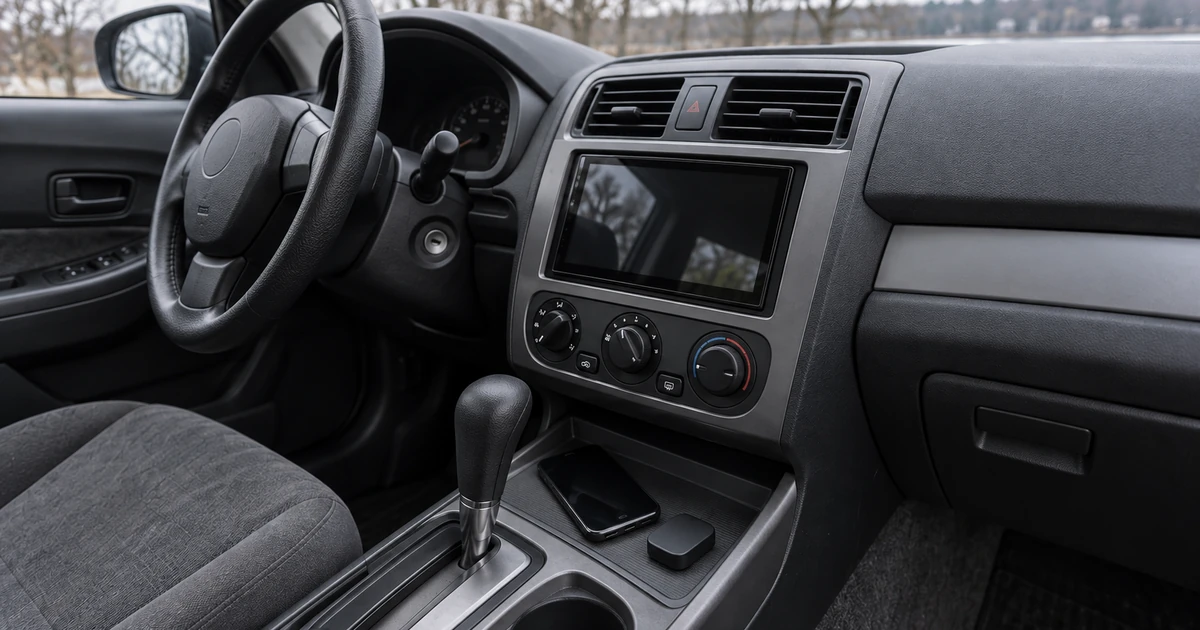
Wireless Android Auto: 2.4 vs 5 GHz and Wi-Fi Channels
Understand the 5 GHz requirement, compare supported channels 36 and 149, and check US DFS and regional limits before changing a wireless car link.
Read article
Update Head Unit Firmware for Android Auto
Identify the right receiver update, prepare its USB files, check MCU package limits, and verify the version before retesting Android Auto.
Read article