
Wireless Android Auto Adapter: 5 GHz Wi-Fi and Boot Speed
Separate adapter cold boot from ignition power and phone reconnection, and learn why Android Auto's 5 GHz Wi-Fi requirement promises no startup time.
Read article16 articles with this tag.
Separate adapter cold boot from ignition power and phone reconnection, and learn why Android Auto's 5 GHz Wi-Fi requirement promises no startup time.
Read articleFind Android Auto's version panel, unlock and exit its developer menu, and check the limits of Unknown sources, resolution and wireless settings.
Read articleFind which device selects your Android Auto phone, separate call priority from projection, and check startup and switching with two phones.
Read article
Compare the factory radio, wired Android Auto, and a wireless adapter on the same phone. Leave any button check you did not run blank.
Read article
Record which Android Auto layout controls your phone, car, and adapter expose. DPI scaling here means the documented AAWireless TWO.
Read article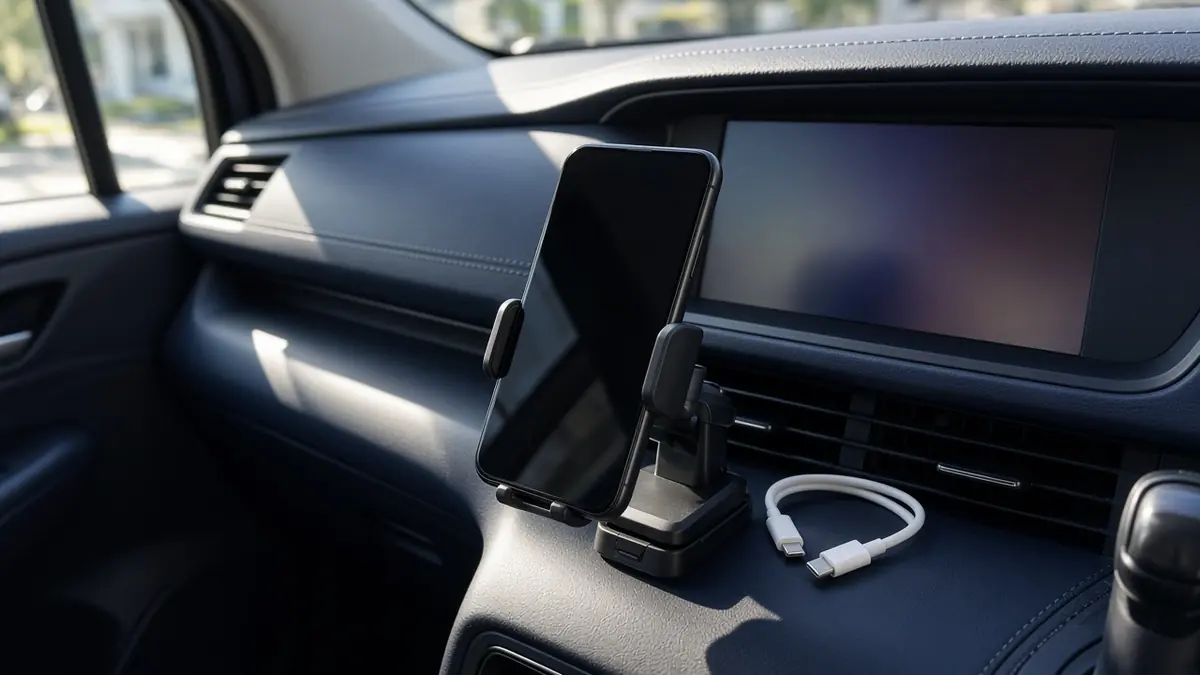
Separate wireless charging from wireless Android Auto. Change one condition per drive, keep your own sheet, and stop if the phone warns you.
Read article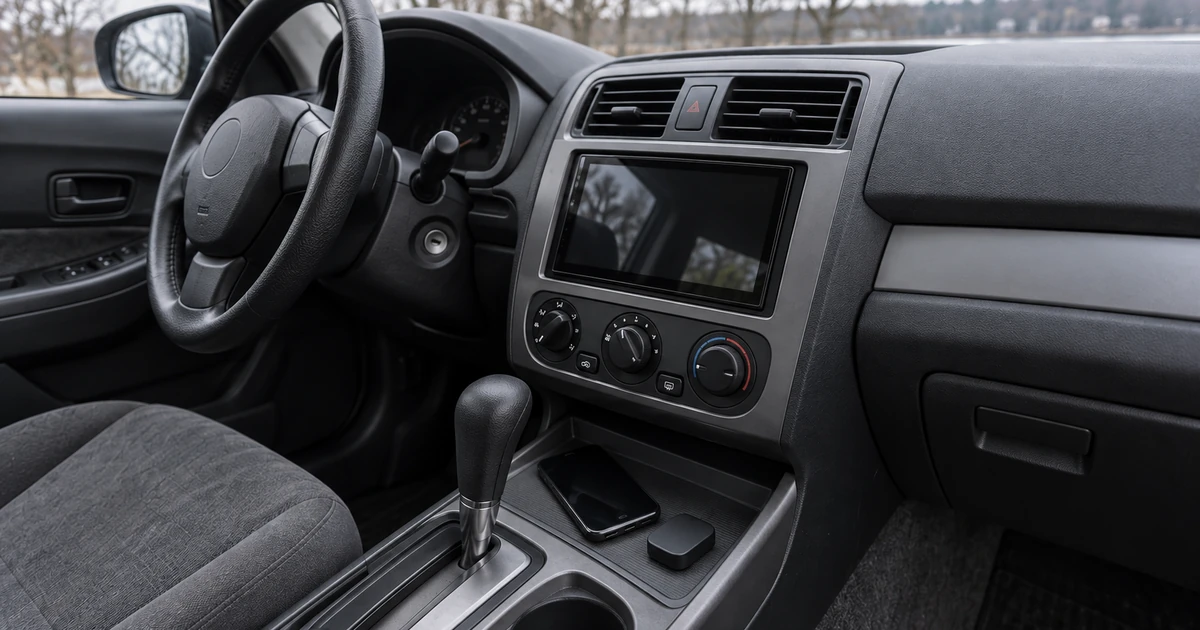
Wireless Android Auto needs 5 GHz Wi-Fi on the phone. Compare the US DFS lists with the TWO and TWO+ bands, then test channels 36 and 149 only if that app shows them.
Read article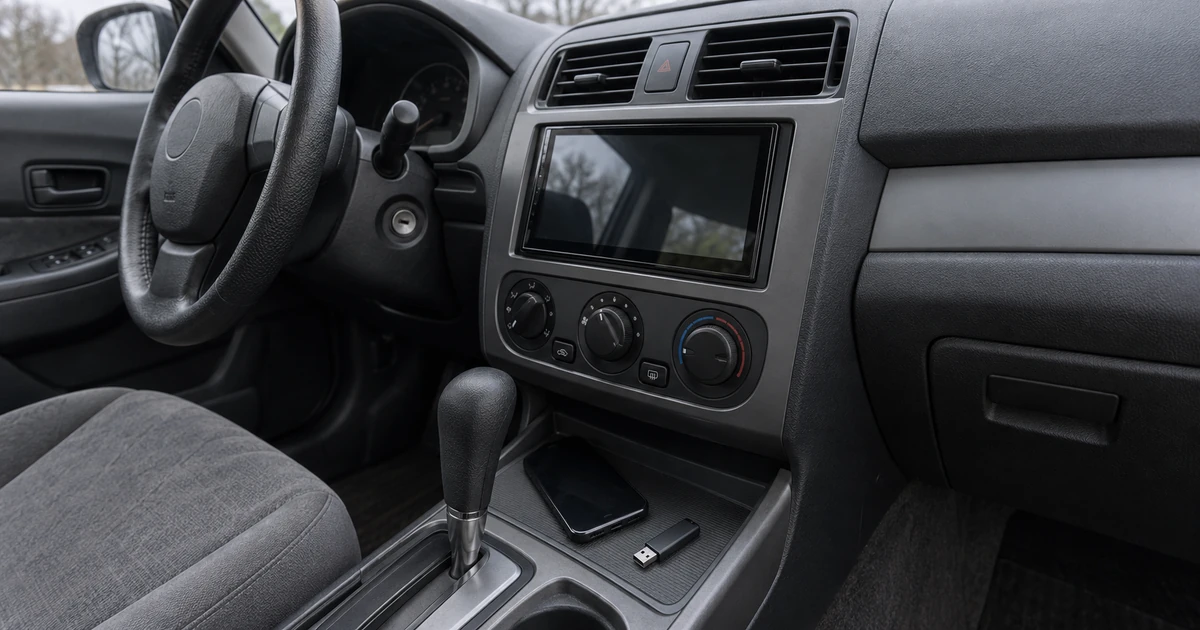
Match the aftermarket receiver's printed firmware package and USB rules, then confirm the version before testing Android Auto again.
Read article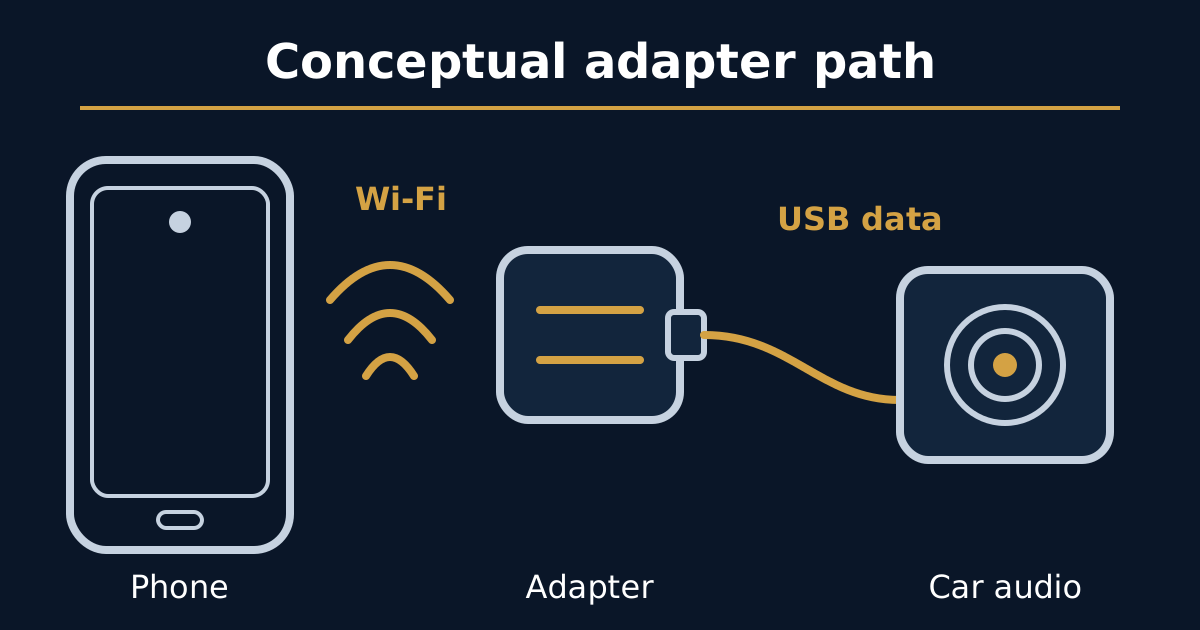
Name the gap or the late control, compare the same media on direct USB, then change one printed adapter control and leave the packet-loss cell blank.
Read article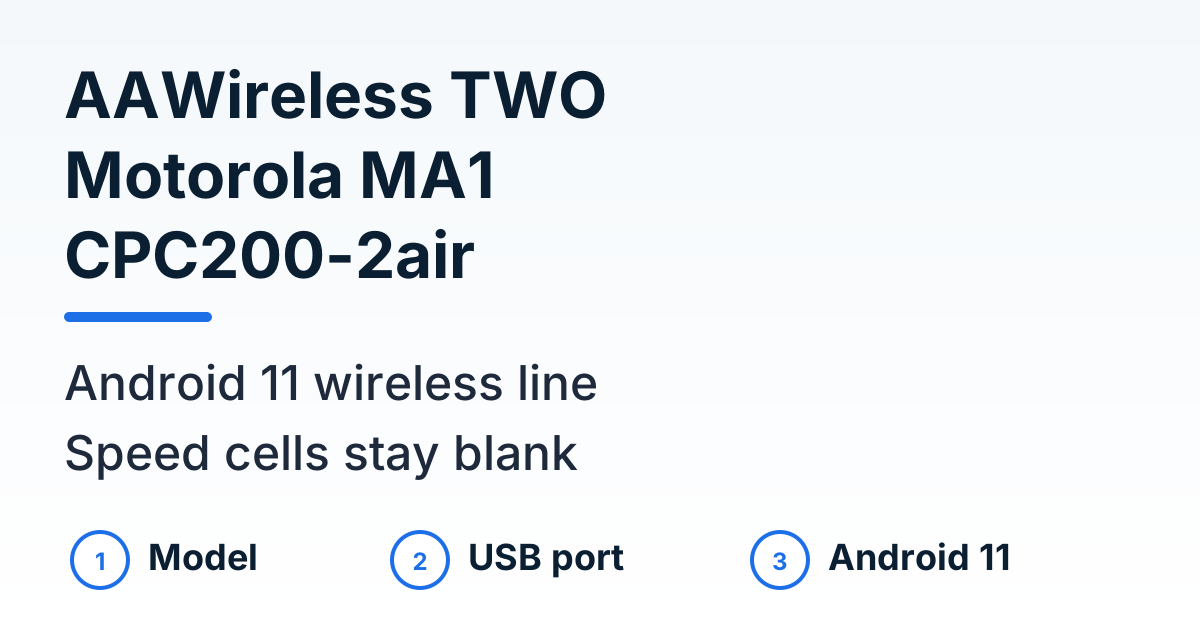
Compare AAWireless TWO, Motorola MA1, and CarlinKit CPC200-2air by the controls each product page prints. Speed, heat rank, and price stay blank.
Read articleMatch AAWireless TWO, Motorola MA1, and CarlinKit CPC200-2air to a USB port that already starts Android Auto, and to the Android 11 line each page prints.
Read article
When Android Auto keeps disconnecting, name what left the car display, then change one thing in Park: the cable under 1 meter, or the 5 GHz wireless path.
Read article