
Android USB OTG: What It Is and What to Check Before Buying an Adapter
Confirm the phone can source VBUS, then separate a Micro-AB ID pin, a USB-C plug with Rd, and a PPS charger before you buy an adapter.
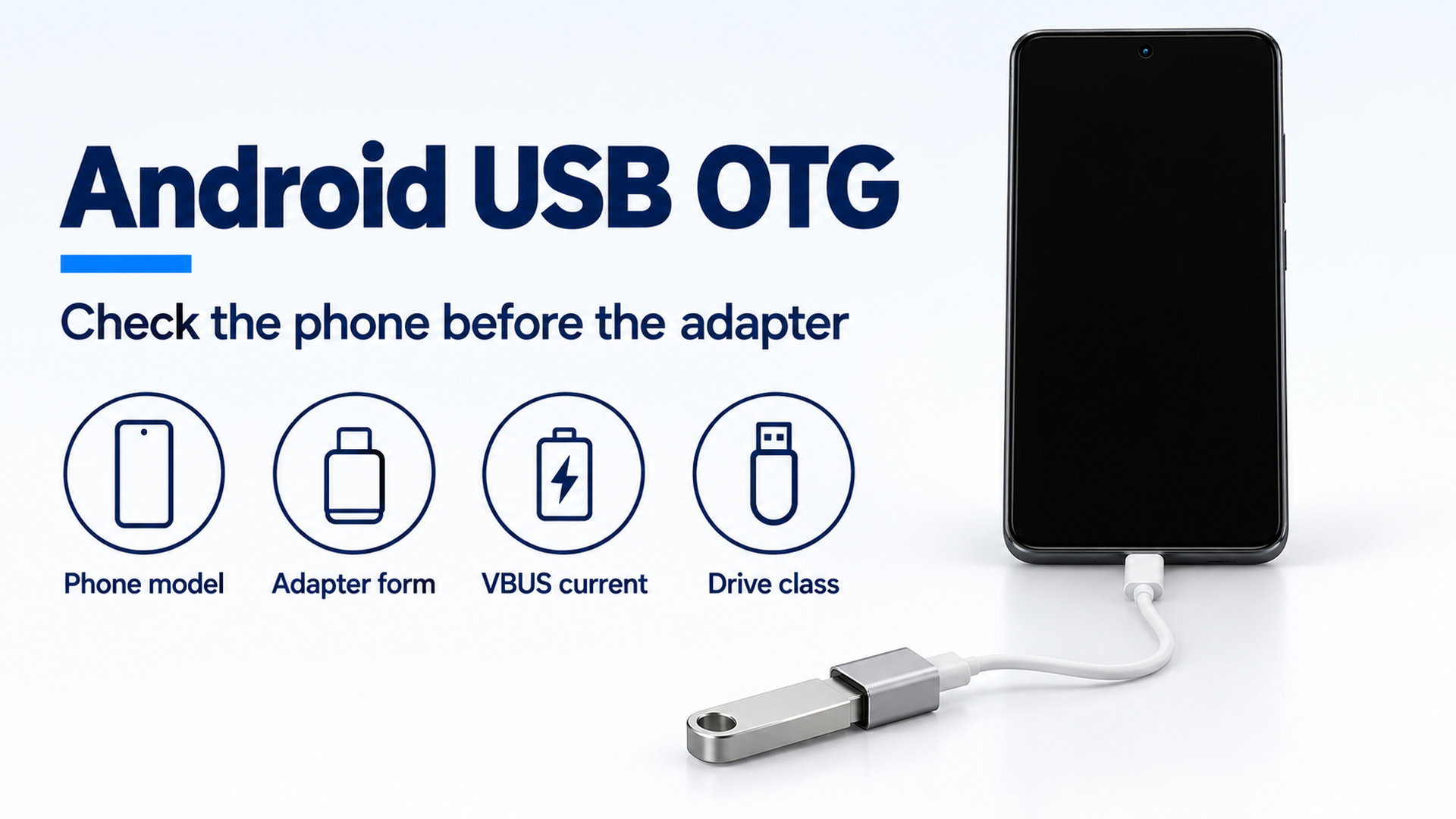
Example check order for an Android USB host adapter. The handset is generic. The poster is not a measurement from a phone.
Buying the adapter before the phone’s own page confirms a host session wastes the return window on a flash drive that never mounts. Android USB OTG is that host session: the phone sources VBUS and talks to the accessory, and the check starts with the exact model.
An Android phone hosts a flash drive, keyboard, or card reader when that model sources VBUS and the adapter is the form the connector spec defines for a host. A USB-C socket, a PPS charge, and a file-transfer session with a PC leave the drive unmounted. The USB-IF On-The-Go page describes a targeted host for selected peripherals when a PC is absent, with power-saving features for battery life. The 27 July 2012 supplement defines an OTG device as one Micro-AB receptacle that is sometimes host and sometimes peripheral. USB Type-C Release 2.0, August 2019, sets those roles on the CC pins, because the plug shape does not. Read the phone maker’s page for this model before you buy the adapter. Continue with the other Android compatibility guides.
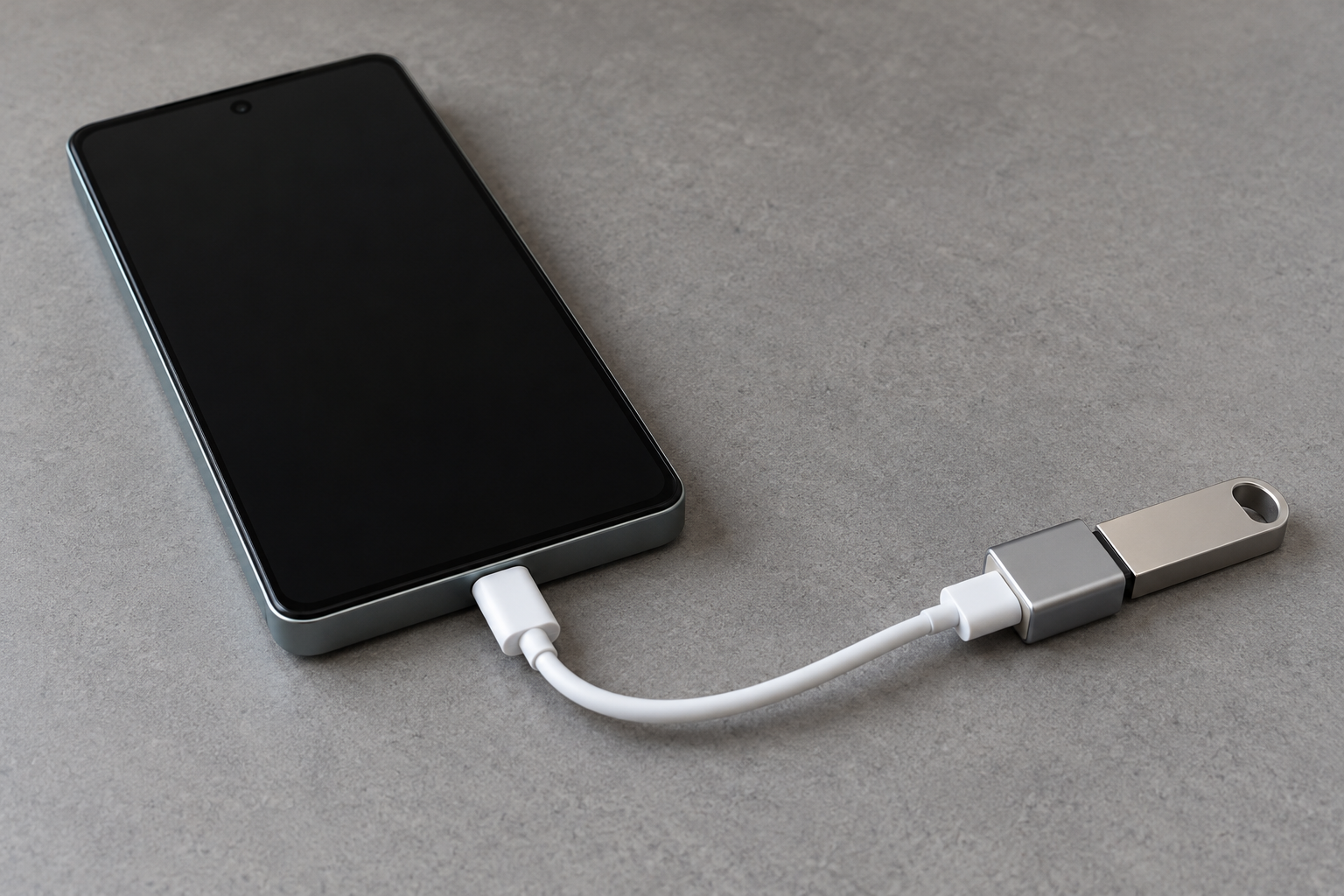
Figure 1. Example of the parts to write down: phone, one bottom USB-C cable, adapter, and one drive. The handset is generic, and the screen shows no menu.
Scroll horizontally to see all columns.
| Input or item | Typical value or source | Why it matters |
|---|---|---|
| OTG device in the 2012 supplement | One Micro-AB receptacle, and no other USB receptacle | The ID pin selects host. A USB-C shell is a later connector |
| Thumb-drive adapter CAR3G1-3 | USB-C plug with Rd of 5.1 kilohm ± 20%, Standard-A receptacle, practical length at most 0.15 m, cable rating 3 A | A USB-C receptacle on the adapter is the form Release 2.0 leaves undefined |
| Hub class on the targeted list | 5 unit loads. One unit load is 100 mA, so 5 × 100 mA = 500 mA | A port that supplies one unit load cannot list every certified bus-powered hub |
| PPS | Programmable Power Supply, a feature of USB Power Delivery 3.0 | A charging feature. Separate from the host role |
Separate the host session from a charge and from a PC
The phone is the host when it supplies VBUS and starts the USB transactions. In the 2012 supplement the A-device supplies VBUS and is host at the start of a session. A session is the time VBUS is powered.
Google’s file-transfer page, fetched 18 October 2026, describes the other direction. You unlock the phone, connect it to a Windows PC or a Chromebook, tap the notification “Charging this device via USB,” and under “Use USB for” select File Transfer. In that setup the computer is the host. The same page says that not every USB cable can transfer files. A successful copy onto a laptop is evidence about that cable and that PC port. It is silent on whether the phone will source VBUS for a drive.
Record the phone model, the software version, and the accessory on the five-minute accessory compatibility check before you judge the combination.
Name the failure before you replace the drive
A dark file manager has several causes. Replacing the drive first hides which one you had.
Scroll horizontally to see all columns.
| What you observe | Dominant failure mode | Prevention |
|---|---|---|
| The phone maker has no host sentence for this model | No documented host path to buy against | Stop at the support page. Ask the maker about this model before an adapter purchase |
| The adapter’s phone end is a USB-C receptacle | Release 2.0 leaves USB-C receptacle to legacy adapters undefined | Use a USB-C plug into the phone and a Standard-A receptacle for the drive |
| The free end is a Micro-B receptacle | That assembly is the charge adapter, with Rp on the USB-C plug | Put the drive on the Standard-A receptacle adapter, which carries Rd |
| The drive mounts, then VBUS drops | The accessory drew more than the host’s rated VBUS current | The A-device turns VBUS off and reports that the B-device is not supported |
| A bus-powered hub is refused while a flash drive works | The hub class needs five unit loads, or a named model on the targeted list | Use a self-powered hub, or a hub the phone page names |
| The screen says File Transfer while a PC is attached | The phone is the peripheral in that session | Unplug the PC. The drive session uses the host adapter, one accessory at a time |
| The brick says PPS, or the USB-C to USB-C cable shows 60W or 240W | PPS is a USB PD 3.0 power feature. Those two marks are cable power logos | Read them as charging labels. Then confirm the phone sources VBUS |
Use three rules of thumb before you buy
Rule of thumb. If the phone maker has no host sentence for this exact model, leave the adapter in the store. The 2012 supplement lets the manufacturer of a targeted host declare which peripherals it supports. An adapter cannot add a peripheral class the phone never implements.
Rule of thumb. If the dongle puts a USB-C receptacle toward the phone, it is outside the adapter forms in USB Type-C Release 2.0. That release says USB Type-C receptacle to USB legacy adapters are explicitly not defined or allowed, because users could build unsafe combinations. The defined thumb-drive form is a USB-C plug into the host and a Standard-A receptacle for the drive.
Rule of thumb. If the only current figure you hold for the phone-as-host is the 8 mA floor in the 2012 table, do not buy a bus-powered drive against that number. Footnote 8 says 8 mA is enough to signal that VBUS is present, and that practical hosts need a rated current much higher. The same footnote notes that an unconfigured USB 2.0 peripheral is allowed to draw at least 100 mA. The rated current also has to be greater than the bMaxPower of every peripheral on the targeted list.
Count five unit loads before you blame the hub
USB 2.0, 27 April 2000, section 7.2.1, defines a unit load as 100 mA. The number of unit loads is an absolute maximum, not an average. A low-power device draws one unit load. A high-power device may draw up to five unit loads after it is configured, and it must stay at one unit load until configured. Battery-powered systems may supply either one or five unit loads per port.
The 2012 supplement, section 3.4.3, allows the hub class on the targeted peripheral list only when every USB-IF certified hub can be supported and the host can supply the five unit loads a bus-powered hub requires. Otherwise the list has to name specific hub makes and models. The unsupported-hub message has to differ from the message for an unsupported peripheral. Example wording in section 3.5 includes “Device not supported” and “Device not responding,” and, for hubs, “Max hub tier exceeded” and “Too many peripherals attached.”
Unit loads for the hub class (mA) = 5 × 100 mA
Worked example. Take the five unit loads the supplement requires before the hub class can stand for every certified bus-powered hub:
5 × 100 mA = 500 mA
A battery port that supplies one unit load provides 100 mA. The gap to the hub-class figure is:
500 mA − 100 mA = 400 mA
That 400 mA is the shortfall against the hub-class rule. It is not a current measured on a phone, and it is not a reason to assume the phone supplies 500 mA. USB Type-C Release 2.0 defines Default USB Type-C current for a USB 2.0 port as 500 mA, which is the same five unit loads, and it defines two higher advertisements, 1.5 A and 3.0 A. Default is the level a host uses when it still manages low-power, high-power, and suspend as in the base USB specs. A host that advertises 1.5 A or 3.0 A has to assume the sink may draw up to that advertisement continuously. Which advertisement a given phone uses is a line on that phone’s page. The adapter’s 3 A mark, below, does not fill it in.
Section 4.2.1 adds a second comparison. The A-device’s rated current, IA_VBUS_RATED, shall sit inside the output-current range of 8 mA to 5000 mA, and it shall be greater than the bMaxPower of any peripheral on the targeted list. At the 100 mA boundary used by the voltage rows:
100 mA > 100 mA is false
A peripheral whose bMaxPower is 100 mA does not fit a host rated at 100 mA. The 26 November 2014 engineering change sets the high-power average VBUS maximum at 5.50 V when the rated current is above 100 mA. The 2012 table had printed 5.25 V. That ceiling is a supply limit. It is not a charge rate for a handset.
If the accessory draws more than IA_VBUS_RATED after the VBUS rise time, section 4.2.2 says VBUS may leave regulation, and the A-device shall turn VBUS off and tell the user the B-device is not supported. A spinning disk that appears and then vanishes matches that clause. The next purchase is a drive the phone can hold inside its rated current, or a hub with its own supply, not a second copy of the same bus-powered disk.
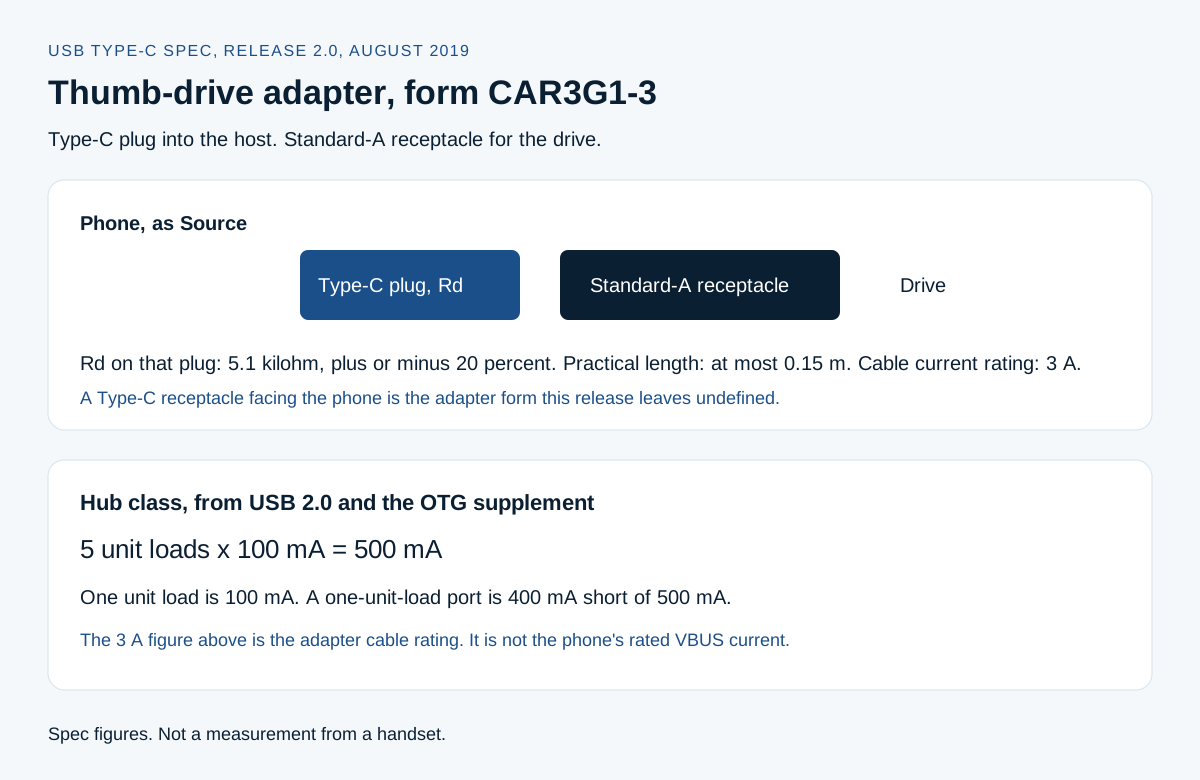
Figure 2. Adapter form CAR3G1-3 from USB Type-C Release 2.0, August 2019, and the hub-class product 5 × 100 mA. These are specification figures.
Match the adapter to the connector on the phone
On a Micro-AB OTG device, section 3.1.1 requires one connector: a Micro-AB receptacle, and no other USB receptacle. The device with the A-plug inserted is the A-device. It powers VBUS when required and, by default, is the host. The device with the B-plug inserted is the B-device and, by default, is the peripheral. With no plug inserted, it defaults to the B-device. The ID pin is FALSE for a Micro-A plug and TRUE for a Micro-B plug. A non-ADP OTG A-device implemented on Micro-AB is required to bring VBUS up within 200 ms of the ID pin becoming FALSE, unless it hits the over-current case. Host Negotiation Protocol can move the host role between two OTG devices without turning the cable around. HNP is optional. The A-device still powers VBUS while it is acting as the peripheral.
A USB-C phone does not meet that Micro-AB definition. Release 2.0 says the mechanical plug does not set host and device. CC1 and CC2 do. A Source detects a sink when one CC pin sees the specified resistance to ground. Power is not applied to VBUS until that attach is detected. For the legacy adapter in Table 3-3, reference CAR3G1-3, the USB-C plug is a full-featured plug, the receptacle is USB 3.1 Standard-A, the USB version column is USB 3.1 Gen 1, the practical cable length is at most 0.15 m, and the current rating is 3 A. Note 2 requires Rd of 5.1 kilohm, ± 20 percent, in the USB-C plug at the A end. The same release’s prose says this adapter supports a legacy thumb drive or ThinCard with a USB Type-C host.
The other defined adapter in that table, reference CμBR2-3, is a USB 2.0 Type-C plug to a USB 2.0 Micro-B receptacle, practical length at most 0.15 m, current rating 3 A. Note 1 requires Rp of 56 kilohm, ± 5 percent, because that plug is the B end. The prose says this one charges a USB Type-C mobile device from a legacy Micro-B charger. A flash drive does not belong in that Micro-B receptacle.
Google’s Pixel hardware specs page, fetched 18 October 2026, does not print a host-mode line. It does print the port and the cable that ships in the box, and those two are different objects. The Pixel 11, Pixel 11 Pro, Pixel 11 Pro XL, and Pixel 11 Pro Fold entries each list USB Type-C 3.2 under buttons and ports, and a 1 m USB-C to USB-C cable marked USB 2.0 in the box. Pixel 11 Pro Fold’s wired-charging line says up to 50 percent in about 30 minutes using a 30 W USB-C PPS charger or higher, sold separately. Pixel Fold (2023) is labeled USB Type-C 3.2 Gen 2 on the same page, so one Pixel generation’s port line is not the next generation’s port line. The 1 m USB-C to USB-C cable is not CAR3G1-3: both ends are USB-C, and 1 m is longer than the 0.15 m practical length of that adapter. USB-C cable types for Android is the page for a USB-C to USB-C cable. Use it when the object in your hand has USB-C at both ends.
A monitor is a different accessory from a drive. USB-C video output on Android is the check for a dock and a display. Hosting a keyboard does not assign display lanes.
Keep PPS, the cable logos, and USB4 in separate boxes
USB-IF’s fast-charging announcement says certified USB fast chargers support the Programmable Power Supply (PPS) feature of the USB Power Delivery 3.0 specification. PPS is that power feature. A new host, device, or charger has to support PPS before a user gets the full behavior the announcement describes. A cable is a different object. USB4, on the USB-IF USB4 page, is the solution that shares one bus among multiple data and display protocols, with two-lane operation on existing USB Type-C cables and up to 80 Gbit/s on 80 Gbit/s certified cables. A charger that offers PPS has not thereby become a USB4 host, and it has not turned the phone into the A-device of the 2012 supplement.
The 60W and 240W marks are cable logos. The USB-IF cables page says every USB-C to USB-C cable category has to be labeled with a power capability of 60W or 240W to pass its compliance program. Cables other than High-Speed USB (USB 2.0) USB-C to USB-C cables also have to show the data rate they support. A High-Speed USB-C to USB-C cable needs the power icon, and the USB 2.0 mark is optional. CAR3G1-3 is a USB-C plug to a Standard-A receptacle, so that 60W or 240W rule for USB-C to USB-C cables does not land on it. How USB PD differs from PPS is the charging page for those names.
The USB PD charger page, fetched the same day, says that before Revision 3.1, USB PD was limited to 100 W using 20 V on USB Type-C cables rated at 5 A. Revision 3.1, announced in 2021, enables up to 240 W over a full-featured USB Type-C cable. The same page says power direction is no longer fixed: the product that has the power, host or peripheral, can provide it. Those are charger and cable ceilings, and a role statement about who may source power. A phone that does not negotiate them does not receive them. None of those watt figures is a statement that the phone will enumerate a flash drive.
Change one part, then write the result
Start from the connection the phone page names. Use one accessory. Leave hubs, extension cables, and capture devices off for the first run. If the phone page is silent, stop before the purchase.
- Write the phone model, software version, adapter form, and the accessory.
- Confirm the adapter end in the phone is a plug, and the drive end is a Standard-A receptacle, or, on a Micro-AB phone, a Micro-A plug.
- Connect that one accessory. Wait through the attach. Release 2.0 withholds VBUS until the Source sees the sink.
- Open the phone’s file manager, or the app that should see a keyboard or a card reader.
- Write what the screen shows, including the exact wording of any “Device not supported” or hub message.
- Add a second device only after the first one stays mounted.
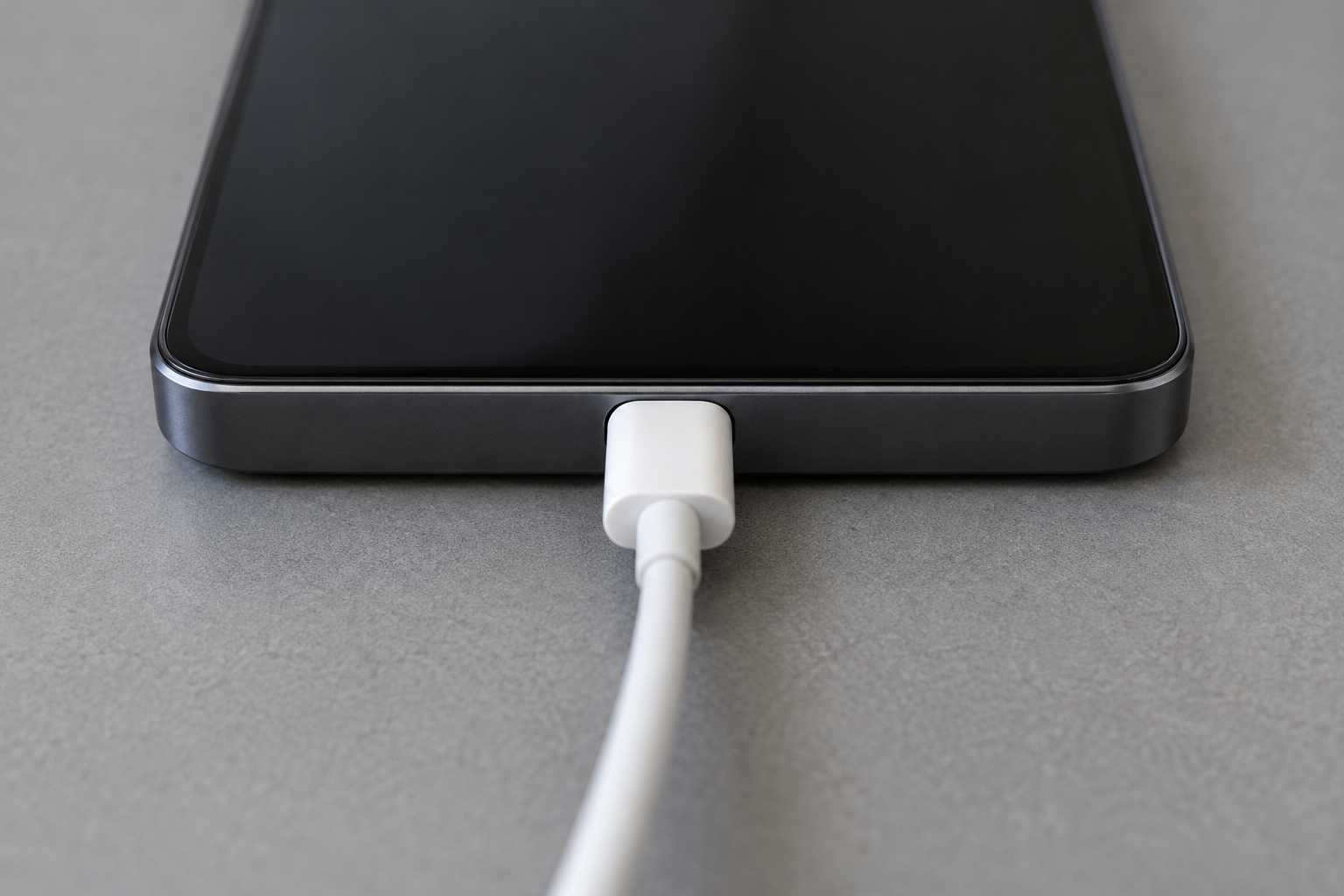
Figure 3. Example of a centered USB-C seat on a blank bottom edge. Use it to see a fully seated plug. It shows no host mode and no current.
Change one component when the first run fails. Another documented adapter, with the same drive, is one change. The same adapter on a second drive is a different change. A laptop that mounts the same drive tells you the drive can enumerate under that laptop. It does not tell you the phone implements a host port.
Count the cost of swapping the whole desk at once
The loss in a mixed purchase is a return window and a comparison you can no longer read. A new adapter does not create a support sentence the phone maker never published. Swapping the phone cable, the dongle, and the drive in one sitting spends those parts and hides which change mattered.
The shorter path is the one-part swap above. If the documented host path shows the drive, stop shopping. If only the bus-powered hub fails, the next step is the 500 mA hub-class figure or a hub with its own supply. A wall brick that offers PPS answers a charging question. Whether a laptop USB-C charger is a fair power source is that question, once you already know the phone can host. The charger’s watt label does not prove the phone will source VBUS for the drive. The Android accessories section collects the neighboring accessory checks.
When the Micro-AB rules do not apply
The ID-pin timing, the single Micro-AB receptacle, and HNP belong to the 2012 OTG device. They do not describe a USB-C port. On USB-C, use the CC attach rules and the adapter table from Release 2.0, dated August 2019. Later Type-C releases exist as document-library entries. This page uses the release whose PDF was fetched, and it does not treat that PDF as a newer edition.
This unit-load arithmetic does not apply to a self-powered drive that draws its motor current from a wall supply and stays inside one unit load on VBUS for the USB interface. It also does not apply when the connector is bent, burned, or will not seat. Stop the swaps and use the maker’s repair path.
Sources and verification
- USB-IF, USB on the Go and Embedded Host, fetched 18 October 2026. Targeted host capability, direct connections between OTG devices, and power saving for battery life. Revision 2.0 of the supplement applies to low-speed, full-speed, and high-speed. Revision 1.0 of the USB 3.0 supplement adds SuperSpeed.
- USB-IF, On-The-Go and Embedded Host Supplement to the USB Revision 2.0 Specification, Revision 2.0 version 1.1a, 27 July 2012, inside the USB 2.0 package fetched 18 October 2026. Micro-AB definition, ID pin, targeted peripheral list, five unit loads for the hub class, IA_VBUS_RATED, and the over-current turn-off.
- USB-IF, USB OTG and EH engineering change, Maximum Vbus Voltage, 26 November 2014, in the same package. High-power average VBUS maximum changed to 5.50 V.
- USB 2.0 Specification, Revision 2.0, 27 April 2000, section 7.2.1, in the same package. A unit load is 100 mA. Battery-powered systems may supply one or five unit loads.
- USB Type-C Cable and Connector Specification, Release 2.0, August 2019, fetched 18 October 2026. CC attach, Default / 1.5 A / 3.0 A advertisements, and adapter references CAR3G1-3 and CμBR2-3.
- Google, Transfer files between your computer and Android device, fetched 18 October 2026. File Transfer while the phone is attached to a computer, and the note that not every USB cable transfers files.
- Google, Pixel phone hardware tech specs, fetched 18 October 2026. USB Type-C 3.2 on the Pixel 11 entries, the 1 m USB 2.0 cable in the box, the Pixel 11 Pro Fold PPS charging line, and USB Type-C 3.2 Gen 2 on Pixel Fold (2023).
- USB-IF, Certified USB Fast Charger announcement, fetched 18 October 2026. PPS is a feature of the USB Power Delivery 3.0 specification.
- USB-IF, USB4, fetched 18 October 2026. Shared data and display protocols, up to 80 Gbit/s on certified cables.
- USB-IF, Cables and Connectors, fetched 18 October 2026. The 60W and 240W power logos on USB-C to USB-C cables.
- USB-IF, USB Charger (USB Power Delivery), fetched 18 October 2026. The pre-3.1 100 W limit, the Revision 3.1 240 W ceiling, and the statement that power direction is no longer fixed.
Checked 18 October 2026 against those saved pages. Figures above are the ones those documents print. They stay inside the connector forms, unit loads, and model lines the documents name.
Related articles
A Five-Minute Android Accessory Compatibility Check
Match a charger, cable, case, or dock to one Android phone by the published model code, USB protocol, voltage pair, and wireless line.
Read article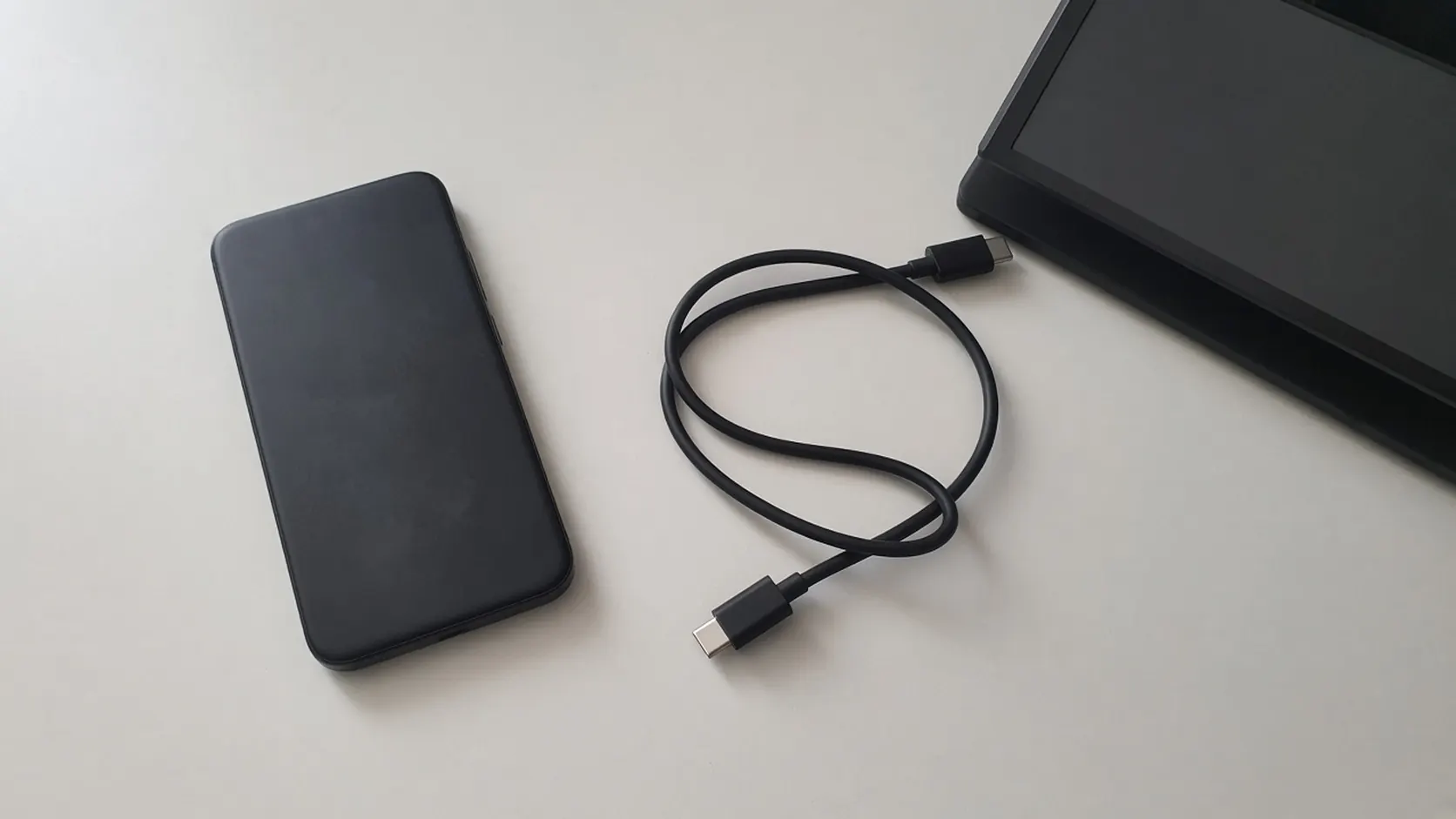
USB-C DisplayPort Alt Mode: Android Phone Support List
Samsung's DeX cable and HDMI series, Google's Pixel 8 and later wired steps, and the VESA lane rates behind a USB-C DisplayPort adapter.
Read article
USB-C Video Output on Android: How to Check Before Buying a Dock
Confirm the phone's documented video path, then separate DisplayPort lanes, a 60W or 240W cable logo, and a PPS charger before you buy a dock.
Read article