
Steering Wheel Controls Fail on Wireless Android Auto
Compare the factory radio, wired Android Auto, and a wireless adapter on the same phone. Leave any button check you did not run blank.
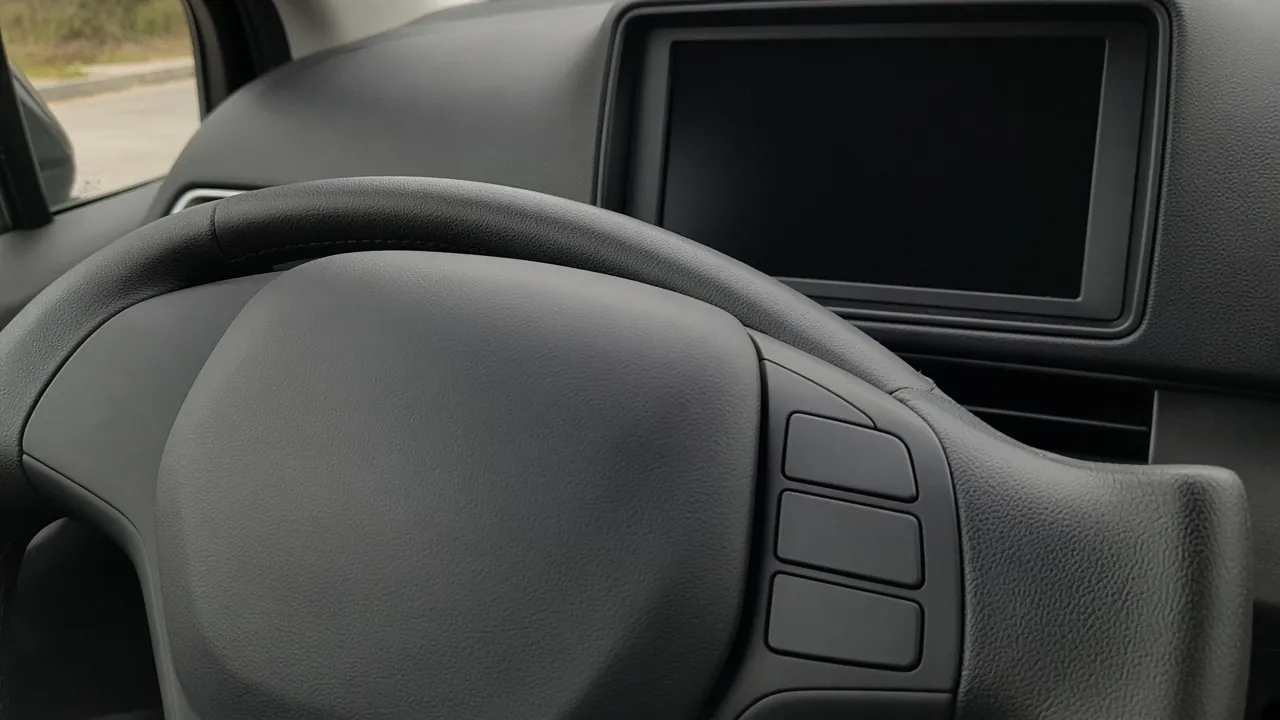
A dark steering wheel with blank buttons on one spoke. The display behind it is off.
A wiring repair wastes the job when a steering-wheel button fails only with the wireless adapter connected. Compare the same phone, the same media app, and the same receiver on the factory radio, on wired Android Auto, and on the adapter, and leave any check you did not run blank.
The column that fails is the result, and every unrun cell stays blank. Use three paths: the factory radio with Android Auto off, wired Android Auto with the adapter unplugged, and the same phone and app with the wireless adapter connected. Google’s voice and volume page, opened October 11, 2026, says to press and hold the steering-wheel voice button until you hear the tone, then speak. A press that is not held that long might exit Android Auto, and you restart it. The screens and apps page from that same reading says some cars have the button and sends you to the car’s user guide. Neither page gives a track-button map, a resistance value, or an app version. Separate navigation, media, and voice volume belongs in the owner’s manual.
Which column fails?
Keep the phone, the media app, and the receiver the same. Change only the path the button travels. A blank cell means that check was not run.
Scroll horizontally to see all columns.
| Job | Factory radio, Android Auto off | Wired Android Auto, adapter unplugged | Wireless adapter connected |
|---|---|---|---|
| Media: next, previous, or play/pause | |||
| Voice: hold until a tone | |||
| Voice: a short press | |||
| Volume |
Write “works” or “fails” only for a press you made. Add what changed: the track moved, a tone played, Android Auto exited, or one volume moved.
A dark steering wheel with blank buttons on one spoke. The display behind it is off.
The buttons in that picture have no labels. This page does not assign them to next track, voice, or volume. The job name comes from the press you made.
Takeaway: A blank cell is an unrun check, not a pass.
What does the voice button do?
On the voice page opened October 11, 2026, you talk to Gemini or Google Assistant by saying “Ok Google,” by pressing and holding the steering-wheel voice button, or by selecting the microphone. That page says Gemini is replacing Google Assistant on most mobile devices, that Gemini understands the same commands as Assistant, and that the move of Assistant users continues in 2026. The screens page in the same capture names “Hey Google” as another spoken route, and it says some cars have a voice button you press and hold. If the wheel has no voice button, leave both voice rows blank and use the car’s user guide.
For a voice button that is on the wheel, the voice page gives this order:
- Press and hold until you hear the tone. The tone means Android Auto is listening.
- Start speaking after the tone.
- If the press is not long enough, you might exit Android Auto and have to restart it.
- Keep the cabin quieter while you speak.
- On an aftermarket receiver, confirm the microphone works. Google says to check with the installer if you are not sure.
Put the short press and the hold on separate rows. A short press that leaves Android Auto matches the warning on the voice page. It does not show that the track buttons are dead. Restart Android Auto before you score the media row.
Write which phrase you spoke, “Ok Google” or “Hey Google,” and whether the car responded. The two help pages do not use the same phrase, so this sheet does not merge them.
Takeaway: Hold until the tone is the documented voice press. Do not copy that duration onto the track buttons.
When is volume a different control?
The voice page says that in some vehicles the volumes for navigation, media, and voice may be controlled separately, and it tells you to read the owner’s manual. A press that changes one of those sounds and not the others goes on the volume row, with the name of the sound that moved. Leave the media row blank unless you also pressed a media control on that same path.
This page has no chart of which rocker does which job. If the manual is not with you, leave the unread volume cells blank.
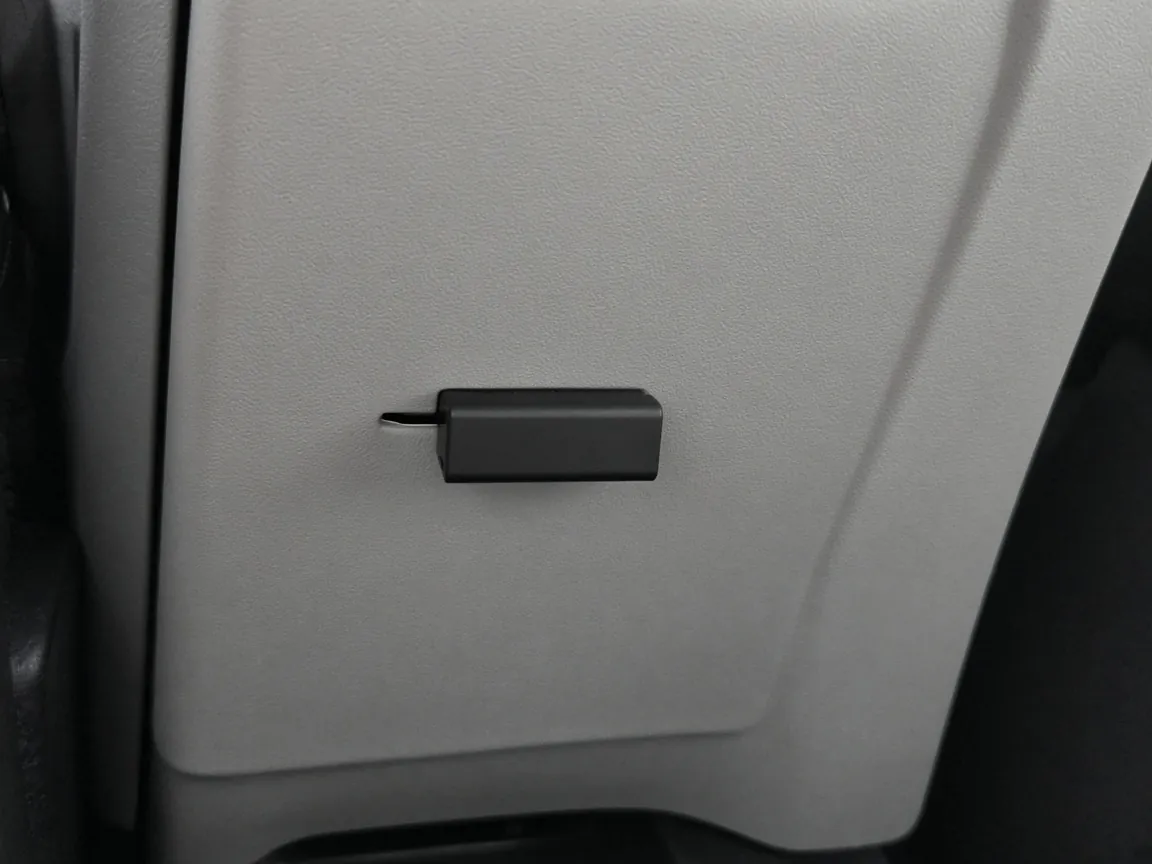
A small black dongle in a gray console panel.
How do you read the three columns?
Read one job across the row. Skip rows you left blank.
Scroll horizontally to see all columns.
| What you recorded | What to do next | What this sheet does not decide |
|---|---|---|
| The factory-radio cell already fails | The control or the radio is already in the path. The adapter is not the only place to look. | Wire colors, resistance, a CAN-bus preset, or an airbag repair |
| Factory and wired work, and the wireless cell fails for that same job | Write “adapter-only” for that job, with the phone, app, receiver, and adapter name | That every adapter or every car does this |
| A short voice press exits Android Auto, and a hold until the tone starts listening | Restart Android Auto. That pair matches the voice page | A map of the track buttons |
| Volume moves one of navigation, media, or voice, and not the others | Read the vehicle manual for separate volumes | That the media button failed |
One public post has the adapter-only shape for media buttons, on one car. In an r/AAWireless thread in the October 11, 2026 capture, the original post is stamped 3 years ago and says a 2017 XC90 lost track selection and play/pause with an AAWireless dongle, and did not lose them on wired Android Auto. A later comment from the same account, stamped 4 days ago in that capture, says the steering wheel itself was the problem and mentions replacing the side control module. Keep both remarks if your note looks like that report. Neither remark is a repair to copy.
Two other threads in that capture are about aftermarket radios, not a dongle versus a cable. A CarAV thread on a 2004 Audi A6 has a reply that describes a data connection and a later note from the original poster that describes separate button wires. An Androidheadunits thread on a 2007 Camry says only the volume buttons responded after the learning screen, and the replies stay on that car’s harness. Those threads are why this sheet has no wiring column.
If Android Auto never comes up, stop and use the wireless adapter guide. For the wired column, follow the Android Auto cable checklist so a charge-only cable is not scored as a dead button. If a short voice press exits the session, write that first, then use the disconnection checks. Receiver firmware is a different job. The head-unit firmware steps do not fill a blank cell here.
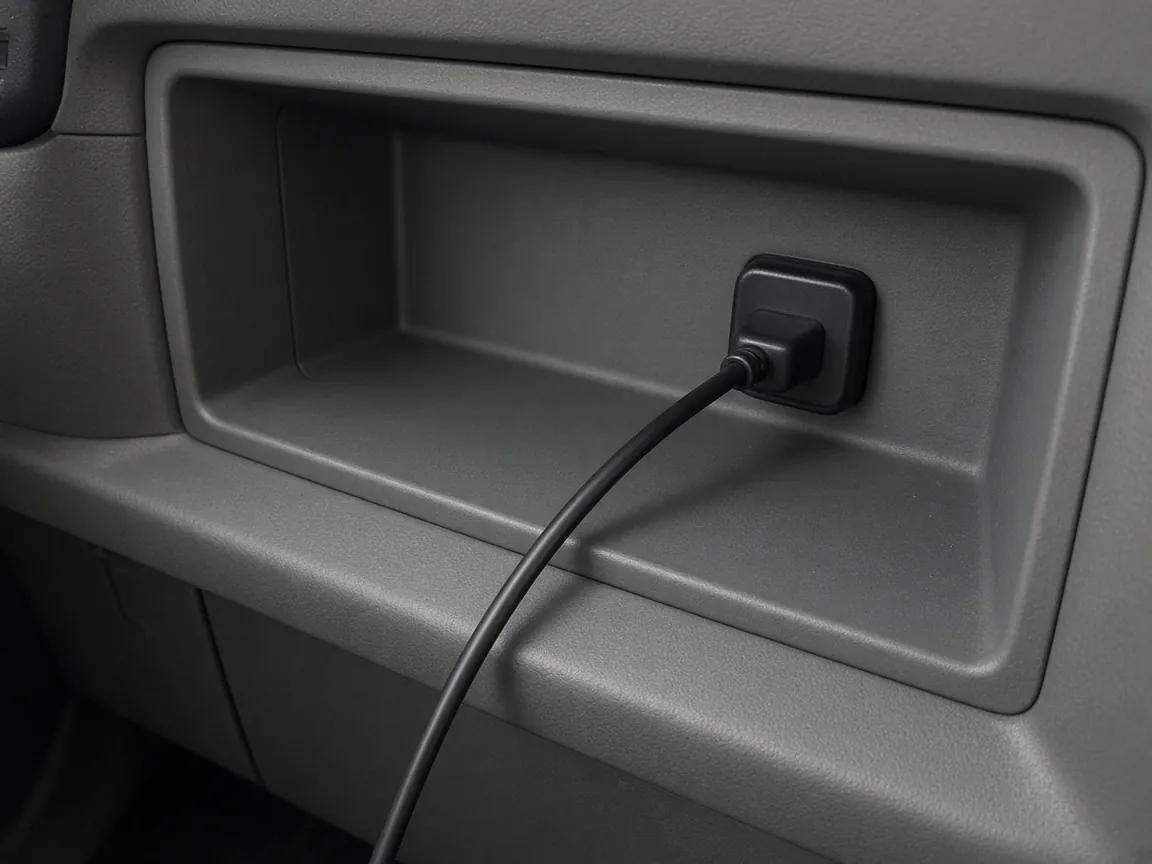
A plain black cable plugged into a port in a gray console bin.
Takeaway: “Adapter-only” means the factory radio and the wired session both did that job, and the adapter session did not.
What do you write down?
Park the car. Copy this into a note you keep. There is no form on this page.
Scroll horizontally to see all columns.
| Field | Write this | Leave blank when |
|---|---|---|
| Phone | Model, and the Android Auto version only if the phone or the car shows it | The version is not displayed |
| Car or receiver | Year, model, and the name on the radio | You cannot read that name |
| Adapter | The name on the device or in its app | No adapter is connected |
| Each job above | Works or fails, plus what changed | You did not press that control on that path |
| Wake phrase | The phrase you spoke, and whether the car responded | You did not speak |
| Tone | Heard, or not heard, on a hold | You did not hold the voice button |
| Exit | Whether a short voice press left Android Auto | You did not try a short press |
| Volume stream | Navigation, media, voice, or none | You did not press a volume control |
These notes sit with the other Android accessory guides.
When does this sheet stop?
Skip the voice rows when the wheel has no voice button. Skip the wired column when the car has no wired Android Auto, and write “no wired session” instead of a pass. Skip the whole sheet while the car is moving. Do not open the steering wheel, and do not guess a CAN-bus preset, to complete a blank cell.
How this page was put together
The tables compile pages opened in the October 11, 2026 research capture for this site. The site did not measure a button for this page.
- Google Android Auto Help, Trouble with voice commands and volume. Hold until the tone, the short-press warning, separate navigation, media, and voice volume, the aftermarket microphone line, and the Gemini note.
- Google Android Auto Help, Screens and apps on Android Auto. “Hey Google,” the microphone, and a voice button on some cars, with a pointer to the car’s user guide.
- r/AAWireless, Steering Wheel Media Controls Don’t Work. A 2017 XC90 report, stamped 3 years ago in the capture, that wired Android Auto kept track and play/pause while an AAWireless dongle did not, plus a later comment from the same account about the steering-wheel module.
- r/CarAV, Aftermarket Android radio and steering wheel controls?. A 2004 Audi A6 thread whose replies disagree on a data connection versus separate wires. No wire color from it is repeated here.
- r/Androidheadunits, Android Head Unit Steering Wheel controls. A 2007 Camry report that only volume responded after the learning screen. Harness replies on that thread are not steps here.
The Google setup page at answer/6348029 was not readable in that capture, so this article does not quote a setup menu from it.
Related articles
Wireless Android Auto Adapters and In-Car Connectivity Guide
Cut the cord in your car. How plug-and-play wireless Android Auto dongles connect over Bluetooth and 5GHz Wi-Fi, resolve latency, and maintain stable projection.
Read article
How can I customize Android Auto's split screen mode?
Record which Android Auto layout controls your phone, car, and adapter expose. DPI scaling here means the documented AAWireless TWO.
Read article
How do I stop my phone from overheating while wireless charging?
Separate wireless charging from wireless Android Auto. Change one condition per drive, keep your own sheet, and stop if the phone warns you.
Read article