
Android Auto Cable Guide: Data Pair, Length, and the Right Port
Pick a wired Android Auto cable from Google's under-1-meter tip, the USB 2.0 data pair, and the port named in the vehicle manual.
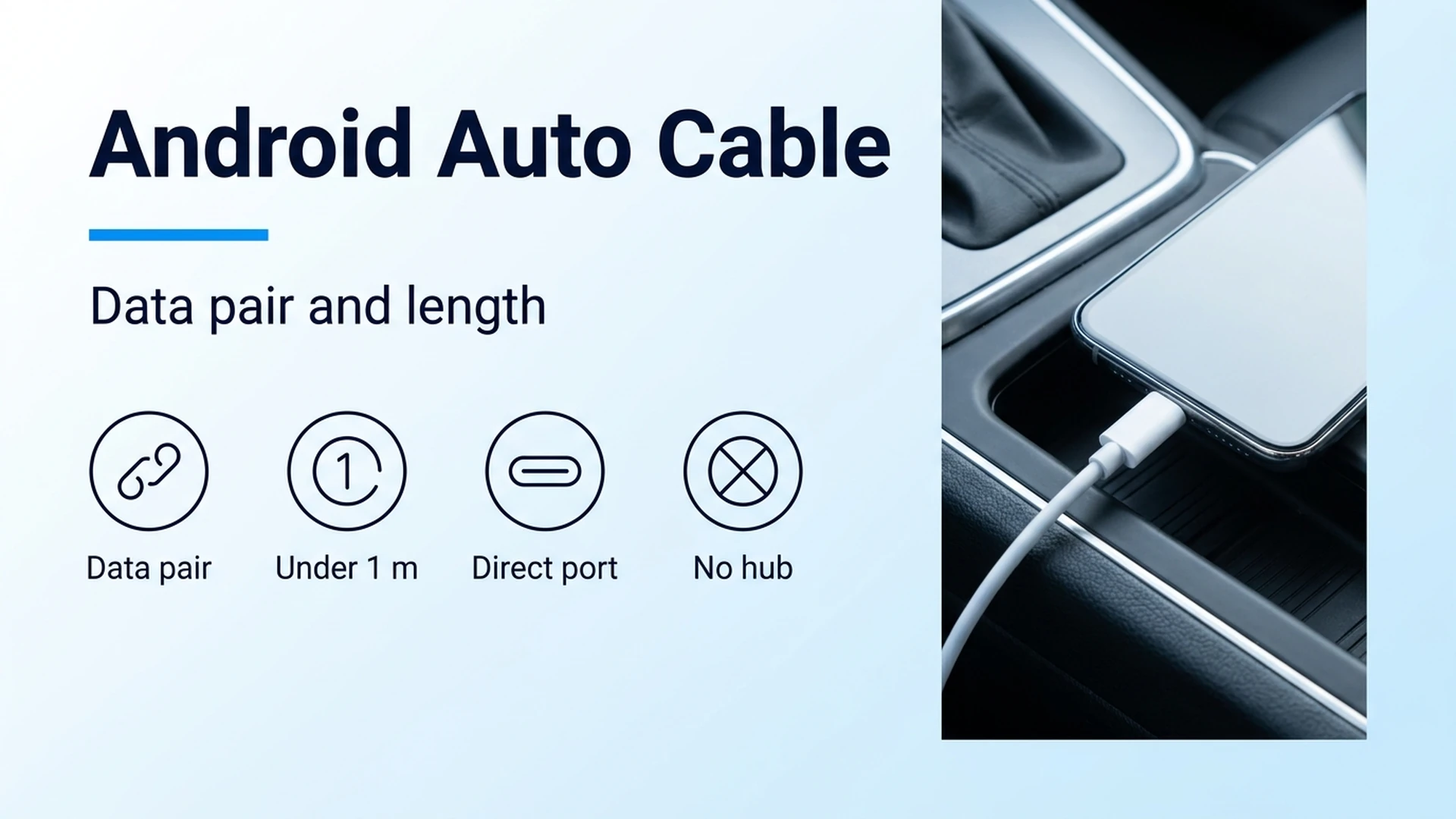
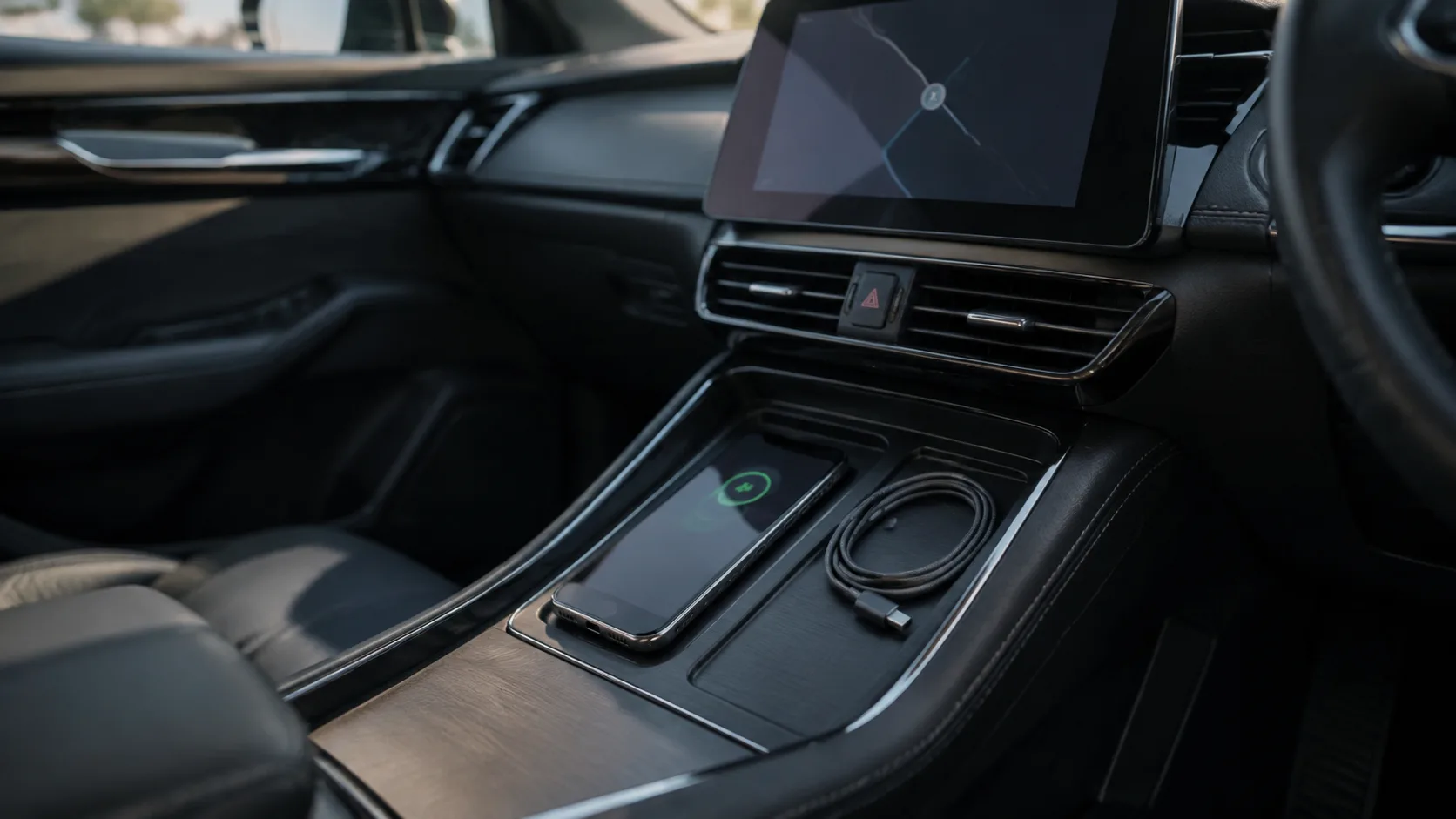
The four checks on a wired Android Auto cable: a data pair, length under 1 meter, the assigned vehicle port, and no hub. The console photo is an example, not a tested car.
A charge-only cable wastes the start of the drive: the phone can show a charging icon while the car display never opens Android Auto. Use a high-quality USB data cable under 3 feet (1 meter), plugged directly into the vehicle port assigned to the phone, with no hub or extension. The figures below come from Google’s Android Auto help pages fetched on 17 October 2026 and from the USB 2.0 specification package USB-IF posted as usb_20_20250603.zip.
Wired Android Auto needs a USB cable that carries data, and Google’s troubleshooting page tells you to keep that cable under 3 feet (1 meter) with no hub or extension. The requirements page fetched on 17 October 2026 asks for Android 11.0 or higher, an active data plan, and a compatible car, and it excludes Android (Go edition). Google states that Android Auto will not work on every car equipped with a USB port, so the vehicle manual still has to name the projection port. Do the first connection in Park with the infotainment system on. The United States is on the country list published with those requirements, and most features will not work outside the listed countries. A charging icon shows power. Opening the session still needs the data pair.
Scroll horizontally to see all columns.
| Input or item | Value on the fetched page or spec | Why it matters |
|---|---|---|
| Phone software | Android 11.0 (Red Velvet Cake) or higher; not Android (Go edition) | Older releases and Go edition are outside the wired requirement on the 17 October 2026 requirements page |
| Cable length for Android Auto | Under 3 feet (1 meter); no hub or extension | Google’s troubleshooting page gives this as the reliability check |
| USB 2.0 delay allocation | 26 ns one way, and under 5.2 ns per meter (section 7.1.16) | A cable can sit inside this ceiling and still miss Google’s 1 meter tip |
| USB 2.0 conductors | VBUS, D-, D+, GND (Table 6-1) | Without the signal pair there is no USB 2.0 data session |
| Detachable-cable VBUS drop | 125 mV maximum (section 7.2.2; unchanged by the VBUS Max Limit ECN) | Sets the thin-wire length budget in the worked example |
| Certification lookup | USB-IF product search, certified within the past two years | Google points independent cables there. The listing is a USB logo record, not a car-port record |
What the cable has to carry
The cable has to present the USB data pair, not only power. USB 2.0 section 6.3 describes a USB cable as four conductors: two power conductors and two signal conductors. Table 6-1 assigns them as VBUS, D-, D+, and GND. A cord that brings out VBUS and GND can light a charging icon. It still leaves D+ and D- open, so a USB 2.0 data session never starts.
Google’s troubleshooting page, fetched 17 October 2026, says not every USB cable works with every car. It tells you to try a high-quality USB cable, and if Android Auto used to work and then stopped, to replace the cable. The same page says to try the cable that came with the phone, and it gives two maker examples: a Pixel cable with a Pixel phone, and a Samsung USB cable with a Samsung Galaxy phone. Independent cables are acceptable on that page when they meet USB Implementers Forum standards. Google’s link for a purchase check is the USB-IF product search, filtered to certification within the past two years, then by model number or brand.
That search, fetched the same day, lists products certified to bear the USB-IF logo. USB-IF says members maintain the entries and that USB-IF does not take responsibility for the contents. A logo listing is evidence the product passed the USB-IF compliance program. It does not name the projection port in a particular car. The four-conductor description here is the USB 2.0 cable in Revision 2.0, which is the reference for the D+ and D- pair a USB 2.0 data session uses. Google’s Android Auto pages fetched on this date do not name a USB generation.
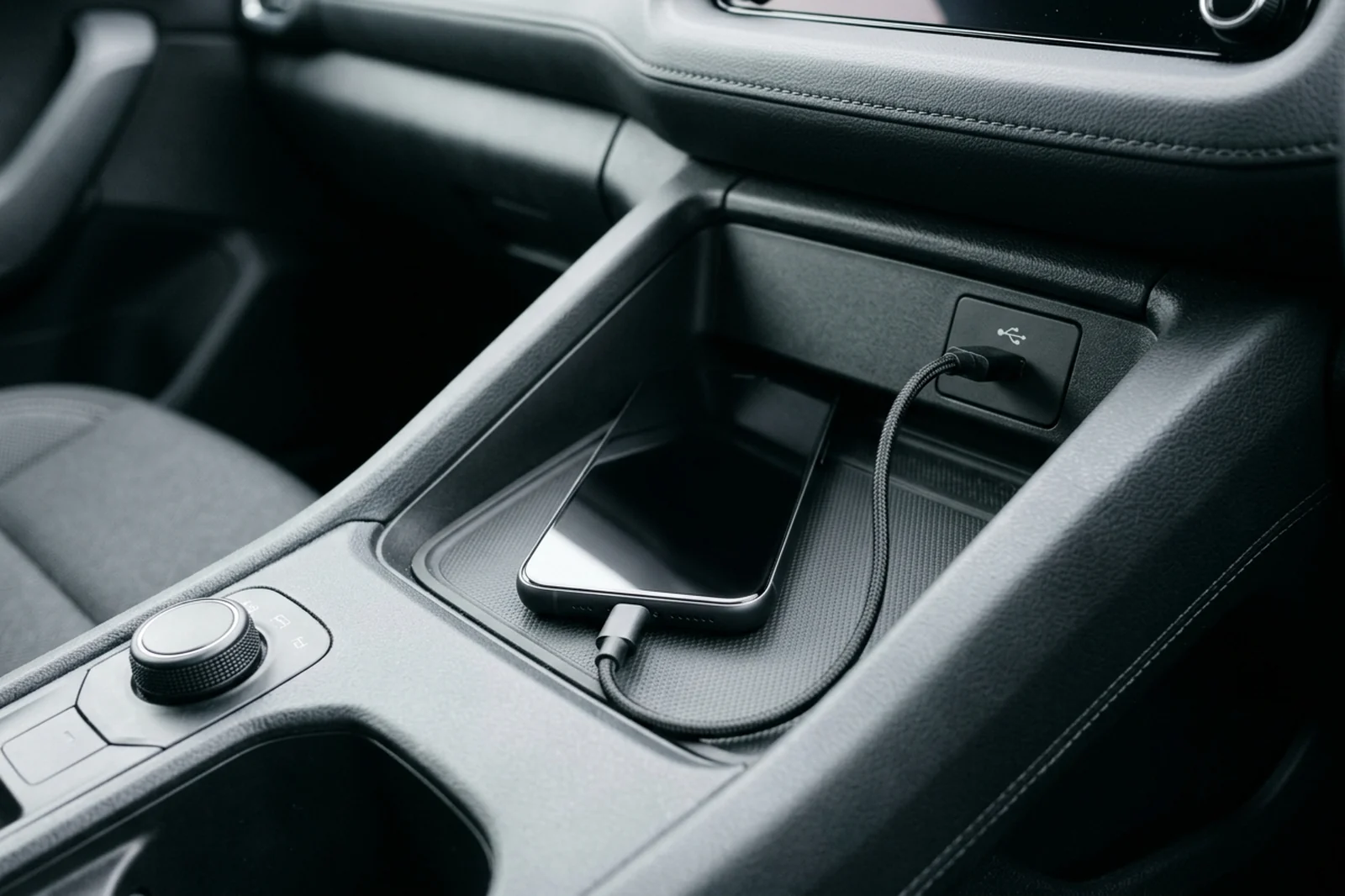
Figure 1. Example of a direct, short cable into a single console port. It shows the arrangement Google asks for. It is not a photograph of a certified cable or a particular car.
Which length limit applies
If the cable runs over 1 meter, or the path includes a hub or an extension, switch to a direct cable under 1 meter before changing phone settings. That threshold is Google’s Android Auto troubleshooting instruction (under 3 feet / 1 meter, no hubs, no cable extensions), fetched 17 October 2026. The USB 2.0 specification publishes two wider budgets. They explain why a long cord can still be a poor Android Auto cable.
Section 7.1.16 allocates 26 ns to one-way cable delay and also requires cable delay under 5.2 ns per meter. At that per-meter figure the 26 ns cap is reached at 5 m:
t = 5.2 ns/m × L
Worked example: 5.2 ns/m × 5 m = 26 ns. A 6 m cable at the same 5.2 ns/m is 5.2 × 6 = 31.2 ns, which is past the 26 ns allocation. The spec writes the per-meter rule as “less than 5.2 ns per meter” and the allocation as “no more than 26 ns,” so a real cable has to stay inside both, not sit on a rounded 5 m claim.
Section 7.2.2 caps the voltage drop on a detachable cable at 125 mV on VBUS and 125 mV on GND. The VBUS Max Limit ECN in the same USB-IF zip raises the high-power port upper supply from 5.25 V to 5.50 V and leaves those 125 mV cable drops in place. Section 6.6.3 measures conductor resistance at 20°C. Table 6-6 lists 28 AWG at a maximum of 23.20 ohms per 100 m, which is 0.232 ohm per meter. Section 7.2.1 defines a unit load as 100 mA and high power as up to five unit loads, 500 mA.
L_vbus = 0.125 / (I × R)
Worked example at the table maximum, 20°C, and a 500 mA high-power load: L_vbus = 0.125 / (0.5 × 0.232) = 0.125 / 0.116 = 1.08 m. At 1.00 m the same inputs drop 0.5 × 0.232 × 1 = 0.116 V, or 116 mV, which is inside the 125 mV VBUS budget. The same table lists 20 AWG at 3.58 ohms per 100 m (0.0358 ohm/m). At 500 mA and 1 m that drop is 0.5 × 0.0358 × 1 = 0.0179 V, or 17.9 mV. Thin maximum-resistance 28 AWG is the case that meets the 125 mV budget near 1 m. Thicker wire, a lower current, or a different temperature moves the result. These are standard engineering baselines under the spec’s reference conditions. They are not a current reading from a head unit.
Google’s under-1-meter tip is the limit to use for wired Android Auto. A cable inside the 5 m delay ceiling can still be outside that tip. Hubs and extensions add connectors the troubleshooting page tells you to remove.
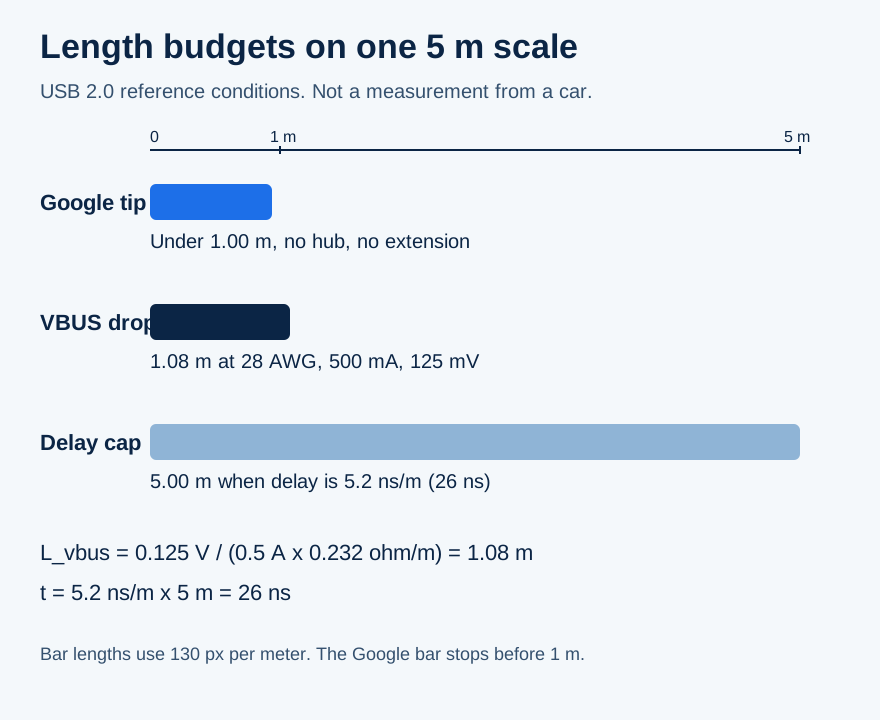
Figure 2. The three budgets on one scale. Bar lengths are 130 pixels per meter. The 1.08 m and 5 m marks use the worked example above.
Where the session actually fails
Start with the arrangement in front of you. The dominant failure mode is the physical thing that stops the session, and the prevention is the single change that removes it.
Scroll horizontally to see all columns.
| Arrangement | What reaches the phone | Dominant failure mode | Prevention |
|---|---|---|---|
| Power wires only, no data pair | VBUS and GND | Charging icon, and no Android Auto session, because D+ and D- never connect | Use the cable supplied with that phone, or a cable you can find on the USB-IF product search |
| Data cable at or over 1 m, or a hub or extension | Data in principle, plus extra length and connectors | A session that used to work starts dropping. Google names cable replacement as the likely fix | Direct cable under 1 m (3 feet), no hub, no extension |
| Connector fits a port the manual does not assign | Mechanical fit | The car has a USB port and still has no projection path. Google says Android Auto will not work on every car with a USB port | Use the port named for the phone in the vehicle manual |
| Case lip or debris holding the plug out | Intermittent contact | The session drops when the plug shifts | Clear the obstruction while parked. Do not scrape inside the port. Replace a bent plug |
| Cable and port meet the checks above, phone or region does not | A valid USB connection | Android Auto stays off because the phone is below Android 11.0, is Android (Go edition), the country is off the published list, or the head unit has Android Auto turned off | Read the requirements page and the head-unit setting before buying another cable |
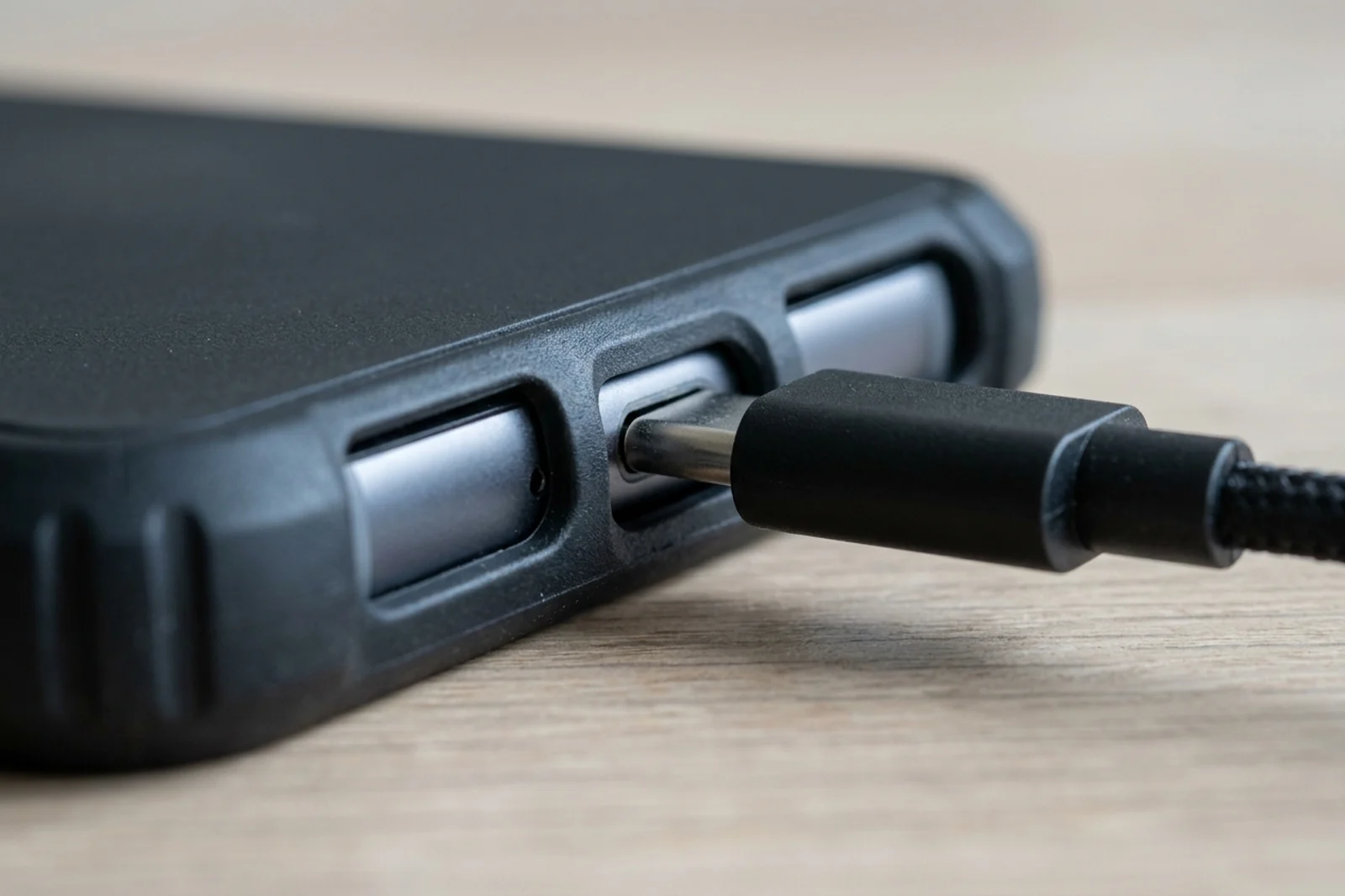
Figure 3. Example of a case lip blocking full insertion. Intermittent contact is a fit problem. Forcing the plug does not identify which conductor is open.
Google’s setup page says to plug the cable into the vehicle USB port and then into the phone, with the car in Park, the infotainment system on, and enough time before you drive. Follow the on-screen steps. The phone can ask for an Android Auto update during that setup. Finish this while parked.
If the head unit is an aftermarket receiver, Google’s troubleshooting page uses Pioneer and Kenwood as examples and tells you to check that maker’s site for a firmware update. The head-unit firmware steps keep that job separate from the cable. Record the phone, the cable, and the port on the compatibility checklist so the next comparison has a starting point. This cable guide sits under Android accessories.
What the wrong cable costs in parked time
The hidden cost is repeated parked setup, plus another cord bought before the data pair and the port are identified. Google does not publish a price, a charging wattage, or a success rate for the Android Auto cable on the pages fetched 17 October 2026. Charging speed is a different question. Use the slow-charging checklist and USB PD versus PPS when the session stays up and the battery still falls. The USB-C cable guide separates charge, data, and video when that same cable leaves the car.
Parked minutes = attempts × minutes per parked attempt
Worked example with a stated assumption, not a timed average: 3 parked attempts × 4 minutes = 12 minutes before the cable is swapped. The 4 minutes stands in for turning the head unit on, plugging in, and waiting for the prompt. One swap against the phone’s own cable tests the data-pair failure mode. A second long charge cord does not.
If the short direct cable still drops the session, move to the disconnect checks and change one thing at a time. If the car supports wireless projection and you want the projection cable out of the phone, use the wired and wireless comparison. Wireless still needs its own power plan. An adapter is a separate product. The wireless adapter guide is the page for that purchase, after the wired baseline is written down.
For a second car, Google’s troubleshooting page gives this phone path, fetched 17 October 2026: unplug the phone, then Settings, Connected devices, Connection preferences, Android Auto, Previously connected cars, open the top-right menu, Forget all cars, and plug in again. Menus differ by phone. The page also says to confirm the car is compatible and that Android Auto is turned on.
Sources and verification
- Google: Android Auto requirements, fetched 17 October 2026. Wired phone requirement, high-quality USB cable, wireless 5 GHz notes, country list, Android (Go edition) exclusion.
- Google: Set up Android Auto, fetched 17 October 2026. Park, infotainment on, USB plug order.
- Google: Android Auto troubleshooting, fetched 17 October 2026. Under 3 feet (1 meter), no hubs or extensions, phone-supplied cable, USB-IF certification within two years, aftermarket firmware examples, forget-all-cars path.
- USB-IF: USB 2.0 specification package, file
usb_20_20250603.zip, fetched 17 October 2026. Sections 6.3, 6.5.2 Table 6-1, 6.6.3, 6.6 Table 6-6, 7.1.16, 7.2.1, and 7.2.2, plus the VBUS Max Limit ECN. - USB-IF product search, fetched 17 October 2026. Certified-logo list maintained by members.
The length arithmetic uses only those published limits and the stated 500 mA, 28 AWG, and 20°C inputs. The 12 minute parked-time line uses the stated 3 × 4 minute assumption.
Related articles
Wired vs. Wireless Android Auto
Wired and wireless Android Auto follow different phone and car checks. Google's help page prints Android 11.0 for both. The android.com FAQ still prints Android 9.0 for most wired connections.
Read article
Wireless Android Auto Adapter: 5 GHz Wi-Fi and Boot Speed
Separate adapter cold boot from ignition power and phone reconnection, and learn why Android Auto's 5 GHz Wi-Fi requirement promises no startup time.
Read articleAndroid Auto Developer Mode: Enable, Exit and Understand Its Limits
Find Android Auto's version panel, unlock and exit its developer menu, and check the limits of Unknown sources, resolution and wireless settings.
Read article